

A Snapchat viewer lets you watch someone's stories anonymously — without your name showing up in their viewer list. Ever wanted to sneak a peek at your ex's story without them knowing, or you're just curious who's checking your own posts? In 2026, Snapchat tightened its privacy rules, but there are still smart ways to stay hidden. This guide breaks down the 9 best anonymous Snapchat story viewers, plus simple in-app tricks and the official way to see your own viewers.
- Table Of Contents
- Snapchat Stories in 2026: Understanding Privacy
- Top 9 Anonymous Snapchat Story Viewers (Compared)

- Can You View Snapchat Stories Anonymously Without Third-Party Tools?
- FAQ
Snapchat Stories in 2026: Understanding Privacy
Snapchat is built on disappearing content. Unlike other platforms, its core design makes true anonymous viewing very difficult, especially for friends-only content — it even surfaces activity signals like the green dot on Snapchat that shows when someone is online.
| Story Type | Who Can See It | What the Owner Sees |
|---|---|---|
| My Story (Friends) | Only your approved friends | A full list of every viewer's name |
| My Story (Public) | Friends, followers, and the general public | Total views plus a list of who viewed it (usually capped around 200 names) |
| Spotlight | Everyone on the platform | Creator dashboard stats (if eligible) |
Top 9 Anonymous Snapchat Story Viewers (Compared)
Below are the 9 best anonymous viewers for public stories. Parents who need more than public content should skip to our top pick, VigilKids.
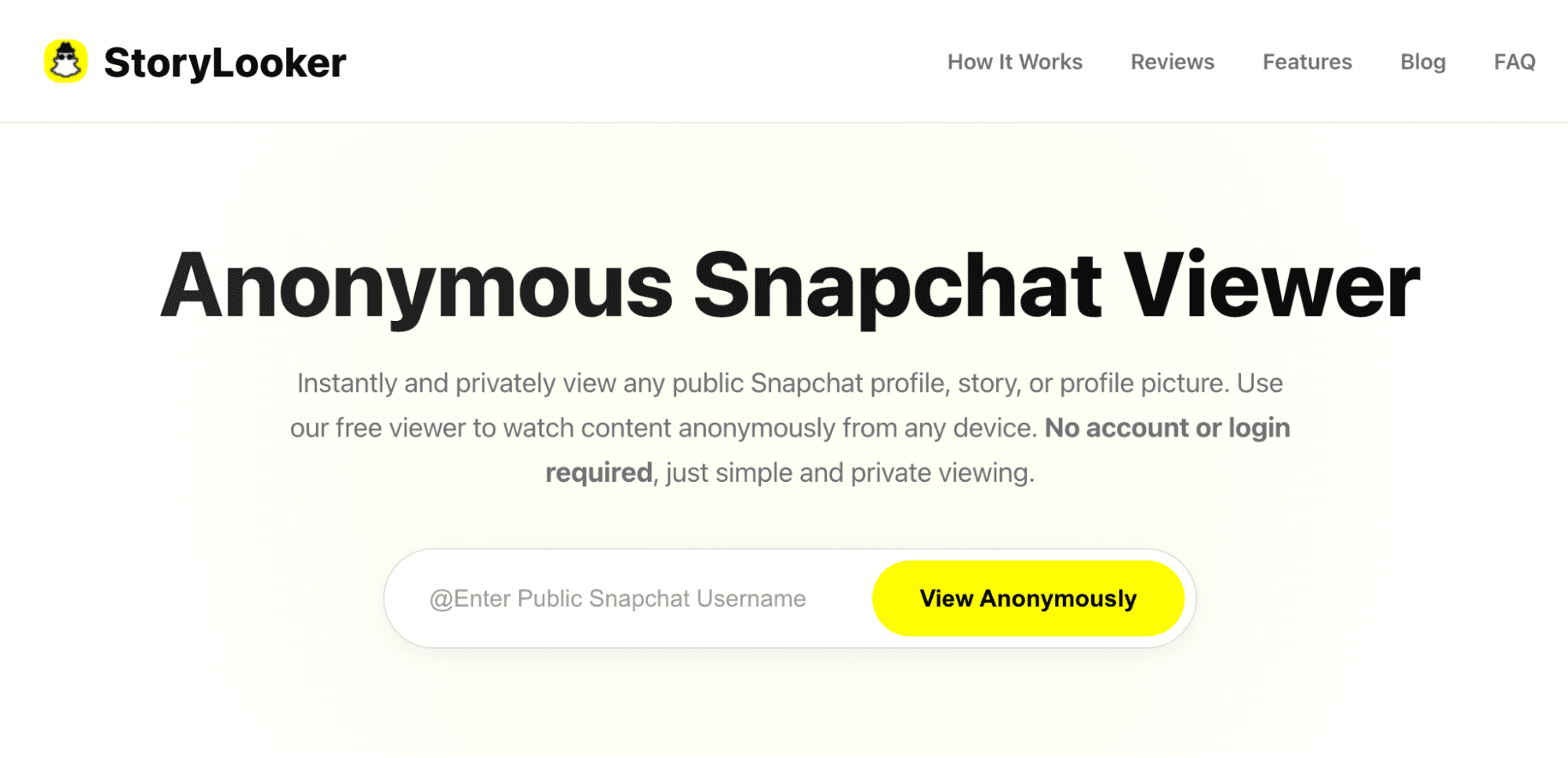
1 StoryLooker – Best Overall Snapchat Story Viewer
Topping our list for good reason, StoryLooker lets you check any public Snapchat story or profile without ever logging in. Just type the username and it loads everything in your browser through a proxy, so your view never shows up in their list. It runs smoothly on phones or computers and supports Spotlights too — making it the most reliable Snapchat story viewer for staying completely hidden.
- No account needed at all
- Loads super fast on any device
- Lets you download stories quietly
- A few ads show up while browsing
- Only works with public content
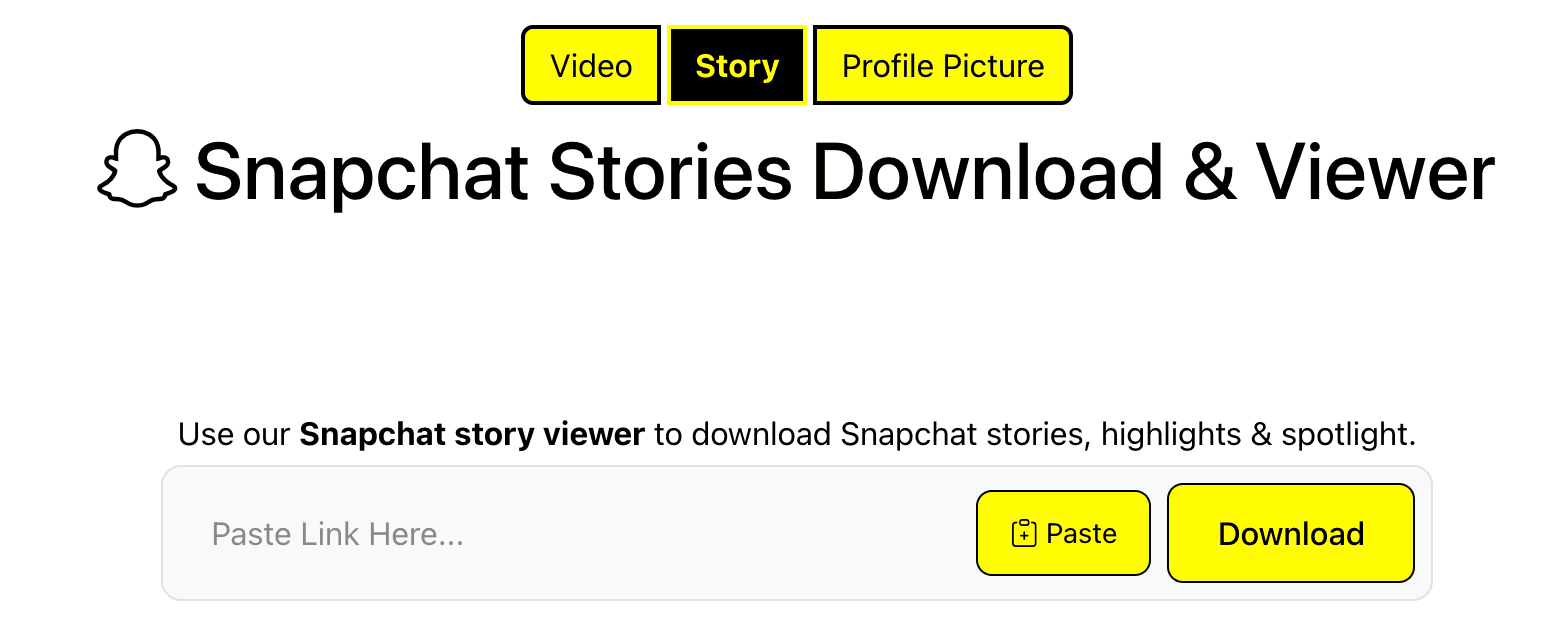
2 SnapStory Downloader – Best for Downloads
Want to keep the clips for later? SnapStory Downloader saves public Snapchat stories and videos straight to your phone or computer. Paste a username or link, and it grabs everything in original quality with no watermarks. The whole point is to view a Snapchat story anonymously and store it offline — ideal when you want a copy without anyone noticing.
- Downloads in full HD
- No login or limits
- Works on any browser
- Slower with big batches
- No mobile app
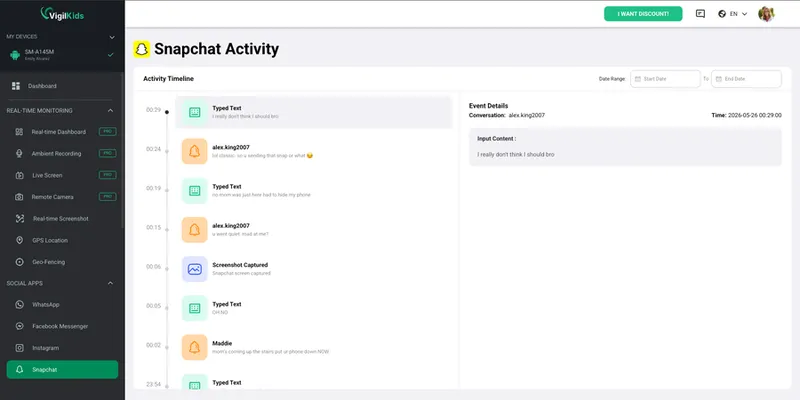
3 The Parent's Choice: VigilKids – Beyond Anonymous Viewing
Here's the catch with every tool above: they can only ever show you public stories. The moment content is private, deleted, or sent as a disappearing snap, web viewers go blind — which is exactly where real risks like sexting on Snapchat or Snapchat cheating tend to hide. VigilKids isn't another anonymous viewer — it's a full parental-monitoring solution that captures what those tools can't, so you can stay informed and protect your child's digital well-being. Here's how they stack up:
| What you can actually see | Anonymous Web Viewers | VigilKids |
|---|---|---|
| Public stories & Spotlights | ✓ Yes | ✓ Yes |
| Private & friends-only stories | ✗ No | ✓ Yes |
| Disappearing & deleted snaps | ✗ No | ✓ Yes |
| Chats & shared media | ✗ No | ✓ Yes |
| Real-time risk & location alerts | ✗ No | ✓ Yes |
| Covers 20+ other apps (TikTok, IG, WhatsApp…) | ✗ No | ✓ Yes |
Fair trade-off: the web viewers above are free and need no setup, while VigilKids requires your own account and access to your child's phone — the price of seeing the full picture rather than just public posts.
Key Features of VigilKids for Snapchat Monitoring
- Snapchat Content Viewing: Check stories, chats, and shared media discreetly
- Screen & Activity Monitoring: See how Snapchat is actually being used on the device
- Real-Time Alerts: Get notified if risky content or behaviors appear
- Location Awareness: Monitor GPS location and receive safety alerts
- Parent-Friendly Setup: Quick installation with no technical knowledge required
- Step 1. Create your account. Sign up at vigilkids.com with Google or your email — it takes less than a minute.
- Step 2. Pair your child's phone. Generate a code from the parent dashboard at my.vigilkids.com, then install the Assistant app on the target phone and enter the code to grant access.
- Step 3. Start viewing. Automatic screenshots and screen recordings capture Snapchat stories — including disappearing content — right from your dashboard, with no alert to the child.
Keep your child safe on Snapchat
Capture Snapchat stories, chats and snaps via screenshots & screen recording — plus 20+ other apps — from one parent dashboard. Set up in minutes.
4 MegaStory Snapchat Viewer – Simple & Reliable
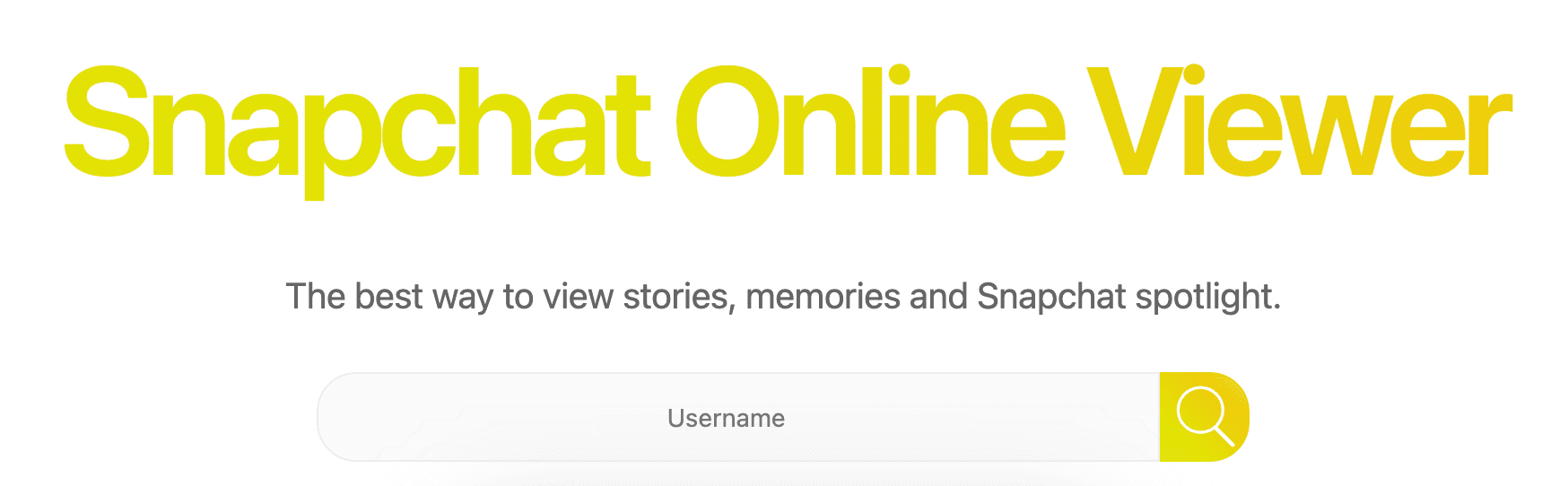
If you prefer zero clutter, MegaStory pulls up public Snapchat stories, memories, and Spotlights the moment you type a username. No sign-up, no app — just fast anonymous viewing right in your browser.
- One-click access
- Full-res playback
- Works on old phones too
- No batch downloads
- 24-hour limit
5 StoryClone – HD Quality
For anyone who cares about image quality, StoryClone grabs public Snapchat stories and Spotlights in sharp HD with no watermarks. Paste a link or username and it saves videos or images instantly — letting you view a Snapchat story anonymously without sacrificing a single pixel.
- Crystal-clear saves
- No login or limits
- Fast and simple
- Needs direct link for best results
- Occasional load delays
6 Heatfeed – Mobile-First
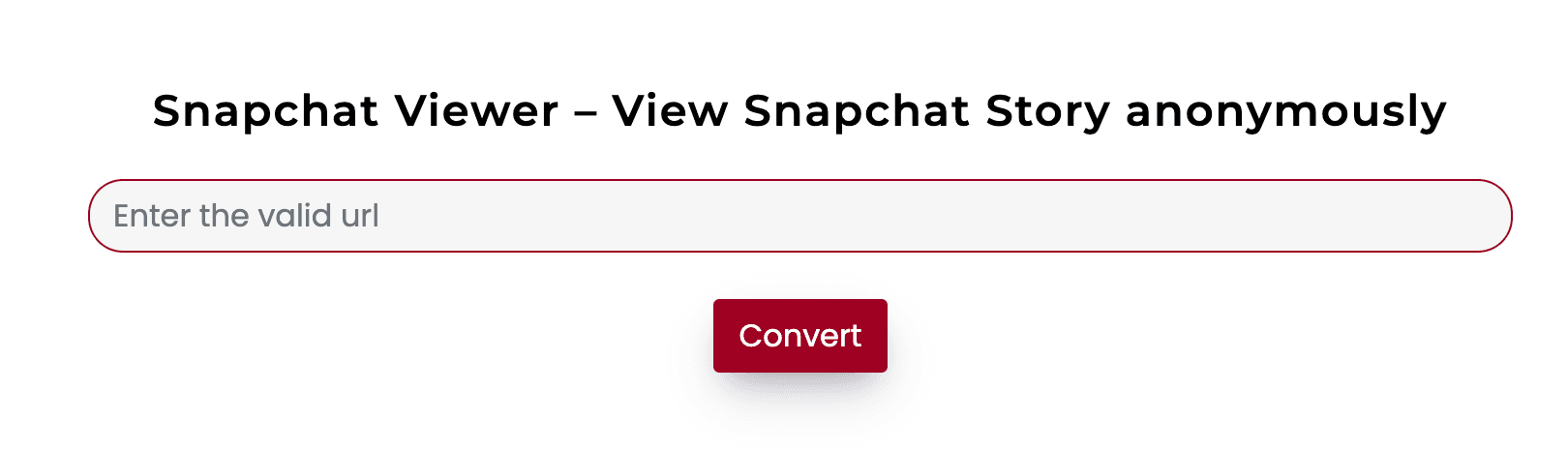
Not great with tech? Heatfeed is built for you. This free viewer loads stories, profiles, and videos the moment you paste a public username — no login or app download required. It runs on every device, from iPhones to Androids, and lets you download in any size or format without leaving a trace.
- User-friendly for beginners
- Downloads in HD or any format
- Fits any phone screen perfectly
- Looks small on computers
- Ads during downloads
7 On4t – Privacy-Focused
Privacy comes first with On4t. Type any public Snapchat username and it pulls up stories, profiles, and snaps in a secure session that never logs your IP or activity — no sign-up, no cookies, no history. That zero-trace approach makes it one of the safest ways to view a Snapchat story anonymously.
- Zero tracking or logs
- Clean, ad-free interface
- Works on mobile and desktop
- No download option
- View-only mode
8 SpyBroski – Quick & Light
Short on patience? SpyBroski views and downloads public Snapchat stories, profiles, and Spotlights in seconds. Enter a username or link and everything loads with no login or tracking. It handles any device and covers Instagram too, so you can even view someone's Instagram story without it showing — a fast, fuss-free Snapchat story viewer for quick peeks.
- Instant load and download
- No account or tracking
- Works with Instagram too
- Basic design
- No advanced stats
9 mSpy – Advanced (Risky)
Stepping beyond simple web viewers, mSpy is a paid monitoring app (14-day free trial, then $39.99/month) that tracks every Snapchat story — even private ones — plus messages and deleted snaps. Once installed on the target phone, it delivers real-time logs and alerts. The catch: it needs physical access and breaks Snapchat's rules, so reserve it strictly for legal parental control — our full mSpy review breaks down the risks and limits in detail.
- Sees private and deleted content
- Real-time alerts and GPS
- Full activity reports
- Requires phone install
- High ban and legal risk
- Costs after trial
Can You View Snapchat Stories Anonymously Without Third-Party Tools?
Some third-party apps may help you view Snapchat stories without being seen, but using them can raise privacy and legal issues. You can also try the following simple in-app methods — they're safer and don't violate Snapchat's Terms of Service.
1 The Airplane Mode Trick (The Classic Hack)
This common trick works by letting the story load its data before cutting off your phone's internet connection — the same logic behind learning how to open a Snap without them knowing. Here's how to do it:
- Step 1. Open the Snapchat app and go to the Stories tab.
- Step 2. Allow the stories you want to view to fully load (they should appear as thumbnails). Do not tap them yet.
- Step 3. Turn off Wi-Fi and mobile data, then switch on Airplane Mode.
- Step 4. Go back to Snapchat and view the story anonymously.
2 The 23-Hour Delay
This is the lowest-effort way to view someone's story without drawing attention.
How to do it: Wait until the story is almost gone (e.g., 23 hours after it was posted). The owner is far less likely to be checking their viewer list at that point — and you can tell if someone is active on Snapchat first to time it even better.
3 Create a View-Only Secondary Account
This only works for stories set to Public visibility.
How to do it: Create a new Snapchat account using a disposable email and a non-identifying name. Use it to follow public profiles and view their stories without revealing your main identity.
These 3 tricks are safer but not always reliable — some stop working with app updates, others only work for public stories, and none offer downloads or full-quality viewing.
FAQ
Q1: Can you view a Snapchat story anonymously?
Not inside the official app — Snapchat always shows the poster who viewed. Use a third-party anonymous Snapchat story viewer, or an in-app airplane-mode workaround, to watch without registering your view.
Q2: Are anonymous Snapchat story viewers safe?
Quality varies. Web viewers that never ask for your login are lower risk. Avoid any tool that wants your password or makes you finish "human verification" surveys — those are scams.
Q3: Do I need to log in to use a Snapchat viewer?
No. A trustworthy viewer only needs the target's public username and should never ask for your own Snapchat credentials.
Q4: Does the airplane mode trick still work?
Sometimes. Preload the story, enable airplane mode, view it, then fully close and clear the app before reconnecting. It's unreliable on the latest Snapchat versions, so a web viewer is more dependable.
Q5: How can parents view a child's Snapchat anonymously?
Use a Snapchat parental control app like VigilKids — it captures Snapchat stories, chats and disappearing snaps via screenshots and screen recording from the parent dashboard, without alerting the child.
Conclusion
Choosing the right Snapchat story viewer depends on your goal. In-app tricks can view a Snapchat story anonymously but have real limits, while free web viewers like StoryLooker are quick and hidden. For families, VigilKids offers a safe, reliable way to keep children's digital habits in check — and if you're weighing options, our roundup of the best parental control apps puts it in context. Whichever method you choose, always respect privacy and follow Snapchat's Terms of Service.