
If you are searching for find my device with phone number, start with the honest answer: a phone number alone usually cannot show your lost phone's live GPS location on a map. It can help verify the SIM or account, lock some Android phones through Google Remote Lock, or help your carrier protect the number, but real location tracking normally depends on an account, device settings, or a monitoring tool that was set up before the phone went missing.
This guide is focused on recovering your own phone or a family device you manage. If your goal is broader caller lookup or free phone-number tracking claims, use the related guide on how to track a phone number for free.
PART 1. Can You Find My Device With Phone Number?
Not by the number alone. A phone number can help identify the SIM, contact the carrier, or lock a supported Android device with Google's Remote Lock feature. But it normally cannot reveal a phone's exact live location by itself.
Most searches for find my phone with phone number mix together three different goals:
- Finding your own lost phone: Use Google Find Hub or Apple Find My with the account already connected to the device.
- Protecting a stolen phone number: Contact your carrier to suspend the SIM, block the line, or provide IMEI information.
- Monitoring a child's phone: Use a parent-managed tool such as VigilKids before a problem happens.
If a website claims it can track any phone number live for free, treat it carefully. This page focuses on account-based device recovery, not reverse lookup or caller identification.
PART 2. Best Ways to Find a Phone: Quick Comparison
Use this table to choose the right method for recovering or protecting your own device.
| Method | Phone number helps? | Shows location? | Ring / lock / erase | Route history | Geofence alerts | App context | Best for |
|---|---|---|---|---|---|---|---|
| Google Find Hub | ✅ Lock only | ✅ | ✅ | ❌ | ❌ | ❌ | Your own Android phone |
| Apple Find My | ❌ | ✅ | ✅ | ❌ | ❌ | ❌ | Your own iPhone or iPad |
| Carrier / IMEI | ✅ | ❌ Public map | ❌ | ❌ | ❌ | ❌ | SIM misuse, theft, and account protection |
| VigilKids Best for families |
❌ Not needed after setup | ✅ | ❌ | ✅ | ✅ | ✅ | Parent-managed Android location safety |
In short, Google and Apple are emergency recovery tools for your own device. VigilKids is stronger for parents because it keeps live location, route history, geofencing, and device activity context visible before a phone is lost.
PART 3. Use VigilKids for Family Phone Location Tracking
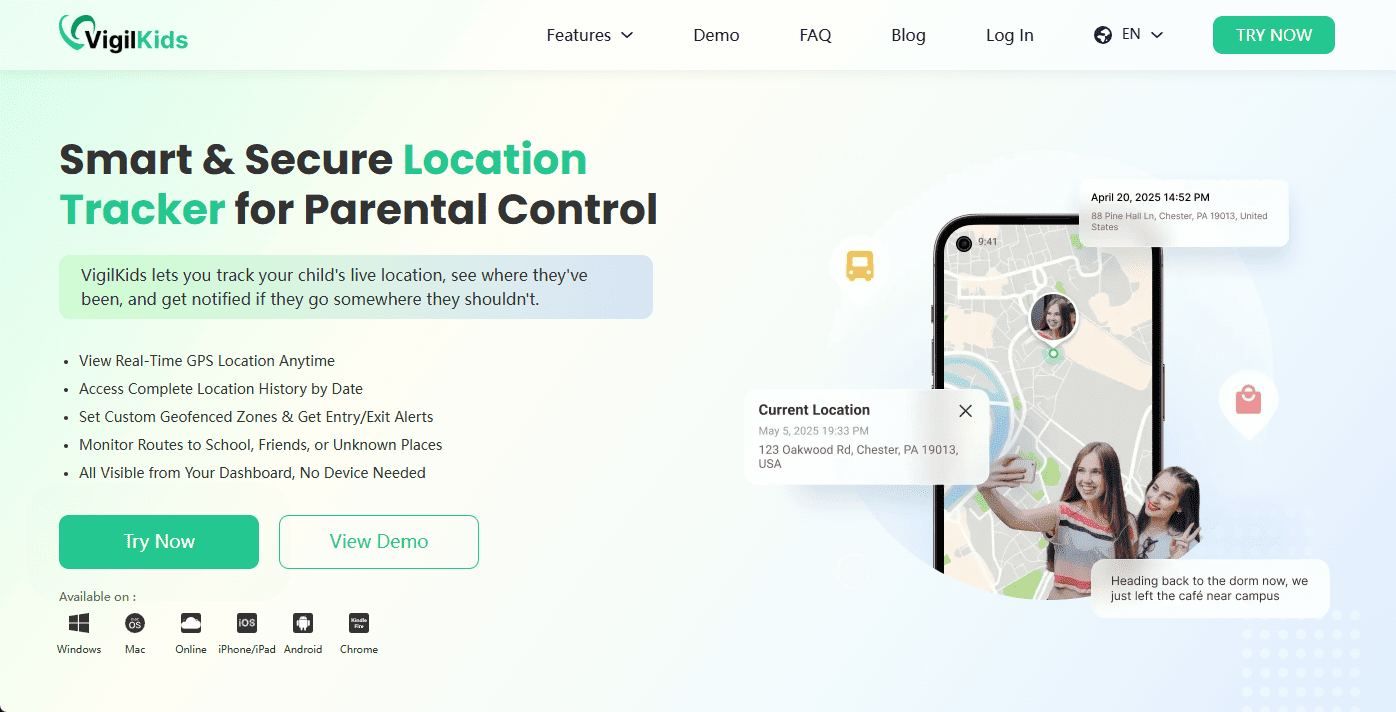
If you are a parent trying to keep track of a child's Android phone, VigilKids is more useful than typing a phone number into a lookup site. It is designed for managed family devices and helps you see location context before there is an emergency.

VigilKids Features
- View current and recent Android phone locations
- Check route history and location changes over time
- Set geofencing alerts for home, school, and other important places
- Combine location with app usage, screen activity, and messages for context
How to Use VigilKids to Find a Family Phone
Set it up before the phone goes missing. VigilKids needs one-time access to the managed Android device for installation and permission setup. Follow the original three-step flow below.
-
Step 1. Sign up and prepare your account.
- Go to VigilKids login and create your account.
- Use email registration or one-click Google login.
- Keep your login details safe so you can manage the connected phone later.
-
Step 2. Link the managed device.
- Log in to your VigilKids panel and choose Bind New Device to get a pairing code.
- On the child's Android phone, install the VigilKids Assistant app with appropriate parent permission.
- Open the assistant app, grant the required location and device permissions, then enter the pairing code to connect the phone.
-
Step 3. Start monitoring location.
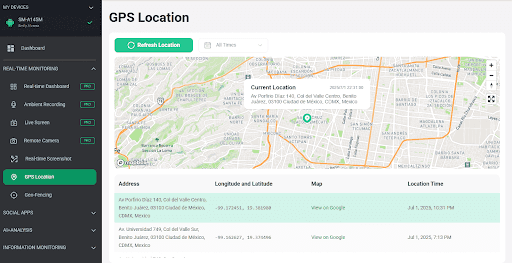
- After pairing, open the VigilKids panel and choose GPS Location.
- Check the phone's current location, recent route history, and safety context from your account.
- Set geofence alerts for places like home or school if you need ongoing family location visibility.
PART 4. Use Google Find Hub for an Android Phone
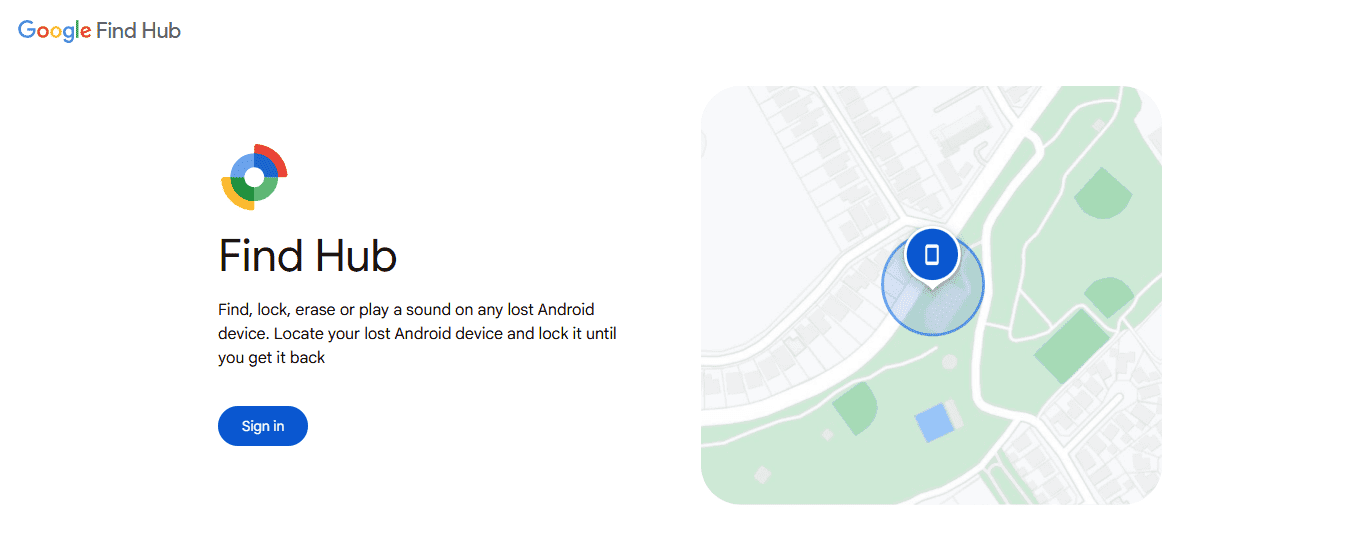
For your own Android phone, use Google Find Hub. Google says Find Hub can help you find, secure, or erase a lost Android device remotely when the device meets the required conditions.
The phone number matters in one narrow case: Google's Find Hub page also offers Remote Lock, which can lock a lost or stolen Android phone with a phone number. That is not the same as locating the phone by number.
- Step 1. Go to Google Find Hub in a browser or open the Find Hub app.
- Step 2. Sign in with the Google account connected to the missing phone.
- Step 3. Select the device from the list.
- Step 4. Check the current or last known location on the map.
- Step 5. Use Play sound, Mark as lost, or erase if needed.
If your Android phone is a Samsung device, this related guide may help: Find My Samsung Phone.
PART 5. Use Apple Find My for an iPhone
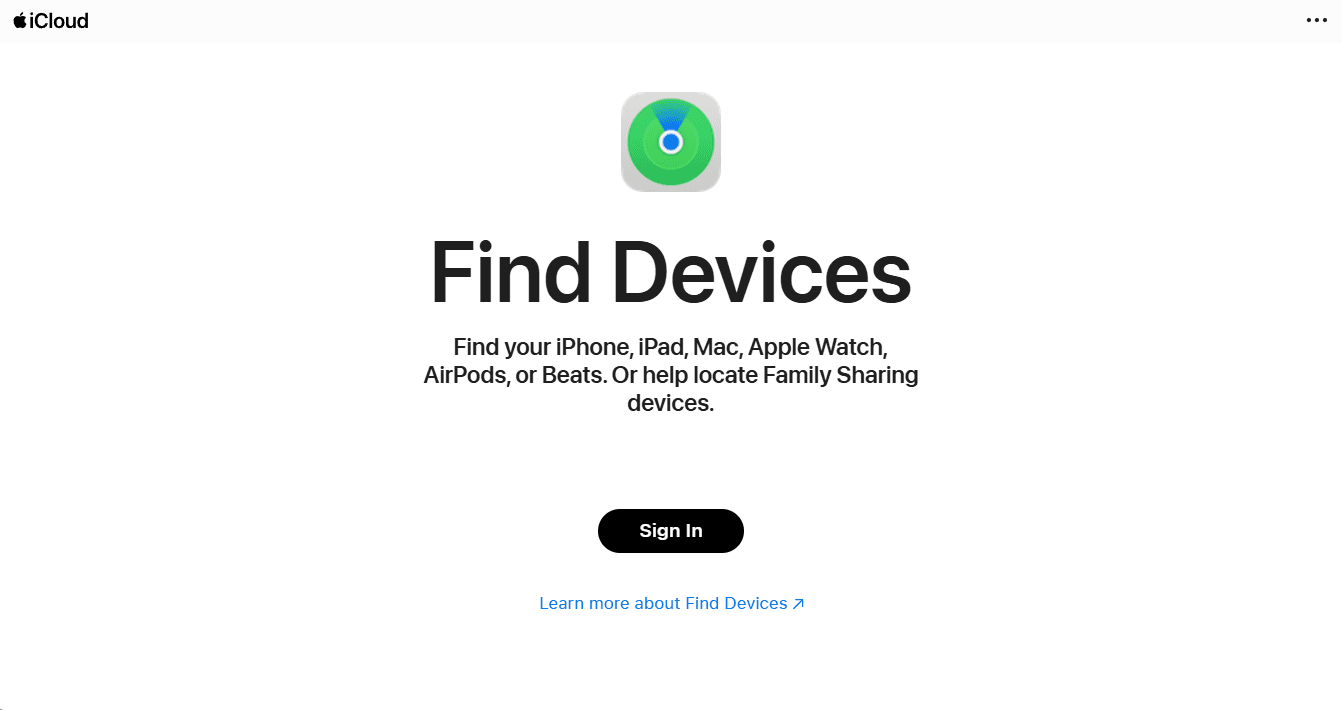
For iPhone, use Apple Find My. Apple says you can find a lost iPhone or iPad at iCloud.com/find or with the Find My app on another Apple device. Find My must have been turned on before the device was lost.
- Step 1. Go to iCloud.com/find or open the Find My app on another Apple device.
- Step 2. Sign in with the Apple Account used on the missing iPhone.
- Step 3. Select the device from the list.
- Step 4. View its location, play a sound, mark it as lost, or erase it if recovery is unlikely.
Apple also notes that you can turn on Find My network and Send Last Location so the device may be easier to locate when offline or low on battery.
PART 6. Use Your Carrier or IMEI for Stolen Phone Protection
Your carrier usually cannot give you a public live map just because you know a phone number. But the number and IMEI can help with account protection, SIM suspension, insurance, and theft reporting.
- Step 1. Contact your mobile carrier and report the phone as lost or stolen.
- Step 2. Ask them to suspend the SIM or protect the number from unauthorized use.
- Step 3. Provide the IMEI if requested. Google notes that a carrier can use IMEI information to disable a device.
- Step 4. File a police report if the device was stolen, especially if you need official documentation for insurance.
If your question is about map-based tracking rather than carrier protection, read how mobile number tracking works with Google Maps.
PART 7. What to Do If Your Phone Is Lost Right Now
Do not waste time on random phone-number tracker websites. Start with account-based recovery and data protection.
- Step 1. Call the phone once if it may be nearby.
- Step 2. Use Google Find Hub for Android or Apple Find My for iPhone.
- Step 3. Play a sound if the map suggests the phone is close.
- Step 4. Lock or mark the device as lost if it may be outside your control.
- Step 5. Change passwords for email, banking, cloud storage, and social accounts.
- Step 6. Contact your carrier to protect the SIM and number.
- Step 7. Erase only when recovery is unlikely, because erase can remove future location access.
If the phone battery may already be dead, see how to know if someone's phone is dead.
FAQ About Finding a Phone by Number
Q: Can I find my device with phone number?
A: Usually not by the phone number alone. Use Google Find Hub, Apple Find My, or a previously installed tool such as VigilKids. A phone number can help with account, SIM, or carrier steps, but it normally cannot show live GPS location by itself.
Q: Can Google Find Hub locate a phone by phone number?
A: Google Find Hub locates Android devices through the Google account connected to the device. Google's Remote Lock can use a phone number to lock a supported Android phone, but location still depends on the device and account settings.
Q: Can I find my phone by number for free?
A: You can use the phone number for carrier help or Android Remote Lock, but free live location usually requires Find Hub, Apple Find My, or a tool already set up on the device.
Q: Is this the same as a free phone number tracker?
A: No. This guide focuses on using a phone number as part of lost-device recovery, SIM protection, or family device setup. For broader lookup tools and free tracking claims, read the separate guide on tracking a phone number for free.
Q: Can my carrier find my phone by number?
A: Your carrier can help suspend the SIM, protect the number, or process IMEI information. They usually do not provide a public live tracking map to customers without proper verification or official steps.
Q: Can VigilKids find a phone by number?
A: VigilKids does not depend on the phone number after setup. It helps parents monitor a managed Android device with location tracking, route history, geofencing, app activity, and screen context.
Q: Can someone find my address with my phone number?
A: Sometimes a phone number may be linked to public records, old forms, or data broker entries, but that is not the same as live location tracking. Avoid suspicious lookup sites that ask for payment or personal information too quickly.
Q: What should I do first if my phone is stolen?
A: Use Google Find Hub or Apple Find My to lock or mark the device as lost, change important passwords, contact your carrier, and report the IMEI to police if needed. Erase the phone only when recovery is unlikely.
Conclusion
The safest answer to find my device with phone number is this: the number can help with locking, carrier support, SIM protection, or identity verification, but real location usually comes from Google Find Hub, Apple Find My, or a family monitoring tool that was set up before the phone went missing.
For parents, VigilKids is the stronger long-term option because it shows location, route history, geofencing, and device context in one place. For a phone that is already lost, start with Google or Apple first, then contact your carrier if the SIM or number may be at risk.
Hot Topics for Phone Monitoring
How to Forward SMS to Another Phone Automatically (iPhone & Android)
Learn how to forward SMS to another phone automatically on iPhone and Android, including how to forward text messages from Android to iPhone, step by step.
Find My iPhone Not Working? How to Fix It and What to Do Next
Find My iPhone not working? Learn why it happens and get 13 quick fixes — from iCloud and Location to Family Sharing and tracking backups.

Can Someone Listen to Your Phone Calls? How Live Surrounding Devices Work
Is Someone Listening? How Live Surrounding Devices Work — And What You Can Do About It