
Have you ever wanted to quietly record your phone screen, only to be given away by glaring notifications and floating buttons?
In today's digital world, more Android users are searching for a discreet way to record on-screen activity — parents monitoring kids, professionals saving meetings, gamers capturing gameplay. Unlike standard apps, a hidden screen recorder runs quietly in the background, leaving no trace. That's why so many search for a secret screen recorder that offers privacy, performance, and true stealth.
In this guide, we'll compare the best screen recorders for Android and help you find one you can trust in 2026.
What Is an Invisible Screen Recorder?
An invisible screen recorder is a screen recording app designed to capture Android screen activity discreetly. Unlike traditional screen recording apps that display visible recording indicators, hidden screen recorder apps often run silently in the background.
Most advanced secret screen recorder tools include stealth-focused features such as:
- Hidden app icons
- Background recording
- Silent operation
- Password protection
- Remote access dashboards
- Automatic screenshot capture
These features make invisible screen recording especially useful for parental monitoring, professional supervision, and secure documentation purposes.
Features to Look for in the Best Recording Screen App
Not every Android screen recorder provides true stealth functionality. Before choosing an app, keep these key features in mind:
- Hidden Recording Mode — operates silently in the background with no notifications or visible recording indicators.
- HD Video Quality — supports 1080p recording, smooth frame rates, and stable playback.
- Internal Audio Recording — captures internal device audio, microphone input, video calls, and game sounds.
- Cloud Backup — syncs recordings and screenshots automatically for easier access and backup security.
- Lightweight Performance — minimizes battery drain, CPU usage, storage impact, and device lag.
- Privacy and Security — includes app lock, encrypted storage, password-protected access, and secure cloud sync.
Comparison Table
Here's a quick side-by-side look at the six apps covered in this guide before diving into the details.
| App | Hidden Mode | Internal Audio | Cloud Dashboard | Monitoring Features | Best For |
|---|---|---|---|---|---|
| VigilKids | √ | √ | √ | √ | Parental Monitoring |
| TheOneSpy | √ | √ | √ | √ | Advanced Monitoring |
| iKeyMonitor | √ | × | √ | √ | Lightweight Monitoring |
| Hoverwatch | √ | × | √ | √ | Silent Background Monitoring |
| AZ Screen Recorder | × | √ | × | × | Tutorials & Gaming |
| ADV Screen Recorder | Partial | × | × | × | Lightweight Recording |
Top Picks Comparison
1. VigilKids – Best Overall Invisible Screen Recorder
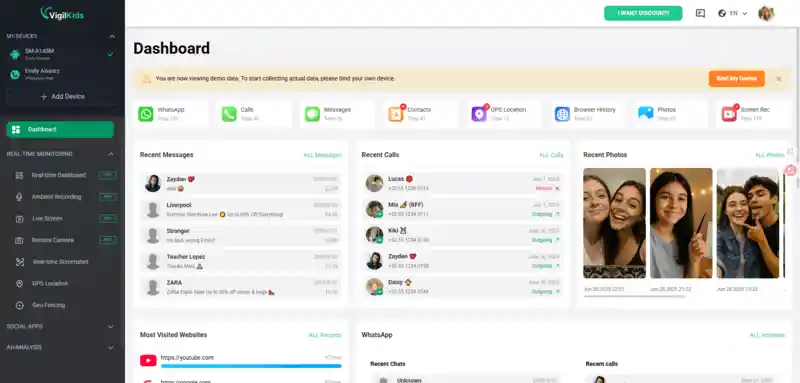
For users who want both an invisible screen recorder and advanced parental monitoring tools, VigilKids stands out as one of the strongest all-in-one solutions available. The app is designed to run quietly in the background while offering powerful monitoring features through a cloud-based dashboard.
Unlike standard screen recorders for Android, VigilKids focuses heavily on stealth operation and remote access. Parents can monitor device activity without interrupting the user experience.
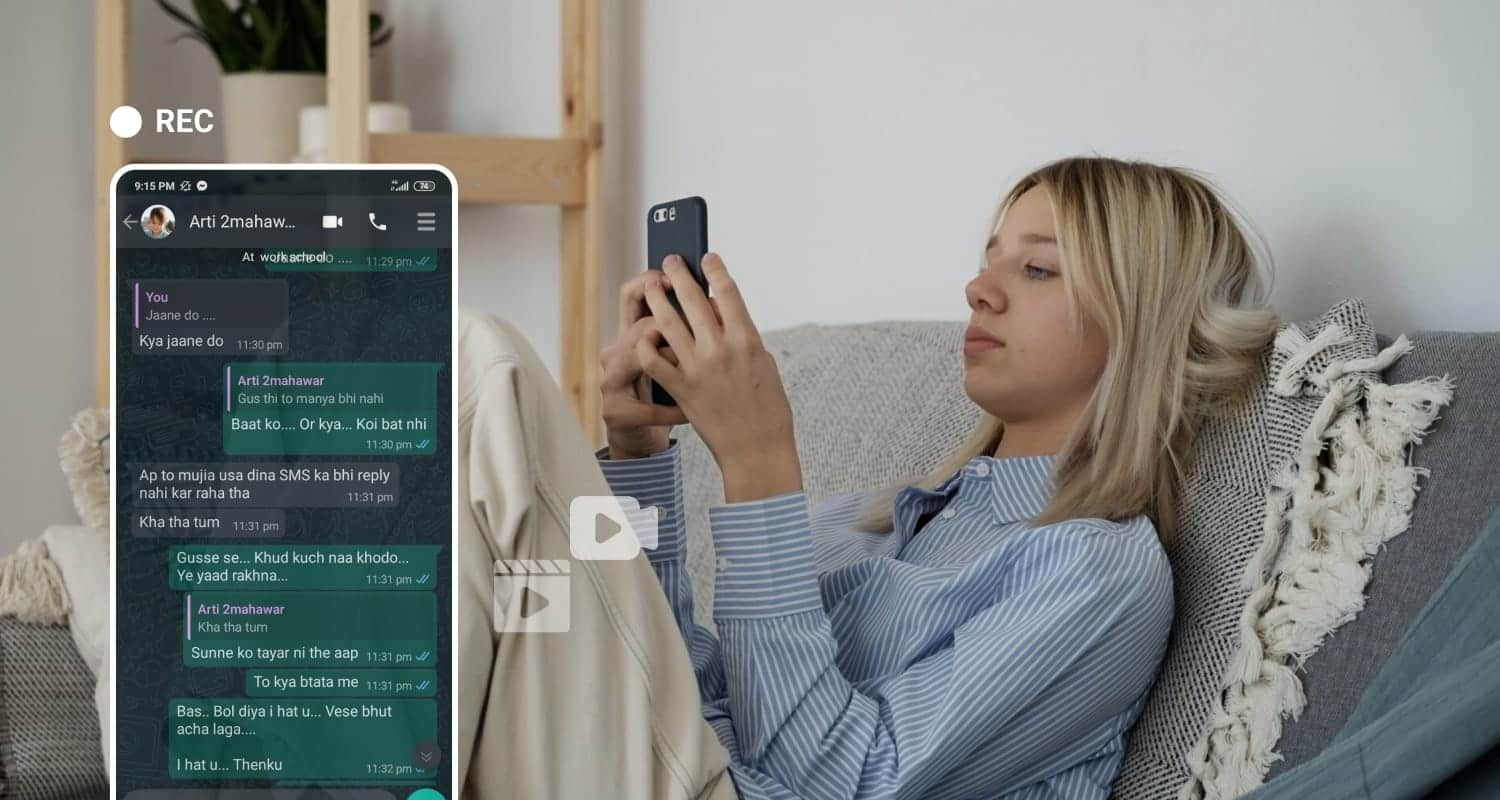
Key Features
- Invisible background recording
- Hidden app icon
- Remote screenshot capture
- Social media activity monitoring
- Cloud dashboard access
- GPS location tracking
- Compatible with Samsung, Xiaomi, OPPO, Huawei, Google Pixel, and more
Excellent stealth functionality
Easy setup process
Multiple monitoring tools in one platform
Smooth Android compatibility
Full features require subscription
Try VigilKids Now
Capture screen activity invisibly and monitor any Android device from one secure cloud dashboard — no notifications, no traces.
2. TheOneSpy – Advanced Secret Screen Recorder
Commonly used for parental supervision and employee monitoring, TheOneSpy is a feature-rich platform that includes hidden screen recorder capabilities for Android devices.
The platform supports live monitoring, screen capture, and various tracking tools designed for discreet device supervision.
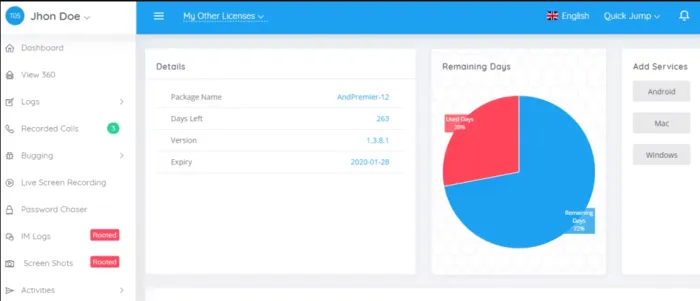
Key Features
- Secret screen recording
- Live screen monitoring
- Call and SMS tracking
- GPS location monitoring
- Background stealth mode
- Remote dashboard access
Advanced monitoring capabilities
Strong remote access features
Reliable hidden recording tools
Interface may feel complex
Some features require additional setup
3. iKeyMonitor – Lightweight Hidden Screen Recorder
Often chosen by Android users for parental monitoring, iKeyMonitor is a lightweight screen recording solution that delivers stealth recording while keeping battery consumption low.
Its simple installation process and cloud-based management system make it attractive for beginners.
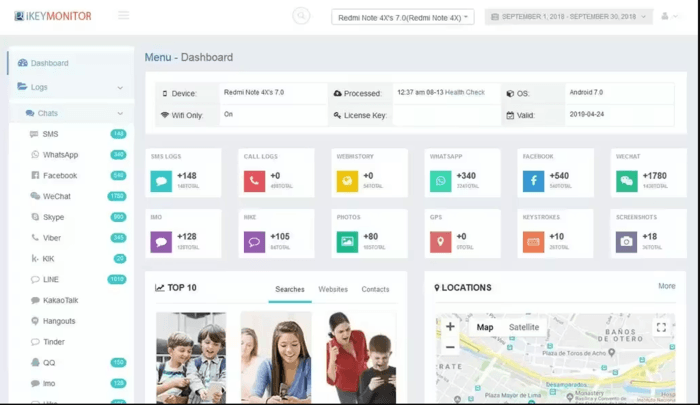
Key Features
- Hidden screenshot capture
- Keystroke logging
- App activity tracking
- Social media monitoring
- Cloud-based dashboard
- Silent background operation
Lightweight and efficient
Easy installation
Useful parental monitoring tools
Limited features in free plan
Advanced tools increase pricing
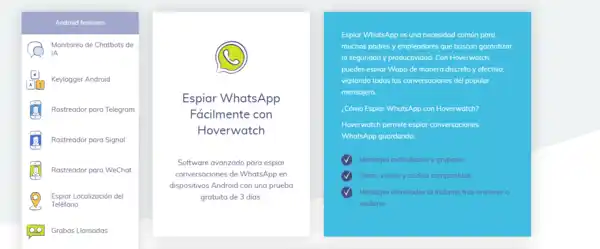
4. Hoverwatch – Silent Background Screen Recorder
Another popular hidden screen recorder focused on stealth functionality, Hoverwatch runs quietly in the background while capturing screenshots and device activity.
Hoverwatch is particularly known for its silent operation and cloud synchronization tools.
Key Features
- Hidden app mode
- Automatic screenshot capture
- Call and SMS tracking
- GPS location history
- SIM change notifications
- Cloud backup support
Strong stealth mode
Quiet background operation
Good Android compatibility
User interface feels outdated
Limited customization features
5. AZ Screen Recorder – Best Standard Recording App
Among Android users who prioritize video quality and usability, AZ Screen Recorder ranks as one of the most popular options. Although it is not a full invisible screen recorder, it provides stable and smooth screen recording performance.
It is especially popular among gamers, tutorial creators, and streamers.
Key Features
- HD screen recording
- Internal audio recording
- Livestream support
- Video editing tools
- No root required
User-friendly interface
High-quality recording
Reliable performance
Not fully hidden
Ads in free version
6. ADV Screen Recorder – Lightweight Android Recording Software
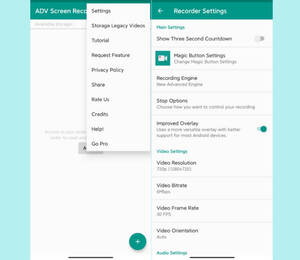
Built for users who want simple and efficient Android screen recording software, ADV Screen Recorder keeps things lightweight and easy to handle.
Its low resource usage makes it ideal for older Android phones or casual recording needs.
Key Features
- Front and rear camera support
- Adjustable recording settings
- Drawing tools while recording
- Pause and resume support
- Lightweight installation
Minimal battery usage
Easy to use
Smooth recording performance
Limited stealth features
Fewer monitoring tools
How to Use an Invisible Screen Recorder By VigilKids
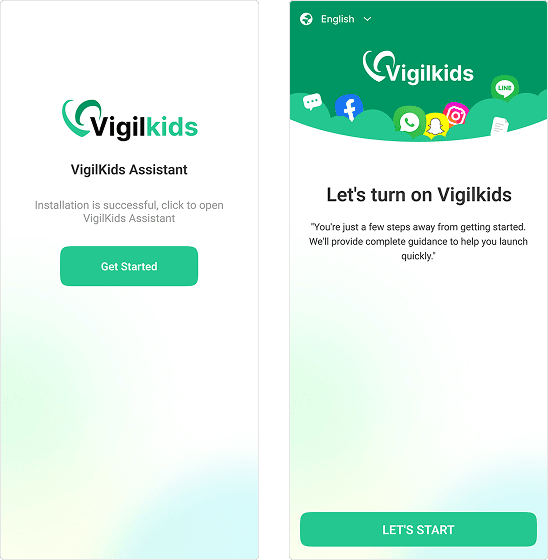
Getting started with VigilKids is quick and beginner-friendly. Once set up, it records screen activity silently in the background and syncs everything to your private cloud dashboard — all in just three steps.
- Step 1. Create Your Account: Sign up for a VigilKids account on the official website and choose a plan to unlock the cloud dashboard.
- Step 2. Install & Configure: Download VigilKids on the target Android device, grant the required permissions, and enable hidden mode so the app icon and notifications stay invisible.
- Step 3. Start Monitoring: Log in to the VigilKids dashboard from any browser to view screen recordings, screenshots, and other activity remotely in real time.
Tips to Improve Android Screen Recording Quality
To achieve better recording performance:
- Close unnecessary apps
- Keep sufficient storage space available
- Reduce recording resolution on older devices
- Use stable Wi-Fi for cloud uploads
- Keep Android updated
These steps can help improve video stability and reduce lag.
FAQ
Q1: What is the best invisible screen recorder for Android?
Many users prefer VigilKids because it combines hidden screen recording, monitoring tools, cloud access, and stealth functionality in one platform.
Q2: Can a screen recorder work secretly?
Yes. Some hidden screen recorder apps can run in the background without visible notifications or app icons.
Q3: Is there a hidden screen recorder without watermark?
Yes. Several premium Android screen recorders offer watermark-free recording features.
Q4: Do hidden screen recorders drain battery?
All recording apps use battery power, but lightweight apps with optimized background recording consume less energy.
Q5: Can Android record internal audio?
Many modern Android devices support internal audio recording, although compatibility depends on Android version and device manufacturer.
Conclusion
Choosing the right invisible screen recorder comes down to your needs — parental monitoring, discreet recording, or professional screen capture. Among all the options, VigilKids stands out as the most complete solution, combining hidden recording, a remote monitoring dashboard, and stealth-focused design in one platform. Whatever tool you pick, always obtain proper consent and follow local laws before recording or monitoring any device.