
Looking for a reliable best location tracker when it matters most? Whether your child isn't picking up after school, a loved one is traveling late, or you're trying to stay connected in a crowded place, knowing someone's real-time location brings instant peace of mind.
In this guide, we cut through the noise and rank the 10 best location tracker apps — so you can quickly find one that's precise, secure, and actually worth using.
Quick Guide
| App Name | Accuracy | Automation | Real-time Tracking | Location History | Geofencing Alerts |
|---|---|---|---|---|---|
| Life360 | High | ✅ | ✅ | ✅ | ✅ |
| VigilKids | Very High | ✅ | ✅ | ✅ | ✅ |
| Google Find Hub | High | ❌ | ✅ | ❌ | ❌ |
| Google Maps | High | ❌ | ✅ | ❌ | ❌ |
| Apple Find My | Very High | ❌ | ✅ | ✅ | ❌ |
| GeoZilla | High | ✅ | ✅ | ✅ | ✅ |
| Glympse | Moderate-High | ❌ | ✅ | ❌ | ❌ |
| FollowMee | High | ✅ | ✅ | ✅ | ❌ |
| Find My Kids | High | ✅ | ✅ | ✅ | ✅ |
| FamiSafe | High | ✅ | ✅ | ✅ | ✅ |
1. Life 360 — Most Popular Phone Location Tracker
Life360 is one of the most widely used family location tracker apps, trusted by millions of parents who want real-time awareness of their family's whereabouts. Its clean interface, strong brand reputation, and consistent accuracy make it a top choice for families looking for a simple but reliable tracking solution.
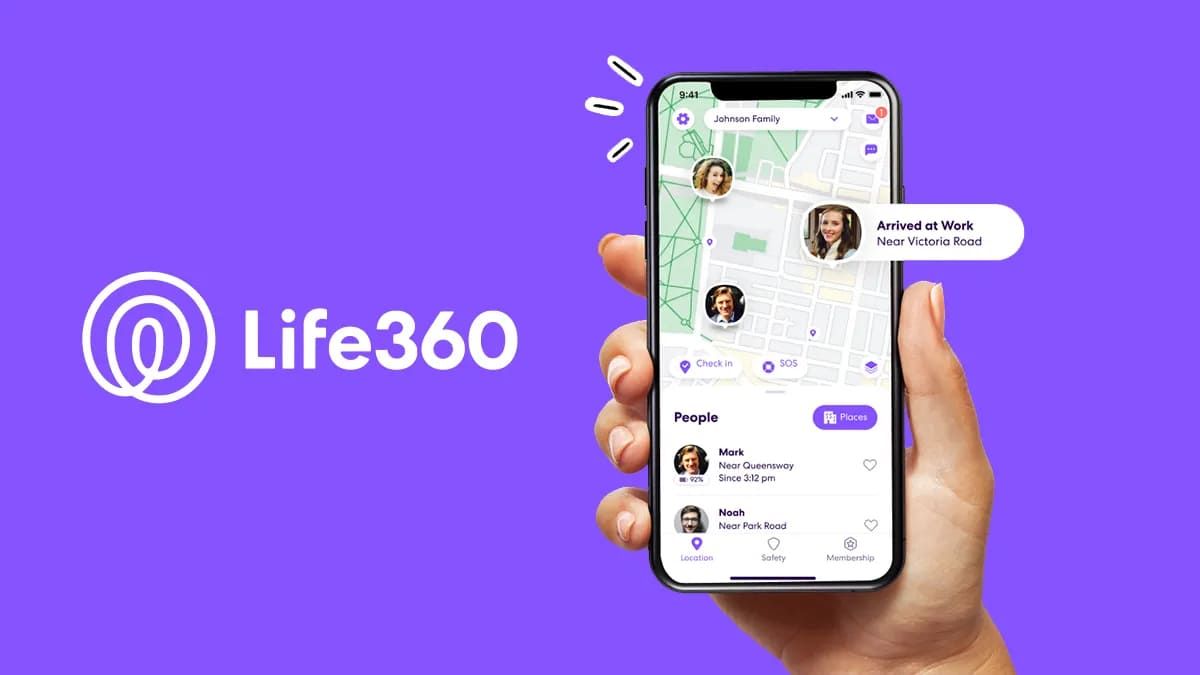
With Life 360, you can easily check details such as:
- Real-time location of all family members
- Detailed location history and past routes
- Driving behaviour reports, including speeding or hard braking
- Geofenced Place Alerts for home, school, or work
- SOS emergency notifications
- Crash detection and roadside assistance (Premium)
Life360 is best for:
- Parents who want continuous, reliable tracking of their children
- Families who want to stay connected with real-time location updates
- Drivers who need safety insights and trip details
- Anyone looking for a stable and widely supported location tracker
Pros & Cons of Life 360
- • Accurate and reliable real-time GPS tracking
- • Easy-to-use interface ideal for families
- • Helpful driving safety insights
- • Strong geofencing alerts
- • Large user community and trusted brand
- • Full features require a paid subscription
- • Frequent notifications can be overwhelming
- • Higher battery usage on some devices
- • Not suitable for discreet or hidden monitoring
- • Past data-sharing concerns for privacy-focused users
2. VigilKids – Best for Phone Location Tracker & Parental Control
VigilKids is a powerful location tracker designed specifically for parents who need continuous, accurate, and discreet monitoring of their child's device. Unlike traditional family tracking apps, VigilKids offers advanced monitoring features—making it ideal for parents who want both safety insights and responsible supervision tools.
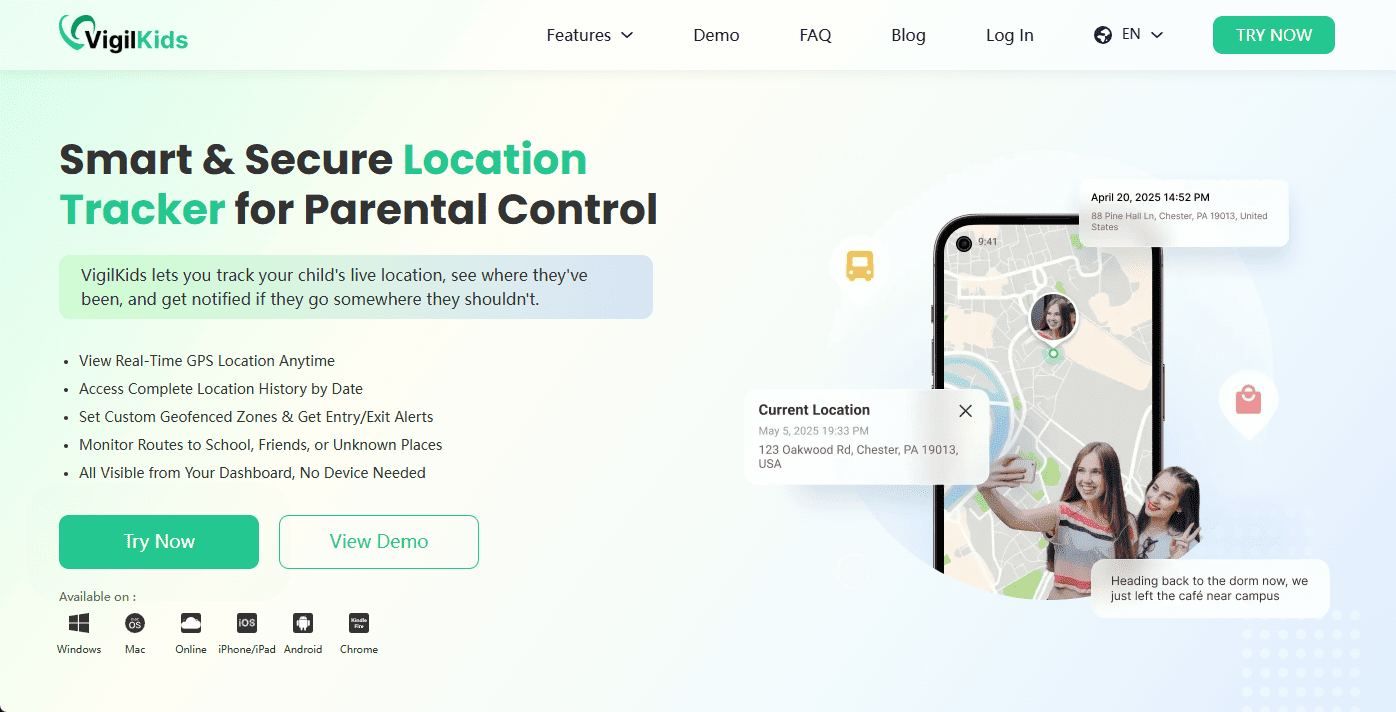
VigilKids is not just a simple location tracker. It is also a full parental control and real-time safety monitoring solution designed for parents who want complete peace of mind. Beyond showing where your child is, VigilKids allows you to see what they're doing on their device, helping you protect them from online risks, inappropriate content, and potential physical world dangers.
What VigilKids lets you monitor effortlessly:
- Real-time GPS location and precise route history
- See how long your child stays at a particular place
- Geofenced alerts when your child enters or leaves set locations
- Social media activity logs (WhatsApp, Instagram, TikTok, and more)
- App usage duration and phone activity overview
- Keystroke logs, call history, and browsing records
- Invisible mode availability for undetectable tracking
- Multi-device monitoring from a single dashboard
VigilKids is a phone location tracker suitable for
- Parents who need more than just location tracking
- Monitoring younger kids or teens remotely
- Ensuring online safety across social apps
- Those who want discreet, reliable monitoring without device resets
- Families looking for an all-in-one safety and tracking dashboard
Pros & Cons of VigilKids
- • Extremely accurate real-time location tracking
- • Works invisibly without being detected
- • Includes social media and device activity monitoring
- • Easy web dashboard for parents
- • More comprehensive safety features
- • Requires installation on the child's device
- • Initial setup requires a few minutes of permissions
3. Google Find Hub – Best for Android-to-iPhone Location Sharing
When you need a quick and reliable way to share your location from an Android device to an iPhone, Google Find Hub provides a straightforward solution. Unlike full-fledged parental control apps, it focuses purely on location sharing, making it ideal for families or friends who just want to stay connected without complicated setups. With its seamless integration with Google accounts, it ensures your location is always accessible to authorised contacts.
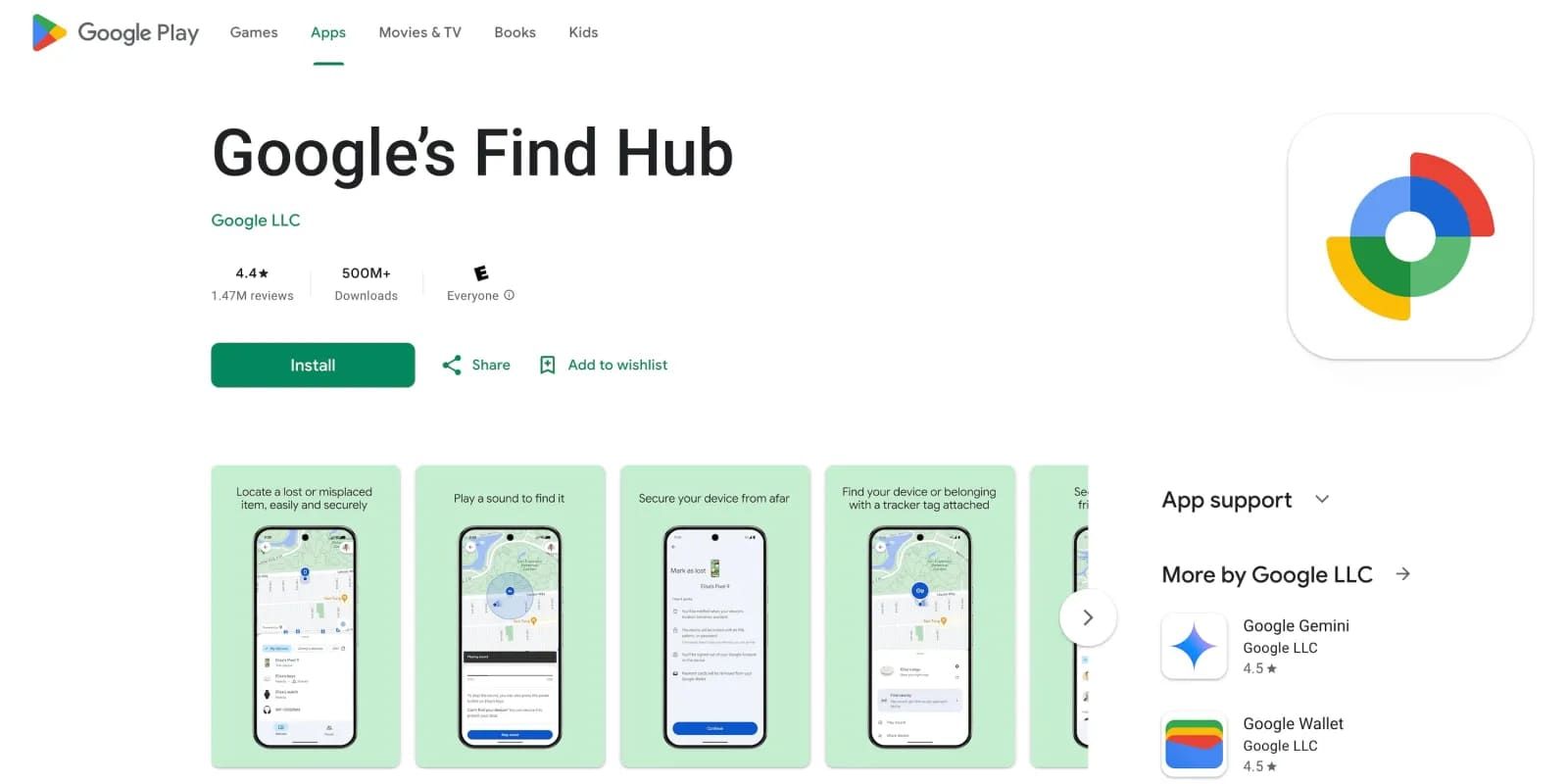
Information you can get through Google Find Hub:
- Live location updates: Keep track of where connected contacts are in real time.
- Movement history: Review the path taken while sharing is active.
- Sharing time management: Control and see how long your location is being shared.
- Access permissions: Know which Google accounts have access to your location.
Google Find Hub is suitable for
- Users who want a simple, cross-platform solution for real-time location sharing.
- Families or groups where some members use Android, and others use iPhone.
Pros & Cons of Google Find Hub
- • Free and easy to set up.
- • Works across platforms without extra apps for the recipient.
- • Adjustable sharing duration provides flexibility.
- • Limited to location sharing only.
- • Internet connection required for accurate updates.
4. Google Maps
Google Maps is more than just a navigation app, which also allows you to share your location in real time with anyone, whether they're on Android or iPhone. Its widespread availability and familiar interface make it a go-to choice for users who want simple, reliable location tracking without installing specialised apps.
What you can monitor with Google Maps:
- Real-time location: See exactly where friends or family are on the map.
- Estimated arrival times: Useful when coordinating meetups or pickups.
- Location sharing duration: Decide how long your location is visible to others.
- Notifications: Receive alerts when someone arrives at or leaves a location.
Google Maps is best for:
- Anyone who wants a hassle-free, cross-platform location sharing solution.
- People who prefer an app they already use for navigation and maps.
Pros & Cons of Google Maps
- • Free, cross-platform, and extremely user-friendly
- • Trusted map data and highly accurate GPS tracking
- • Quickly share links requiring no additional apps
- • Lacks parental-control-level monitoring features
- • Not suitable for discreet or hidden tracking
5. Apple Find My – Best for Tracking iPhone Location
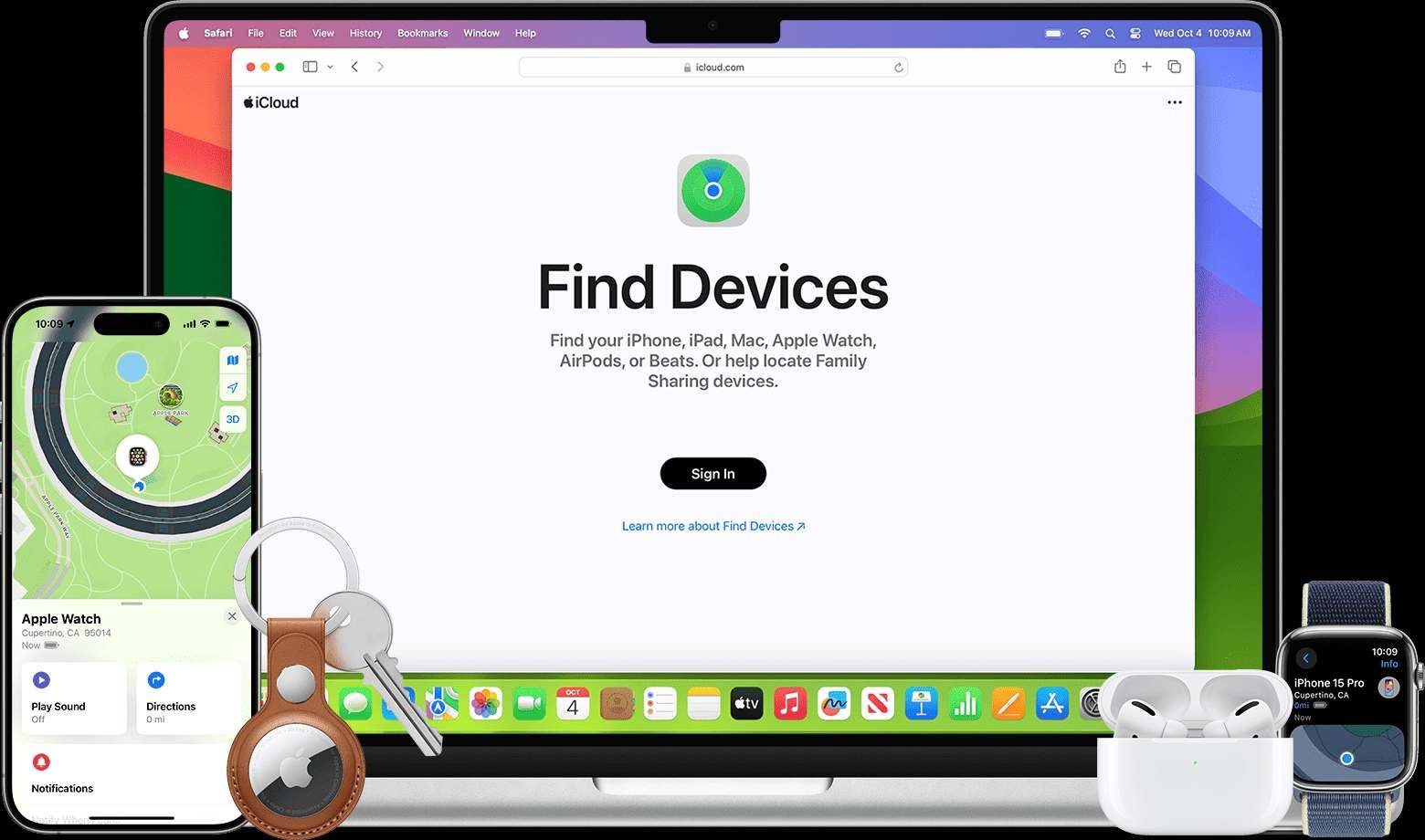
Apple Find My is one of the most reliable location tracking solutions for anyone using an iPhone, iPad, or Mac. As a native Apple service, it integrates deeply with iCloud and offers end-to-end encrypted tracking to keep your family's location data private and secure.
Whether you're checking where your child's iPhone is, locating a lost device, or sharing your own real-time position, Find My provides a smooth and seamless experience.
What You Can Monitor Using Apple Find My
- Live location of iPhones, iPads, AirPods, and other Apple devices
- Historical locations and last known position before going offline
- Lost Mode status, including device lock and custom message
- Notifications for when a family member arrives or leaves a place
- Location sharing within Family Sharing groups for simplified tracking
Apple Find My is ideal for:
- Families fully using Apple devices who need a reliable daily location tracker
- Parents who want simple device-based tracking without third-party apps
- Anyone looking to locate lost or stolen Apple devices instantly
Pros & Cons of Apple Find My
- • Highly secure with Apple's end-to-end encryption
- • Smooth performance within the Apple ecosystem
- • Accurate device tracking and reliable geofencing alerts
- • Not available for Android users
- • Lacks in-depth parental monitoring features like app logs or browsing history
- • Works best only when all family members use Apple devices
6. GeoZilla
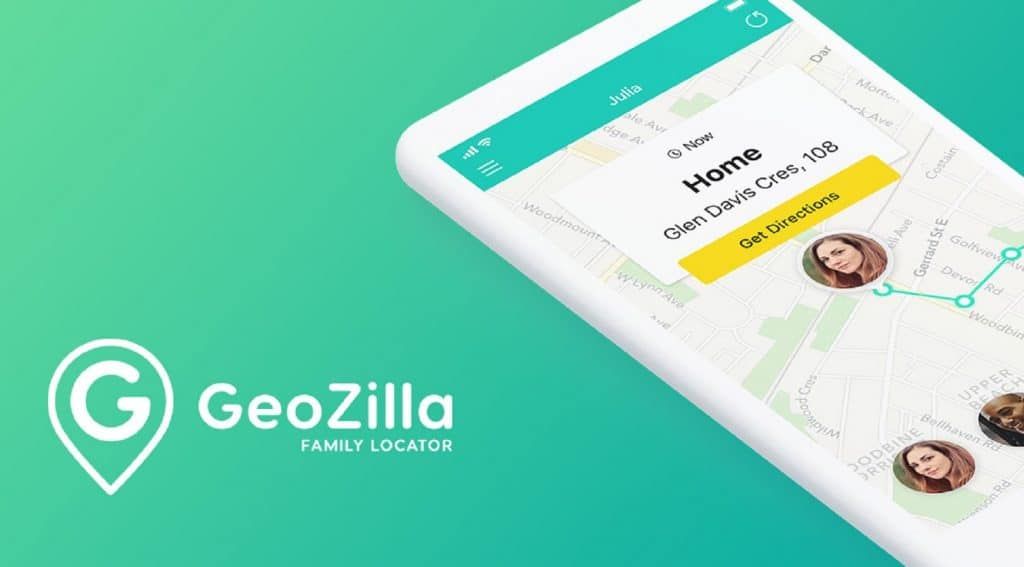
GeoZilla is a flexible location-tracking app designed for families who want a simple way to stay connected across Android and iPhone. With its energy-efficient tracking technology, GeoZilla minimises battery drain while still providing accurate real-time updates. It also includes a built-in family communication feed, making it easy for loved ones to check in, send updates, and stay informed throughout the day.
What You're Able to View or Track with GeoZilla
- Live location updates across both Android and iOS
- Location history and daily movement timeline
- Custom geofences with instant arrival and departure alerts
- Family activity feed for check-ins and shared updates
- Driving behaviour insights, including speeding or harsh braking
GeoZilla is best suited for:
- Families looking for a cross-platform location tracker with strong battery optimisation
- Parents who want basic safety check-ins without advanced monitoring
- Couples or small groups who want simple, intuitive location sharing
Pros & Cons of GeoZilla
- • Works smoothly across Android and iPhone
- • Very low battery consumption compared to other tracking apps
- • Clean interface with a built-in family communication channel
- • Lacks deeper safety features like social media monitoring or app activity logs
- • Driving reports may require a premium subscription
- • Occasional delays in real-time updates in areas with a weak signal
7. Glympse
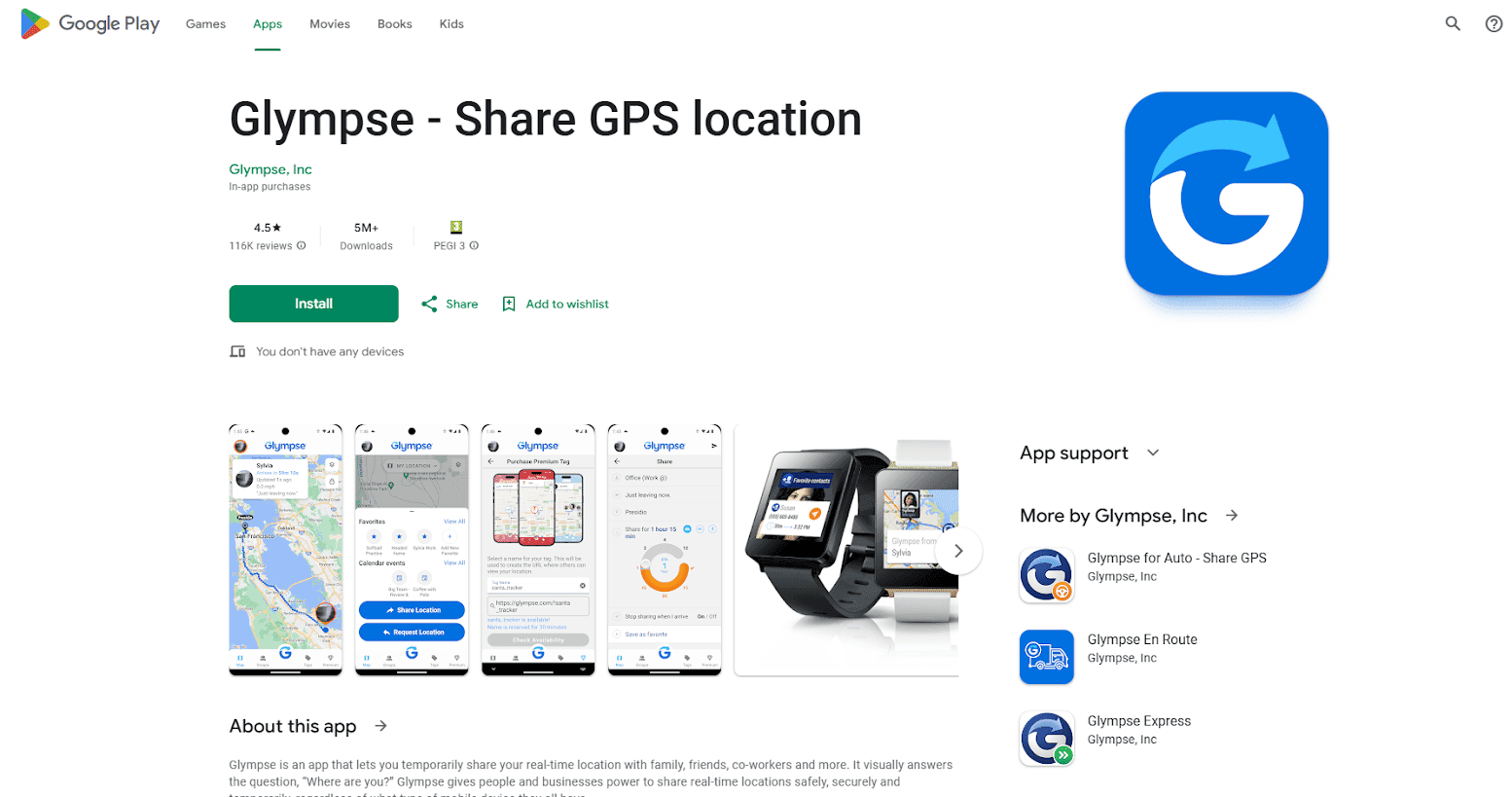
Glympse is a fast, no-sign-up location-sharing tool designed for short-term tracking. Instead of requiring an account or long-term permissions, it lets users send a temporary location link to anyone — perfect for coordinating meetups, sharing your ETA, or letting family know you're safe on the way home. Because recipients don't need the app, Glympse is one of the most convenient tools for instant, frictionless location sharing.
What Information You Can Monitor via Glympse:
- Your real-time GPS location for a preset duration (e.g., 30 minutes, 1 hour)
- Live movement and travel speed
- Estimated time of arrival during driving or walking
- Custom expiration times for each shared link
- Group “Glympse” for events like hikes, road trips, or concerts
Ideal Users of Glympse:
- Friends and families who want quick, temporary location updates without installing apps
- People coordinating rides, meetups, deliveries, or commuting
- Users who prefer privacy-first tracking with no persistent monitoring
Pros & Cons of Glympse
- • No account required — recipients can view locations in a browser
- • Highly privacy-friendly with automatic link expiration
- • Great for one-time or short-term sharing
- • Simple UI with minimal setup needed
- • Not designed for long-term parental control or continuous monitoring
- • No detailed location history or geofencing alerts
- • Accuracy may depend heavily on the mobile signal or the GPS strength
8. FollowMee
FollowMee is a long-standing GPS tracking app known for its stability, accuracy, and web-based dashboard. Compared to casual location-sharing tools, FollowMee is designed for consistent monitoring — making it suitable for parents, small businesses, and anyone who needs dependable, always-on location data across multiple devices. With its detailed reports and geofencing features, it works well for both personal safety and light fleet or employee tracking.
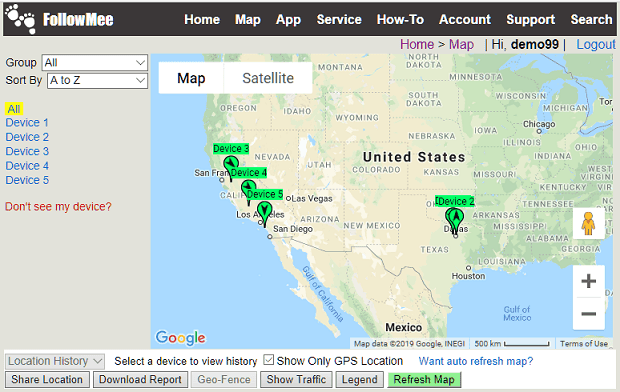
What You're Able to Monitor Using FollowMee
- Real-time device location updated at intervals you choose
- Detailed location history with map playback
- Geofence alerts when a device enters or exits set areas
- Multiple device tracking from one central account
- Battery level and connectivity status of the tracked phone
Best For:
- Parents who want ongoing monitoring without a complicated setup
- Small teams, delivery workers, and contractors need simple GPS oversight
- Users want web-based tracking accessible from any device
Pros & Cons of FollowMee
- • Very stable, accurate GPS tracking with customizable update intervals
- • Works on iPhone, Android, and even Windows PCs
- • Strong privacy controls and data encryption
- • Multi-device dashboard ideal for family or team tracking
- • Interface feels outdated compared to newer tracking apps
- • Advanced tracking intervals may require a paid subscription
- • Lacks social media or phone-activity monitoring (location-only tool)
9. Find My Kids
Find My Kids is a dedicated family safety app built specifically for monitoring children's location and daily phone activity. Unlike general GPS trackers, it combines real-time location data with insightful tools such as sound monitoring, alerts, and app usage reports. Its kid-friendly companion app (“Pingo”) makes it easy for children to interact with parents when needed, making it one of the most complete child-protection trackers available.
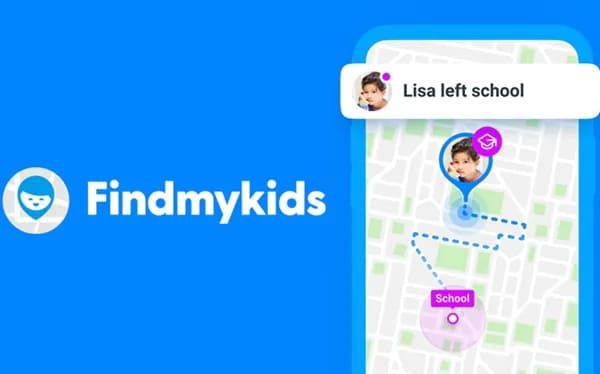
What You Can Monitor with Find My Kids
- Live GPS location with high accuracy in both outdoor and indoor areas
- Route history showing where your child has been throughout the day
- Geofencing notifications for school, home, or custom zones
- App usage insights to understand how much time kids spend on certain apps
- “Loudspeaker” and ambient sound features for emergency checks
- The SOS button your child can press to alert you immediately
Find My Kids is Ideal for Users:
- Parents who want a balance of location tracking and digital activity awareness
- Families with younger children who benefit from an SOS button
- Anyone needing a dependable, kid-focused safety ecosystem
Pros & Cons of Find My Kids:
- • Very accurate real-time tracking built specifically for kids
- • Pingo companion app improves communication and safety
- • Useful extra tools (sound check, loudspeaker, SOS alerts) not found in basic trackers
- • Easy-to-read interface suitable for all tech levels
- • Some advanced features require a premium subscription
- • Sound monitoring options may feel intrusive for older children
- • Works best when both parent and child devices install their respective apps
10. FamiSafe
FamiSafe is a well-known parental control solution that integrates real-time location tracking with extensive digital safety tools. It goes far beyond GPS monitoring by offering features like app blocking, screen-time management, driving behaviour reports, and web content filtering. This makes it a solid choice for parents who want both physical safety and online protection in one platform.
What You Can Monitor or Manage Using FamiSafe
- Live location updates and detailed location timelines
- Geofencing alerts when your child arrives or leaves specific areas
- App usage stats plus the ability to restrict or block certain apps
- Driving behaviour reports (speeding, harsh braking, phone usage while driving)
- Web content filtering and browsing activity logs
- Screen-time schedules or daily limits for healthier digital habits
Best Fit For
- Parents seeking a complete parental control suite rather than a simple GPS tracker
- Families with teens who drive and need safe-driving monitoring
- Users who want to combine online protection, app controls, and live tracking in one dashboard
Pros & Cons of FamiSafe
- • One of the most feature-rich parental control tools available
- • Strong online safety protections (web filter, app blocking, screen time rules)
- • Accurate GPS tracking plus driving safety reports
- • Works on both iOS and Android with a clean, intuitive interface
- • Many advanced functions require a paid subscription
- • Setup can feel more complex due to the wide range of features
- • GPS accuracy may vary slightly depending on device settings
FAQs About Location Trackers
Q1. Are location tracker apps safe to use?
A: Most reputable location tracker apps—such as Life360, Google Maps, and VigilKids—use encrypted data transmission to protect your information. However, safety also depends on using official app stores, enabling necessary permissions, and avoiding unknown third-party apps. Always choose tools with transparent privacy policies.
Q2. What is the most accurate location tracker?
A: Accuracy can vary depending on the GPS signal, network quality, and device type. Tools like Google Maps, Apple Find My, and VigilKids generally deliver the most reliable real-time location data thanks to strong GPS + Wi-Fi + mobile network triangulation.
Q3. Why is my location tracker not updating in real time?
A: Several factors can cause delays: Weak GPS or cellular signal; Battery-saving mode limits background activity; Disabled location services; App not running properly in the background; Internet connection issues. To fix this, enable precise location, turn off power-saving mode, and ensure the app has full permissions.
Q4. Can I track an iPhone from an Android device?
A: Yes. Several cross-platform location tracker apps can track an iPhone from Android, such as: Life360; VigilKids; Google Maps (Share Location). Some Apple-only features (like Find My) require Apple devices, but third-party trackers solve this limitation.
Q5. Which location tracker is best for families?
A: For families wanting simple real-time location sharing, Life360 is the most popular. For parents needing deeper monitoring—location history, geofencing alerts, social media activity—VigilKids offers a more complete parental-control solution.
Conclusion
When it comes to keeping your children safe and staying connected, VigilKids stands out as a comprehensive location tracker. Beyond real-time GPS tracking, it lets you monitor social media activity, browsing history, app usage, and more—all from a single dashboard. For parents looking for a reliable, all-in-one solution, VigilKids offers peace of mind and effective digital supervision.