
The best free movie streaming sites in 2026 are Tubi, Pluto TV, Plex, The Roku Channel, Fandango at Home, Kanopy, Yidio, Hoopla, YouTube Free Primetime, and Fawesome. Tubi is the strongest all-round pick, while Kanopy and Hoopla are better for families with a participating library card.
Every service below offers licensed free viewing, but catalogs, ads, account rules, and regional availability vary. Families can also review practical online safety tips before letting children browse independently.
Best Free Movie Streaming Sites at a Glance
Start with Tubi for the broadest everyday choice, Pluto TV for a channel-surfing experience, Yidio to locate a title across providers, and Kanopy or Hoopla when child-focused filters matter more than the newest mainstream titles. “No account” means basic playback can start without registration; creating a profile may still unlock watchlists or other controls. If streaming is only one part of the concern, compare broader parental control apps separately.
| Service | Best for | Account | Ads | Family option | Main limitation |
|---|---|---|---|---|---|
| Tubi | Best overall free catalog | Optional | Yes | Kids & Family categories | Catalog varies by region |
| Pluto TV | Live channels + on demand | Optional | Yes | Family channels | Less control over live schedules |
| Plex | Free movies across many devices | Optional | Yes | Family content available | Mixed-age catalog |
| The Roku Channel | Roku Originals and free TV | Not required | Yes | Kids & Family hub | Regional availability |
| Fandango at Home | Free movies plus rentals | Required | Yes | Kids & Family hub | Free and paid titles mix |
| Yidio | Finding free titles across services | Optional | Varies | Ratings depend on provider | Redirects to partner services |
| Kanopy | Ad-free quality and education | Required | No | Kanopy Kids + exit PIN | Participating library required |
| Hoopla | Library borrowing + Kids Mode | Required | No | Kids Mode filters adult titles | Borrow limits vary by library |
| YouTube Free Primetime | Familiar web and TV apps | Optional | Yes | Use rating and account controls | Only in selected countries |
| Fawesome | No-registration genre browsing | Not required | Yes | Family categories | Fewer parental-control tools |
How We Picked Legal Free Movie Websites
We included services that identify themselves as licensed, ad-supported, library-funded, or studio-supported platforms. We then compared cost, signup friction, device access, catalog type, family controls, and whether a child could easily move from a family title to mature content. Parents concerned about an accidental mature-content encounter can also review what to do when a child watches inappropriate content.
- Truly free viewing: At least part of the movie catalog plays without a subscription trial or payment card.
- Usability: The platform works on the web or common streaming devices and explains its account requirements.
- Family fit: Ratings, kids categories, profiles, PINs, or library curation help parents choose more deliberately.
Top 10 Free Movie Streaming Sites in 2026
Choose the service that fits the household rather than opening accounts on all ten. A library service may suit younger viewers, while a large ad-supported catalog may work better for shared movie nights. Whichever option you choose, agree on viewing hours and periodically check screen time on Android if streaming begins to interfere with sleep or homework.
1. Tubi
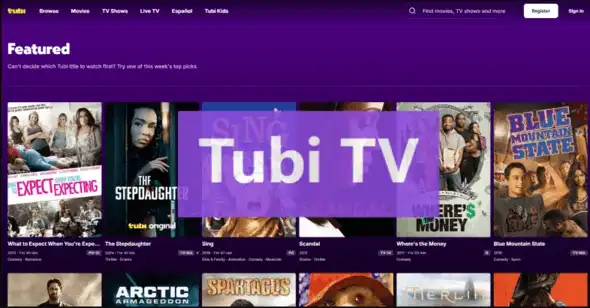
Tubi is the best overall option for viewers who want a large, legal catalog without a subscription or credit card. Its official site offers movies and TV across web, mobile, smart TVs, consoles, and streaming devices. An account is optional for playback but useful for syncing a list and continuing across devices.
Families get dedicated Kids & Family collections, yet the main catalog also includes TV-MA and R-rated titles. Younger viewers should therefore start from a parent-approved title or supervised profile rather than browse the full home screen independently. If a specific domain or mirror keeps reappearing, parents can learn how to block a website instead of relying only on verbal reminders.
- Best for: The widest everyday choice
- Price: Free with ads
- Registration: Optional
- Family note: Strong family categories, but not a kids-only service
- 100% legal free catalog
- Broad device support
- Large Kids & Family selection
- Commercial breaks
- Mature titles sit in the wider catalog
2. Pluto TV
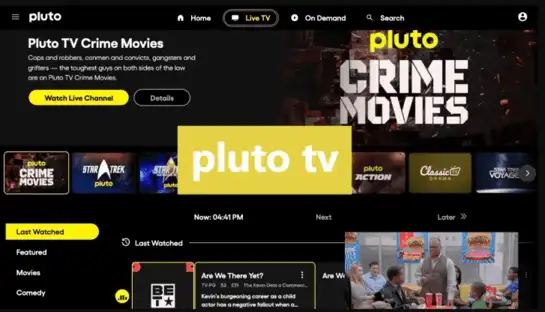
Pluto TV combines hundreds of live linear channels with thousands of on-demand titles. It is best for viewers who enjoy choosing a channel and watching what is already on, although an on-demand library is available when you want a specific genre.
The family lineup can work well for shared viewing, but live channels reduce the control parents have over the exact next program. Check the displayed rating and channel schedule before leaving younger children to watch alone. For Android households that need basic account-level supervision, Google Family Link parental controls can provide a simpler starting point.
- Best for: Free channel surfing
- Price: Free with ads
- Registration: Optional
- Family note: Better for co-viewing than unattended live playback
- Live and on-demand options
- Wide genre mix
- Works on web, mobile, and connected TVs
- Ads interrupt playback
- Live schedules offer less choice
3. Plex
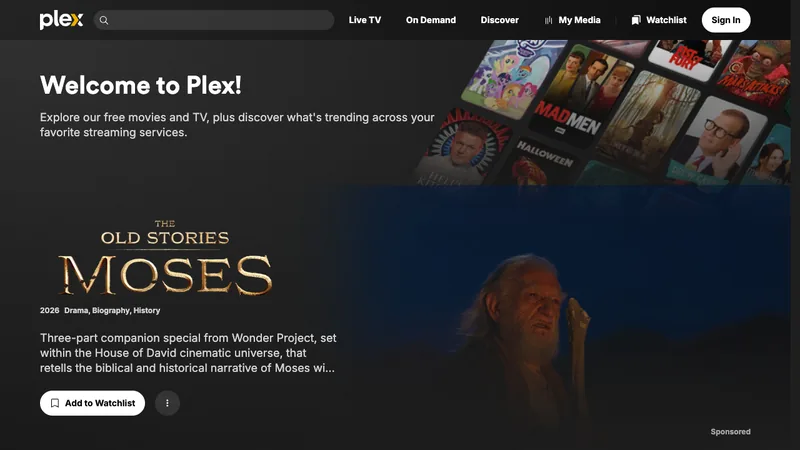
Plex offers licensed free movies, on-demand shows, and live channels in one interface. It is especially useful for households that already use Plex to organize personal media, because the same app can also surface free streaming choices.
A free account helps save progress and build a watchlist. Because Plex mixes discovery results, live channels, personal media, and free movies, parents should verify the actual provider and rating shown for each title instead of assuming every search result is included free.
- Best for: One app for free streaming and personal media
- Price: Free movies with ads
- Registration: Optional for browsing; useful for syncing
- Family note: Review ratings in the mixed catalog
- Large free on-demand library
- Broad international device support
- Live TV included
- Interface can feel busy
- Not every discovered title is free
4. The Roku Channel
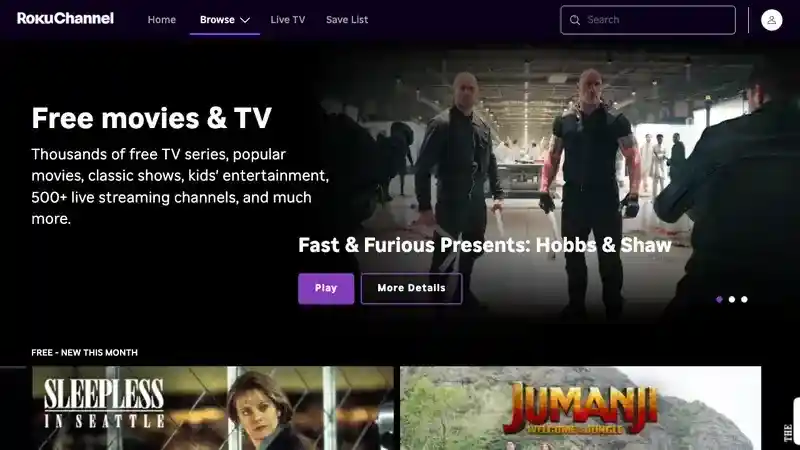
The Roku Channel carries free movies, TV shows, Roku Originals, live channels, and a Kids & Family area. You do not need to own a Roku player to watch supported content: the service is also available on the web, mobile apps, and selected smart-TV or streaming platforms.
Free titles sit beside optional premium subscriptions, so check for the “Free” label before pressing play. Roku also offers rating-based PIN controls on supported experiences, which makes it a stronger family choice than an unfiltered streaming mirror.
- Best for: Roku Originals and a family hub
- Price: Free tier with ads
- Registration: Not required for some free viewing
- Family note: Kids hub and PIN options are useful
- Thousands of free titles
- Kids & Family section
- No Roku device required
- Free and premium content share one service
- Availability differs by country
5. Fandango at Home
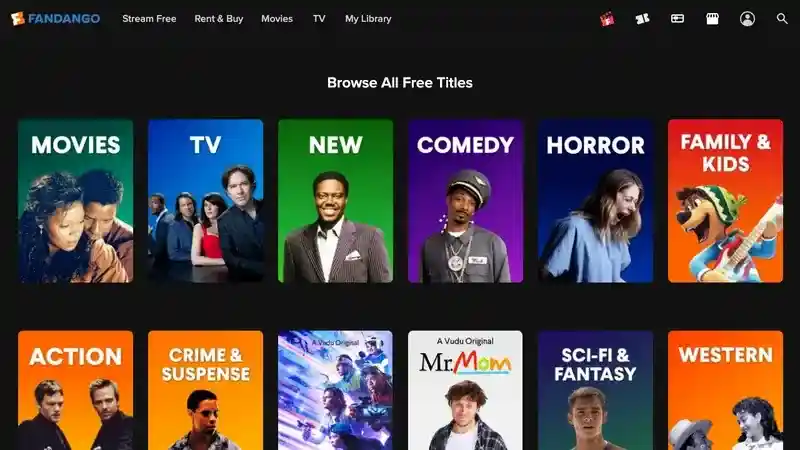
Vudu was renamed Fandango at Home in 2024, so older “Vudu Movies on Us” instructions now point to a different brand. The current service still has a Stream Free area alongside rentals and purchases, making it useful when you want free titles and paid new releases in one account.
Because free, rental, and purchase offers share the same catalog, parents should check the label and price on the title page before playback. The Kids & Family hub helps discovery, but it does not turn the entire service into a child-only environment.
- Best for: Free movies plus optional rentals
- Price: Free tier with ads; rentals and purchases cost extra
- Registration: Required for streaming
- Family note: Confirm both rating and price label
- Current successor to Vudu
- Large free on-demand section
- Kids & Family hub
- Free and paid titles sit together
- Account required
6. Yidio
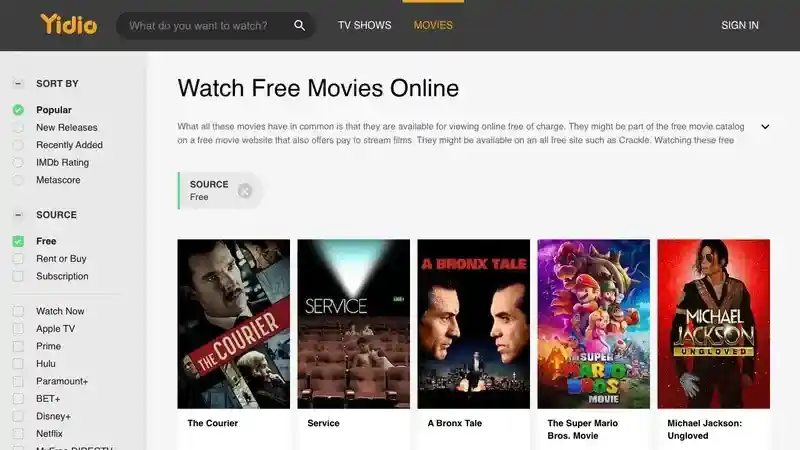
Yidio is a search and discovery guide rather than the final video host. Its Free filter gathers titles available at partner services, then sends viewers to the provider’s website or app to play the movie. This can save time when you do not know which legal service carries a title.
The provider—not Yidio—sets the ads, account requirement, rating controls, and regional access. Check the destination domain and price label after every redirect, especially when a child is browsing.
- Best for: Finding where a movie streams free
- Price: Free search; provider terms vary
- Registration: Optional for Yidio
- Family note: Recheck safety and rating on the destination service
- Searches multiple providers
- Dedicated Free filter
- Useful price comparison
- Redirects to third-party services
- Experience varies by provider
7. Kanopy
Kanopy is the best ad-free option when your public library or university participates. Its catalog emphasizes documentaries, classic cinema, international films, independent movies, and educational viewing rather than only mainstream blockbusters.
Kanopy Kids is particularly useful for families: it offers a curated children’s collection, and parents can set a PIN to exit the kids area. Access and play limits depend on the participating institution, so check your library’s rules after signing in.

- Best for: Ad-free educational and independent films
- Price: Free through a participating institution
- Registration: Library card or university login required
- Family note: Kanopy Kids supports an exit PIN
- No commercials
- Thoughtful, curated catalog
- Strong dedicated kids experience
- Not every library participates
- Viewing allowances can vary
8. Hoopla
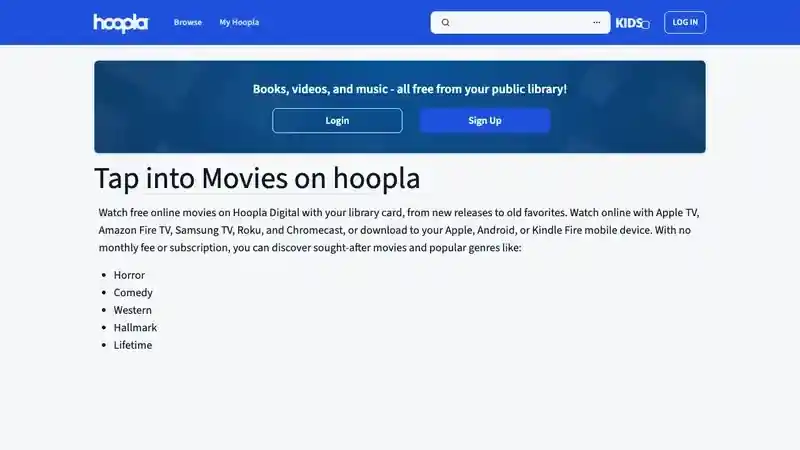
Hoopla lets participating library members borrow movies, TV, ebooks, audiobooks, comics, and music using an email address and library card. Movies can stream online, and supported mobile apps may allow downloads for offline viewing.
Kids Mode filters adult-intended titles from search, browsing, history, favorites, and the main library view. That makes Hoopla one of the clearest family picks, although monthly borrowing limits and available titles are decided by each library.
- Best for: Library users who want Kids Mode
- Price: Free with a participating library card
- Registration: Required
- Family note: Kids Mode filters adult-intended content
- No subscription fee
- Kids Mode is easy to understand
- Some mobile downloads supported
- Borrow limits vary
- Catalog depends on the library
9. YouTube Free Primetime
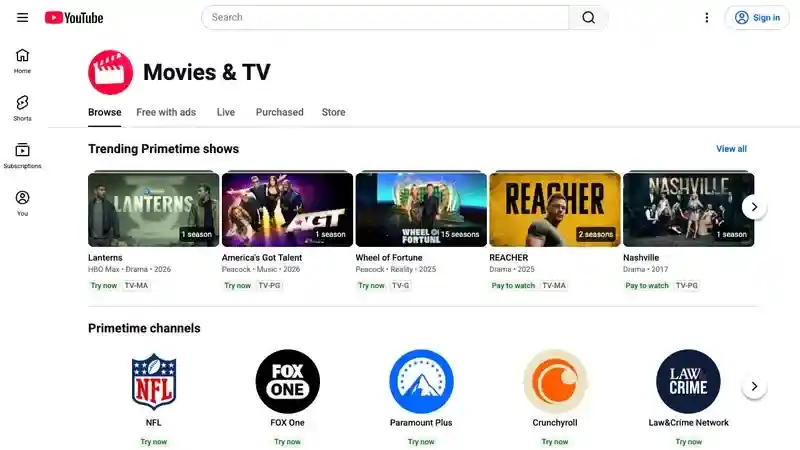
YouTube Free Primetime offers studio movies with ads in the United States, Australia, Japan, Germany, and the United Kingdom. Viewers can find eligible titles in the Movies area or a “free movies for you” shelf, and the catalog changes regularly.
The main YouTube environment contains far more than movies, so parents should combine title ratings with YouTube parental controls rather than handing a child unrestricted access to the standard app.
- Best for: Free movies inside a familiar app
- Price: Free with ads
- Registration: Optional for basic viewing
- Family note: Use supervised settings and verify ratings
- Works on widely available devices
- Studio-supported free catalog
- No separate streaming app needed
- Only available in selected countries
- Standard YouTube includes unrelated content
10. Fawesome
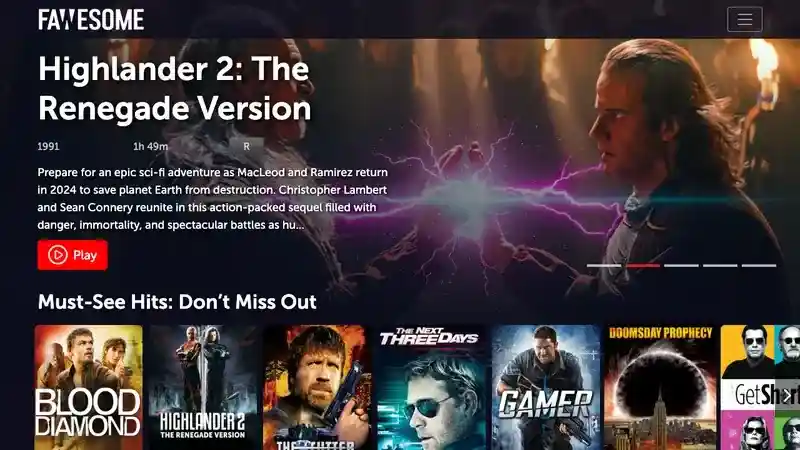
Fawesome is an ad-supported movie and TV platform that advertises free instant streaming with no registration or subscription. It covers common genres and works across web, mobile, smart-TV, and streaming-device platforms.
It is a convenient replacement for older free-movie brands that have disappeared, but its family controls are lighter than Kanopy or Hoopla. Parents should select the movie themselves and check its rating instead of relying only on a genre label.
- Best for: No-registration genre browsing
- Price: Free with ads
- Registration: Not required
- Family note: Parent-selected viewing is preferable
- No registration or subscription
- Available on many device types
- Broad genre coverage
- Fewer parental controls
- Ads support the catalog
Free Streaming Sites to Avoid
Skip sites that promise movies still in theaters, rotate through look-alike domains, hide the operator’s identity, or force a download before playback. Those signals do not prove malware by themselves, but they remove the licensing and accountability checks available on established services.
WatchSeriesHD and similar mirror-style sites are not included in this updated list because a large catalog and an HD label do not establish distribution rights. If a service cannot explain who licenses its content, choose a known ad-supported or library-funded option instead.
- Use the official domain or verified app-store listing.
- Reject fake play buttons, notification prompts, and player downloads.
- Check the rating before playback; a “family” genre can still contain PG-13 titles.
- Do not enter a payment card for a supposedly free movie unless you intentionally choose a rental or trial.
- Read the title label: “free,” “rent,” “buy,” and “included with subscription” are different offers.
For a broader household checklist, review these online safety tips and show children how to close a suspicious page without clicking inside it.
How VigilKids Helps Parents Manage Streaming Safety
VigilKids can add device-level context when a streaming service’s own family controls are limited. On supported Android devices, parents can review browser history, see app activity, block websites or unsafe apps, and use keyword alerts to spot risky searches. These controls work best alongside clear family rules and age-appropriate conversations.
For example, a parent can approve Tubi’s family catalog for shared viewing, block an unlicensed mirror domain, and review repeated late-night browsing patterns before discussing screen habits. If a child repeatedly returns to questionable sites, follow a proportionate plan: explain the risk first, set a boundary, then use blocking or monitoring only as needed. Parents can also follow a step-by-step guide on how to block a website.


VigilKids Pro
- Review browser history and visited URLs from one dashboard
- Block unsafe websites or distracting streaming apps on supported Android devices
- Use app activity and keyword alerts to guide timely family conversations
Frequently Asked Questions
What is the best free movie streaming site?
Tubi is the best overall choice for a broad legal catalog without a subscription or credit card. Kanopy is better for ad-free educational films, while Hoopla is a strong family option if your library participates.
Are free movie streaming sites legal?
Licensed ad-supported services such as Tubi, Pluto TV, Plex, and The Roku Channel are legal. Library-funded services such as Kanopy and Hoopla are also legal. Avoid mirror sites that do not identify the operator or explain their content rights.
Can I watch free movies without signing up?
Yes. Tubi, The Roku Channel, YouTube Free Primetime, and Fawesome allow at least some basic free viewing without registration. An optional account may add watchlists, history, or cross-device syncing.
Which free streaming site has no ads?
Kanopy and Hoopla generally provide ad-free viewing through participating libraries or universities. Access, available titles, and borrowing limits depend on the institution.
Are free movie sites safe for kids?
A legal service is safer than an anonymous mirror, but it is not automatically child-only. Choose age-rated titles, use Kids Mode or PIN controls where available, and supervise younger viewers.
Why are Popcornflix, Crackle, and Freevee not on this list?
This 2026 update prioritizes services with a clearly verifiable current free offering. Freevee content moved to Prime Video’s Watch for Free experience, while older Popcornflix and Crackle references no longer provide the same dependable current choice as the active services above. Vudu remains represented under its current name, Fandango at Home.
Conclusion
Tubi is the easiest all-round choice, Pluto TV is best for live viewing, Yidio helps locate a title across providers, and Kanopy or Hoopla offer the clearest family-friendly structure through participating libraries. Whichever service you choose, verify the official domain, title rating, free label, and regional availability before playback.
When a child uses several streaming apps or searches the open web for free movies, VigilKids can help parents review browsing and app activity, block unsafe sites, and set more consistent boundaries on supported Android devices.
Authoritative Sources
- Tubi: Free Movies & TV
- Pluto TV: About Us
- Plex: Watch Free Movies
- Roku Support: Watch Free Movies and TV Shows
- Fandango: Vudu Is Becoming Fandango at Home
- Fandango at Home: Movies and Stream Free
- Yidio Support: Play and Find Free Movies
- Kanopy: Stream with a Library Card or University Login
- Hoopla: Free Movies with a Library Card
- YouTube Help: Free Primetime Movies and Shows
- Amazon Staff: Freevee Content and Watch for Free
- Fawesome: About Free Streaming
Hot Topics

Is Candy AI Safe? Privacy, NSFW & Billing Review
Is Candy AI safe or a scam? Review its privacy policy, 18+ content, billing, data deletion, user risks, alternatives, and parent safety steps.

Rage Baiting Meaning: Examples, Signs & How to Respond
Learn what rage baiting means, how it differs from trolling and clickbait, common examples, and how teens and parents can respond calmly.
Sexting on Snapchat: Signs, Risks & What Parents Should Do
Learn what sexting on Snapchat means, warning signs parents may notice, urgent risks, and the steps to take if a teen is pressured or threatened.