
You can play FNF unblocked in a browser, through an FNF game site, with a Chrome extension or Android app, from a GitHub Pages build, or by downloading a desktop version. The exact options depend on your device, operating system, and network. On a Chromebook, the browser version is usually the quickest because it starts without a traditional desktop installation.
This guide explains what “FNF unblocked” means, how to start the official browser game, what works on Chromebooks, how to fix ordinary loading problems, and how families can set sensible gaming boundaries.
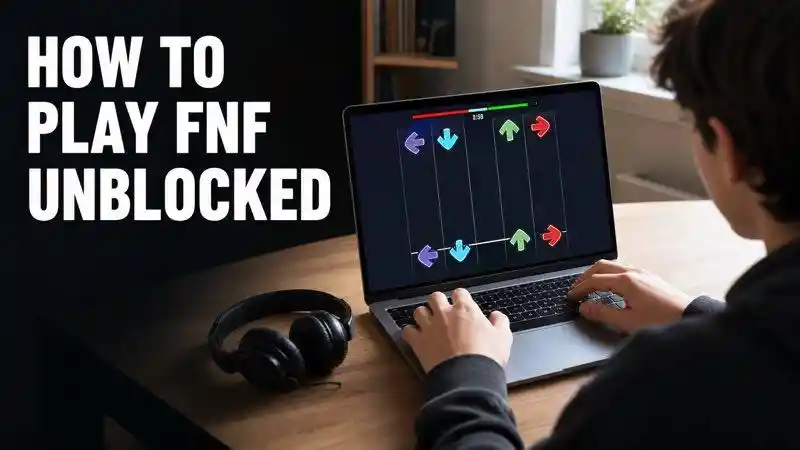
01. What Does FNF Unblocked Mean?
“FNF unblocked” usually means a browser copy of Friday Night Funkin' that opens without a download. A page may work at home but fail on a managed Chromebook because an administrator blocked its domain or category.
Friday Night Funkin' is a rhythm game played with WASD or the arrow keys. The official itch.io listing supports HTML5, Windows, macOS, and Linux and links to the official Newgrounds version. The project remains in development, so details can change. This guide was checked on August 17, 2026.

A policy message, administrator notice, or access-denied page means the network or device owner has restricted the site. A blank canvas, stuttering audio, or frozen loading bar on an otherwise accessible page is more likely a browser or performance problem.
02. How Can You Play FNF Unblocked?
FNF can be played online or installed in several ways. Choose the method that matches the features available on your computer or Chromebook.
Method 1: Play FNF on itch.io or Newgrounds
The creator's itch.io page includes an HTML5 version and links to the Newgrounds release. Open either page in a browser, wait for the game to load, then choose Story Mode or Free Play. Select Easy, Normal, or Hard and use WASD or the arrow keys to follow the notes.
Method 2: Use an FNF Game Website
Browser game sites host FNF and community-made mods without requiring a desktop installation. Competitor guides mention FridayNightFunkin.net, Fnfunkin.com, Fnfplay.com, KBH Games, Unblocked Games 76, Unblocked Games 911, and Lithium. Enter the site address, search for Friday Night Funkin, open a game or mod page, and select Play.
Method 3: Find FNF on Google Sites or GitHub Pages
Some community builds run from Google Sites or GitHub Pages. Search for “FNF unblocked Google Sites” or “Friday Night Funkin unblocked GitHub,” open a result, and look for an embedded game window. On GitHub, a repository may include a Pages link under its About section or in the README.
Method 4: Add an FNF Chrome Extension
Open the Chrome Web Store and search for “Friday Night Funkin.” Select an extension, click Add to Chrome, confirm the installation, and launch it from the Extensions menu beside the address bar. Some extensions open the game in a new tab, while others add a shortcut that can be used from the Chrome launcher.
Method 5: Install an Android Version from Google Play
On a Chromebook, open Settings and go to Apps. If Google Play appears, enable it and open the Play Store. Search for “Friday Night Funkin,” choose an available version, select Install, and open it from the Chromebook launcher. Touch-enabled Chromebooks may also support on-screen controls.
Method 6: Download FNF for Offline Play
The itch.io download page lists builds for Windows, macOS, and Linux. Select Download Now, choose the version for your operating system, save the archive, extract it, and open the included game application. These desktop builds are separate from the HTML5 version used in ChromeOS.
Method 7: Use a Web Proxy or VPN
A web proxy opens a page through another website: enter the FNF page address into the proxy field and select the connect or browse button. A VPN works at the device level: install a VPN app or extension, choose a server, connect, and reload the FNF page. Whether these tools can be installed or used depends on the device and network configuration.
Whichever method you use, the in-game steps are similar: open Story Mode or Free Play, choose a song and difficulty, then press the matching arrow keys in time with the music. The broader guide to unblocked games covers other browser titles and platforms.
03. Can You Play FNF on a Chromebook?
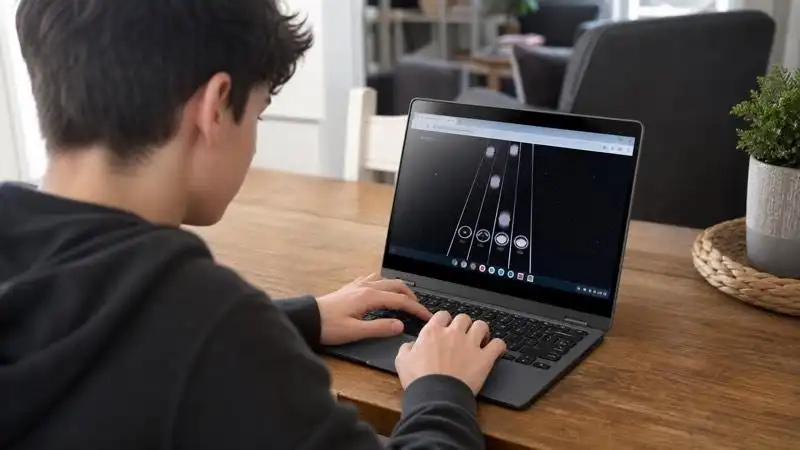
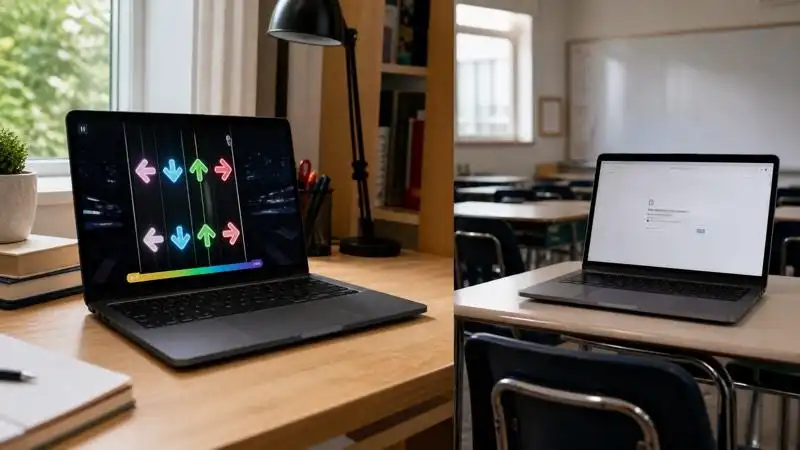
Yes. The HTML5 version runs in Chrome without a Windows or macOS installer. On ChromeOS, use the browser build with an updated browser, enabled audio, and enough free memory.
A school-issued Chromebook can enforce URL blocklists and allowlists. Google documents these administrator controls for managed devices, so available websites, extensions, Android apps, and downloads can differ between personal and managed Chromebooks.
- Personal Chromebook: use the official browser page on a connection where games are allowed.
- School Chromebook: follow the school's acceptable-use policy and use approved break-time resources.
- Chrome extension: install only on a device you control after checking the publisher and rejecting unnecessary “read and change all websites” access.
- Android app: if Google Play appears under Chromebook Settings > Apps, the device supports Play Store apps; verify the developer rather than selecting the first result using the FNF name.
- Offline play: use an official build only on a supported system; do not install unknown CRX or APK files.
04. What If FNF Is Not Blocked but Still Will Not Load?
- Reload once, wait for assets, and close memory-heavy tabs.
- Update Chrome through normal device settings and confirm the tab can play audio.
- Try a stable home connection; a proxy will not fix performance.
- If an administrator notice appears, the problem is policy rather than performance.
05. How Can You Judge FNF Unblocked Sites?
“Free,” “unbanned,” “unflocked,” and “u n b l o c k e d fnf” are search labels, not safety certifications. Check who published a mirror before opening it.
- Start with provenance. Prefer the creator's itch.io page and its official Newgrounds link.
- Reject forced downloads. Browser play should not require an extension, APK, or notification subscription.
- Inspect the address. Lookalike domains and short links may hide the destination; repeated “Play” buttons may be ads.
- Limit permissions. A rhythm game does not need contacts, messages, location, camera, or microphone.
- Review mods separately. Fan content may change themes, language, links, and data practices.
Parents can compare whether Free Fire is suitable for kids and review evidence about video games and real-world violence.
06. How Can Parents Keep FNF Play Balanced?
Agree on when gaming fits, which sources are allowed, and when a session ends.
- Protect homework, sleep, movement, and family responsibilities.
- Stop at a visible point, such as the end of a song or week.
- Use the same rule consistently. The guide to setting app time limits can help families turn a vague promise into a schedule.
If a child repeatedly seeks mirrors, discuss why before tightening controls. Families can review Roblox parental controls or learn how to block a website.
07. How Can VigilKids Support Family Gaming Rules?
On a compatible Android child phone, VigilKids can help parents review browser and app activity, manage distracting apps, and block unsuitable sites. It does not remove school Chromebook controls. Use monitoring with proper authority and explain family rules openly.
- Review browser history and app activity on a compatible Android child device
- Manage distracting apps and block unsuitable websites within a family plan
- Use a web dashboard to understand patterns and discuss healthier routines
See blocking apps on Android for app-specific family controls, and confirm current compatibility before setup.
08. Authoritative Sources
- The Funkin' Crew on itch.io: Friday Night Funkin' controls, platforms, official Newgrounds link, and downloads (checked August 17, 2026)
- Newgrounds: official browser game page linked by the creators (checked August 17, 2026)
- Google Chrome Enterprise and Education Help: allow or block website access (checked August 17, 2026)
- Google Chromebook Help: install and use Android apps on supported Chromebooks (checked August 17, 2026)
- Chrome Web Store Help: extension installation, permissions, and organization controls (checked August 17, 2026)
09. Frequently Asked Questions
Is Friday Night Funkin' free to play?
The creator's itch.io page offers the official browser version and name-your-own-price downloads. Use that first-party page or its linked Newgrounds version instead of assuming every free mirror is authorized or safe.
Can I play FNF unblocked at school?
Only when the school allows gaming and the approved page is accessible. If a managed Chromebook or school network blocks the page, ask the administrator or play later on a personal device and home network; do not use a proxy, VPN, or unmanaged extension to evade the rule.
Are FNF mods safe for kids?
Safety varies by mod. Community-made versions can add different language, themes, links, ads, or downloads, so parents should check the specific creator, source, permissions, and content rather than relying on the base game's name.
10. Final Takeaway
The best way to play FNF unblocked is simple: use the official HTML5 version on a personal device and a network where gaming is permitted. If a school-managed Chromebook blocks it, respect the policy and play later instead of gambling on mirrors or bypass tools. Families can combine official sources, predictable time limits, and open conversation; when Android activity needs extra structure, VigilKids parental controls can support an agreed plan.