
The best Snapchat alternative depends on what you want to replace. Choose WhatsApp for everyday private messaging, Discord or Google Meet for dependable calls, Instagram for filters and social sharing, Signal for privacy-focused chat, or Locket for low-pressure photo updates. The comparison below helps you pick without downloading every app.
Snapchat still combines disappearing messages, camera effects, Stories, and casual conversation in a way that no single competitor copies perfectly. This guide compares nine practical alternatives to Snap by their strongest use case, major limitation, and the feature that matters most when switching.
Part 1. What to Look for in a Snapchat Alternative
Start with the feature you actually use. People who mainly open Snapchat for chats need a different replacement from those who use it for lenses, Stories, or video calls. Before switching, ask whether your friends will move too: even the best app is inconvenient if your closest contacts do not use it.
🟡 A simpler, less distracting experience
Prefer direct messages over an algorithmic discovery feed.
Want to keep close friendships without endless scrolling.
Need clearer notification and screen-time boundaries.
🟢 Better voice and video calling
Choose a call-first service if stable one-to-one or group calls matter more than camera effects.
Check whether the app supports every device your group uses.
For long-distance relationships, prioritize call reliability and low-friction joining over social feeds.
🔴 Privacy and account predictability
“Disappearing” does not prevent screenshots, screen recording, forwarding, or capture with another device.
Encryption coverage varies: an app may protect one-to-one chats differently from group chats, cloud backups, or calls.
Every major platform enforces community and account rules; switching apps does not remove moderation risk.
Quick rule: pick the app that replaces your most-used Snapchat feature, then test it with two or three close contacts for one week before moving your whole group.
Part 2. 9 Best Snapchat Alternatives Compared
There is no universal winner. The table focuses on five decisions that matter most: private chat, video calling, disappearing content, camera-first sharing, and whether a public content feed may create the same distractions you are trying to avoid.
| App | Best for | Video calls | Disappearing content | Camera/social feel | Main trade-off |
|---|---|---|---|---|---|
| Daily private chat | ✅ | ✅ | Limited | Fewer playful lenses | |
| Discord | Calls and groups | ✅ | ❌ | ❌ | More setup and channels |
| Filters and social sharing | ✅ | Limited | ✅ | Feed can be distracting | |
| Messenger | Family and Facebook contacts | ✅ | ✅ | Limited | Tied to Meta ecosystem |
| Telegram | Large groups and Secret Chats | ✅ | ✅ | Limited | Secret Chats are device-specific |
| Signal | Privacy-focused messaging | ✅ | ✅ | ❌ | Smaller contact network |
| Google Meet | Focused video meetings | ✅ | ❌ | ❌ | Not a social messenger |
| Locket | Close-friend photo sharing | ❌ | ❌ | ✅ | Not a full chat replacement |
| iMessage | Apple-to-Apple chat | Via FaceTime | Limited | Limited | Best inside Apple ecosystem |
Fastest way to choose: WhatsApp is the most balanced everyday replacement; Signal is the privacy-first pick; Discord is strongest for persistent friend groups and calls; Instagram feels closest to a mainstream camera-based social network; and Locket works best when you only want intimate photo updates.
1 WhatsApp — Best Overall for Private, Everyday Chats
WhatsApp is the easiest switch for people who mainly use Snapchat to message friends or make calls. It combines one-to-one and group chats, voice and video calls, Status updates, and optional disappearing messages in one familiar app.
Choose it if: your priority is a dependable daily messenger that many contacts already use.
Snap-like feature: disappearing messages and Status updates cover part of the temporary-sharing experience.
Know before switching: it is messaging-first, so its camera effects and discovery experience are much lighter than Snapchat.

2 Discord — Best for Calls and Persistent Friend Groups
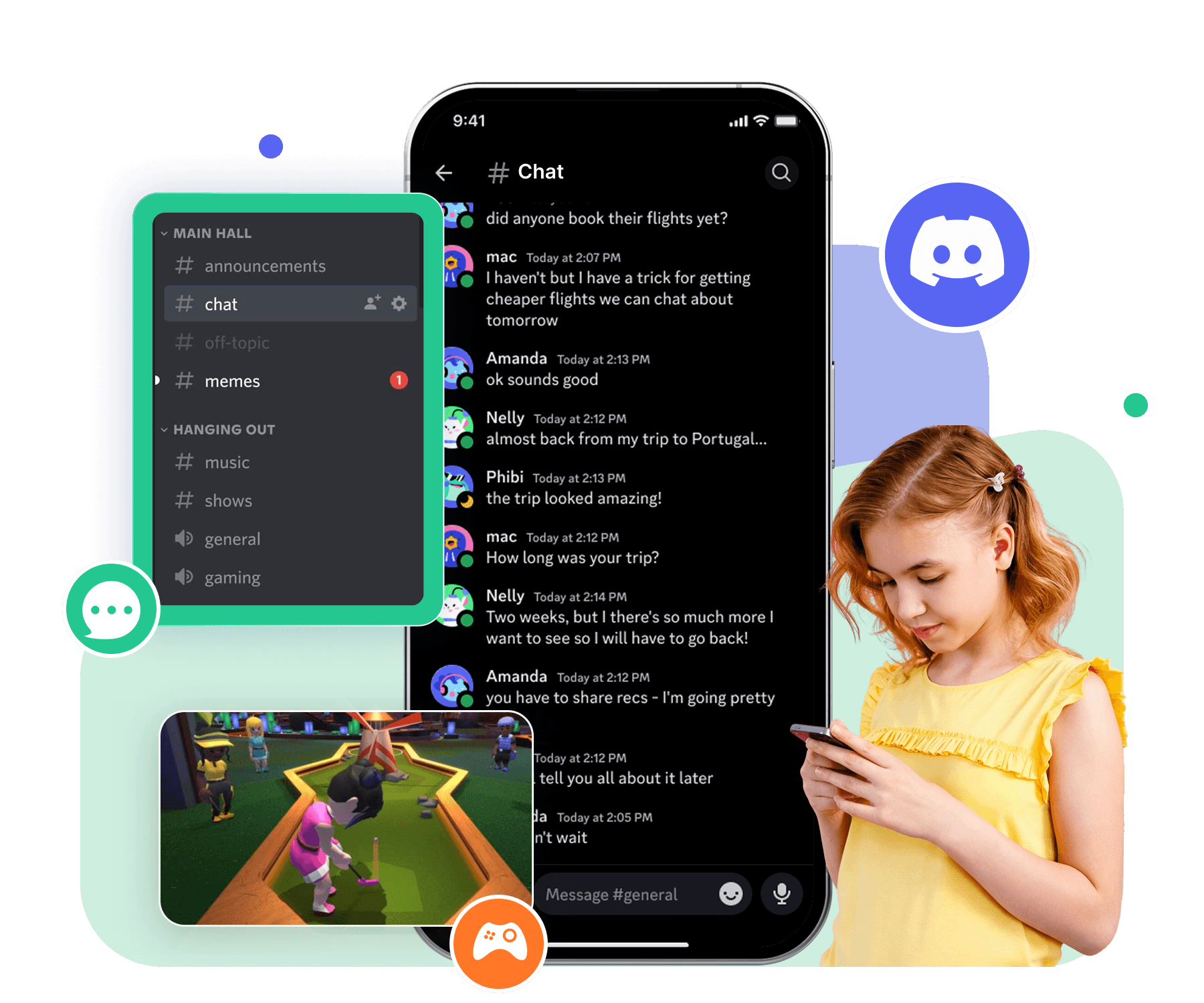
Discord works well when the real goal is to talk, watch, play, or study together. Direct messages support voice and video calls, while private servers let a group organize separate text and voice channels.
Choose it if: your group wants calls, screen sharing, and spaces that stay organized over time.
Snap-like feature: casual real-time conversation with friends.
Know before switching: it does not replace Snapchat lenses or camera-first Stories, and server permissions require some setup.
3 Instagram — Best for Filters, Stories, and Social Discovery
Instagram is the closest choice for people who want a large social network with Stories, Reels, camera effects, direct messages, and calls. Friends who already use Instagram may not need to install anything new.
Choose it if: filters and visual sharing matter more than a distraction-free experience.
Snap-like feature: Stories and camera effects create the most familiar public-facing experience in this list.
Know before switching: Explore and Reels can increase, rather than reduce, time spent scrolling.

4 Facebook Messenger — Best for Family and Existing Facebook Contacts
Messenger is convenient when parents, relatives, or long-time friends are already connected through Facebook. It supports direct and group messaging, voice and video calls, and disappearing messages in eligible encrypted chats.
Choose it if: contact availability matters more than trendy camera tools.
Snap-like feature: messaging, calls, and timed disappearing messages.
Know before switching: Meta states that Messenger call links and video calls are not necessarily end-to-end encrypted, so do not assume every feature has the same protection as an encrypted chat.

5 Telegram — Best for Large Groups and Optional Secret Chats
Telegram combines cloud-synced messaging, large communities, calls, and device-specific Secret Chats. It is flexible, but readers should understand that ordinary cloud chats and Secret Chats use different security models.
Choose it if: you want cross-device cloud chats plus an optional private mode for sensitive one-to-one conversations.
Snap-like feature: self-destruct timers are available in Secret Chats, and selected media can use timers in private cloud chats.
Know before switching: Secret Chats are end-to-end encrypted and device-specific; they do not sync through Telegram Cloud.
6 Signal, Viber, LINE, or Comera — Best Niche Picks by Privacy or Region
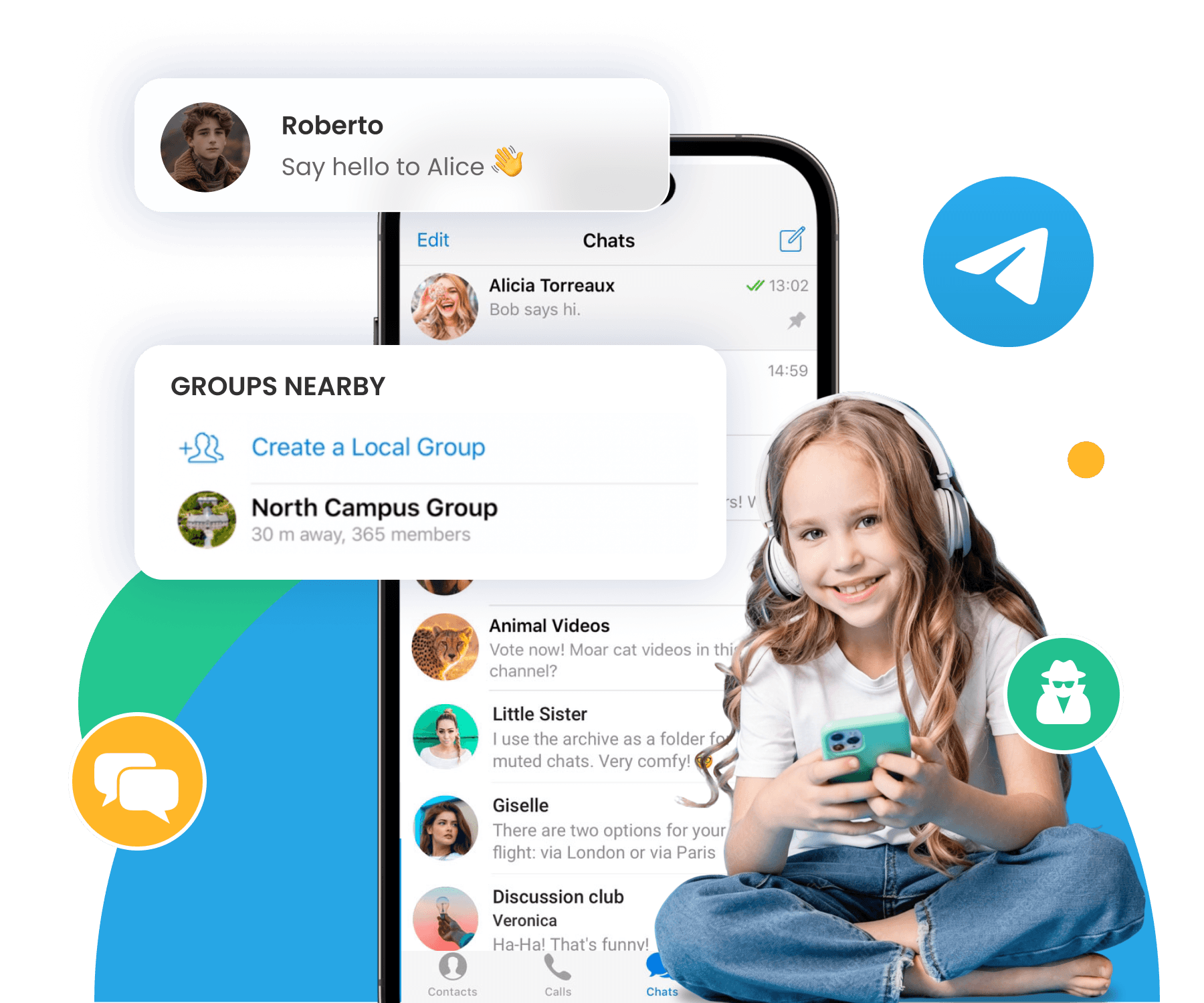
These apps should not be treated as one identical product. Signal is the clearest privacy-first choice, while LINE and Viber may be easier when they are already common in your country or friend group. Comera is another messaging option, but availability and adoption should be checked locally.
Choose Signal if: private messaging and disappearing-message controls matter more than filters or a public feed.
Choose LINE or Viber if: most of your contacts already use the service in your region.
Know before switching: a smaller local contact network can make any technically strong app a poor practical replacement.
7 Google Meet — Best for Focused Video Calls
Google Meet is a call tool rather than a social network. It is useful when Snapchat’s chat, Stories, and filters are irrelevant and you simply need a meeting link for a study session, family call, or one-to-one conversation.
Choose it if: reliable, scheduled, or link-based video meetings are the entire requirement.
Snap-like feature: face-to-face video communication, with selected effects and filters available in Meet.
Know before switching: it has no persistent social feed and is not a direct replacement for daily photo messaging.
8 Locket — Best for Low-Pressure Photo Sharing
Locket focuses on a small circle: friends send photos that appear in a home-screen widget. That makes it a good alternative for people who like spontaneous visual updates but do not need a full social feed.
Choose it if: you want intimate, camera-first sharing with close friends.
Snap-like feature: quick, informal photos that keep a friendship visually present throughout the day.
Know before switching: it does not replace full messaging, public Stories, or video calling.
9 iMessage — Best Basic Alternative for Apple Users
iMessage is the simplest option when everyone already uses Apple devices. It handles text, media, reactions, and other everyday exchanges without adding another account, while FaceTime covers voice and video calls.
Choose it if: you want a clean Apple-to-Apple chat and do not need a discovery feed.
Snap-like feature: casual photo, video, and audio sharing inside a conversation.
Know before switching: the experience is strongest inside the Apple ecosystem and does not replicate Snapchat’s public camera platform.
Part 3. Build Healthier Social App Habits
Switching apps can remove a frustrating feature, but it will not automatically reduce distraction. If the real problem is screen time, social pressure, or late-night notifications, pair the move with a small behavior change.
📵 Four practical ways to reset the habit
Turn off nonessential notifications and keep only direct-message or call alerts from close contacts.
Set phone-free hours, especially before sleep, during school, and while working.
Tell close friends where to reach you before deleting or pausing Snapchat.
Run a seven-day test with one replacement, then decide based on actual use instead of downloading several apps at once.
Tools That Help Families Build Healthy Boundaries
For families using devices they own or supervise with the child’s knowledge, VigilKids can support conversations about app use, screen-time routines, and online safety. Use parental-control tools transparently and in line with local law, platform rules, and the child’s age.


Final Thoughts
Snapchat has no exact replacement. For the broadest everyday switch, start with WhatsApp; for privacy-focused messaging, try Signal; for calls and organized friend groups, choose Discord; for Stories and filters, Instagram is the closest mainstream match; and for photo-only connection with close friends, Locket is the most focused option.
The best choice is the app your important contacts will actually use—and the one that supports healthier communication. For parents who want more visibility into a child’s social app use, VigilKids helps review supported app activity and identify potential online safety concerns from one dashboard. Use it only on devices you own or supervise and in accordance with local laws.
FAQs About Snapchat Alternatives
Q1: What is the best overall alternative to Snapchat?
WhatsApp is the most balanced choice for private chats, voice and video calls, group communication, and optional disappearing messages. Instagram is a closer fit if Stories, filters, and public social sharing are more important.
Q2: Which app is most like Snapchat for filters and Stories?
Instagram is the closest mainstream alternative because it combines Stories, camera effects, direct messages, and a large social network. It is less suitable if your goal is to avoid feeds and short-form content.
Q3: Which Snapchat alternative is best for privacy?
Signal is the clearest privacy-first option in this comparison. Telegram can also use end-to-end encrypted Secret Chats, but ordinary Telegram cloud chats use a different encryption model, so users should not treat both modes as identical.
Q4: What is the best Snapchat alternative without a public feed?
WhatsApp and Signal are strong messaging-first options without a Snapchat-style discovery feed. Locket is better if you want close-friend photo sharing, while Google Meet works when you only need video calls.
Q5: Are disappearing messages completely private?
No. A recipient may still take a screenshot, make a screen recording, copy content, or photograph the screen with another device. Use disappearing messages only with people you trust and review each app’s encryption and backup settings.
Sources and Verification Notes
Feature checks were reviewed on August 12, 2026. App interfaces and availability can vary by device, region, account, and product update.
Discord Support: Video Calls — confirms calls in DMs and server voice channels.
Telegram FAQ — confirms the distinction between cloud chats and device-specific, end-to-end encrypted Secret Chats, plus self-destruct timers.
Messenger Help Center: Disappearing Messages — explains timers and capture limitations.
Messenger Help Center: How Calls Work — documents encryption limitations for Messenger calls.
Google Meet Help: Start or Schedule a Meeting — confirms meeting links, calling, effects, and filters.
Related Topics
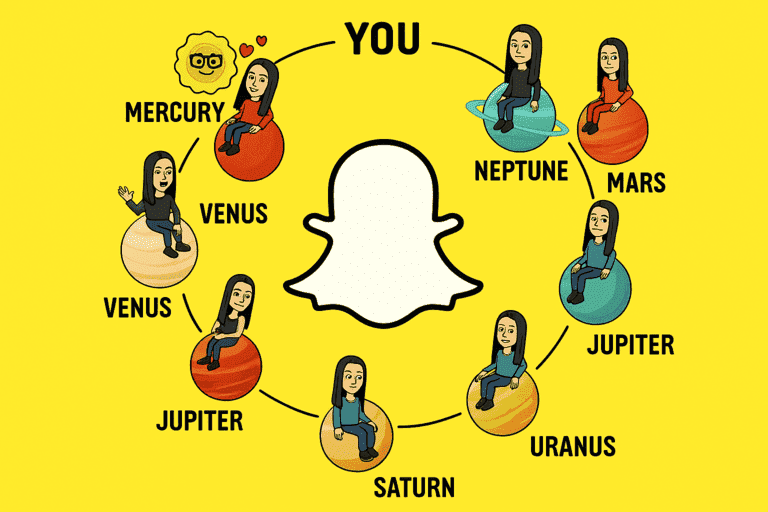
🪐 Snapchat+ and Snap Planets Explained: Features, Order, and Hidden Logic
Learn how Snapchat+ Snap Planets and the Friend Solar System work, what each planet ranking means,
8 Best Snapchat Viewers to View Stories Anonymously in 2026
Discover the top 10 anonymous Snapchat story viewers in 2026 and learn how to view Snapchat stories anonymously.
Snapchat Cheating: Tips and Signs to Watch For
Wondering if someone's cheating on Snapchat? Discover 10 real signs, how to spot secret accounts, and what to do.