
Looking for safe places to watch cartoons online free? Start with licensed, ad-supported services and official kids' platforms. The options below cover classic cartoons, anime, educational shows, and live channels, but catalogs and availability can vary by region.
This guide compares 11 free cartoon websites and apps, explains what each is best for, and shares practical steps parents can use to make streaming safer.
11 Best Websites to Watch Cartoons Online Free
The best place to watch depends on the viewer's age, preferred shows, and location. Use the comparison first, then check the rating and parental controls for the specific title before a child starts watching.
Quick Comparison Table
Need a fast shortlist? Compare how each platform works below, then tap a platform name to jump to its full review, viewing cautions, and best-use notes.
| Platform | Free access | Account | Best for |
|---|---|---|---|
| Tubi | With ads | Optional | Large family catalog |
| Plex | With ads | Optional | On-demand + live TV |
| Pluto TV | With ads | Usually no | Live channels |
| Sling Freestream | With ads | Optional | Live + on-demand |
| PBS KIDS | Ad-free | No | Younger children |
| Yidio | Search tool | Optional | Finding legal sources |
| YouTube Kids | With ads | Optional | Parent-managed viewing |
| Pokémon TV | Varies | Varies | Official Pokémon viewing |
| RetroCrush | With ads | Optional | Classic anime |
| Cartoon Network | Partial | Varies | Official CN videos |
| DisneyNOW | Partial | Varies | Disney kids' shows |
1. Tubi
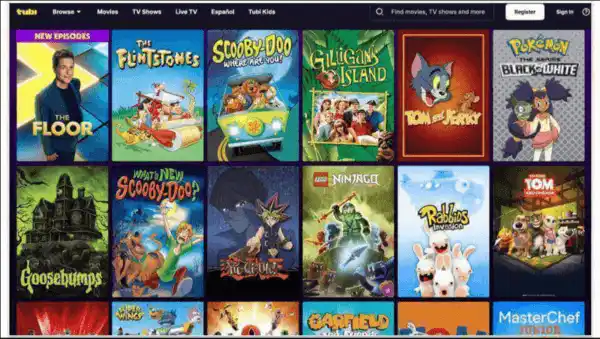
Tubi is a licensed, ad-supported streaming service with a dedicated kids section. Its catalog includes family shows, animation, and anime, and an account is optional for basic viewing. Because ratings range from preschool to teen, parents should choose titles rather than treating the entire catalog as one age level.
- Cost: Free with ads
- Account: Optional
- Best for: A large, mixed-age cartoon catalog
2. Plex
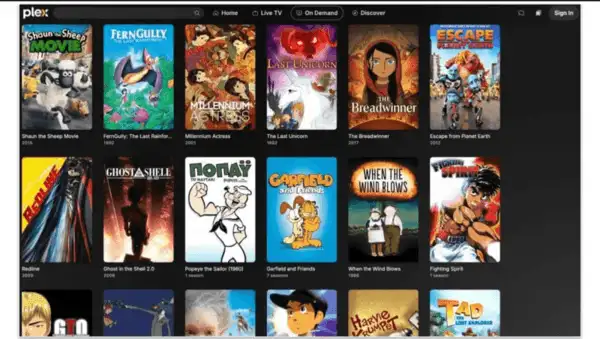
Plex combines free on-demand titles with live channels. It is useful for families who want both classic and newer animation in one place. Registration is generally optional for free streaming, while an account can help save watchlists and continue viewing across devices.
- Cost: Free with ads
- Account: Optional
- Best for: On-demand cartoons plus live TV
Help Kids Watch Cartoons More Safely with VigilKids
Review screen activity and support healthy viewing limits on a parent-managed Android device after setup.
3. Pluto TV
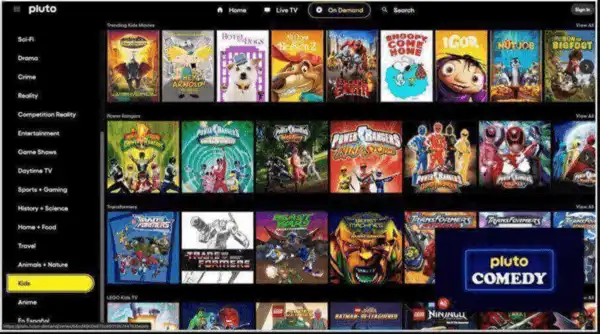
Pluto TV offers free live channels and on-demand programs in a familiar channel-guide format. It works well for casual viewing, but the lineup changes and ads are part of the experience. Check the rating of each program, since live channels can move between different audiences throughout the day.
- Cost: Free with ads
- Account: Not usually required
- Best for: Live, TV-style cartoon viewing
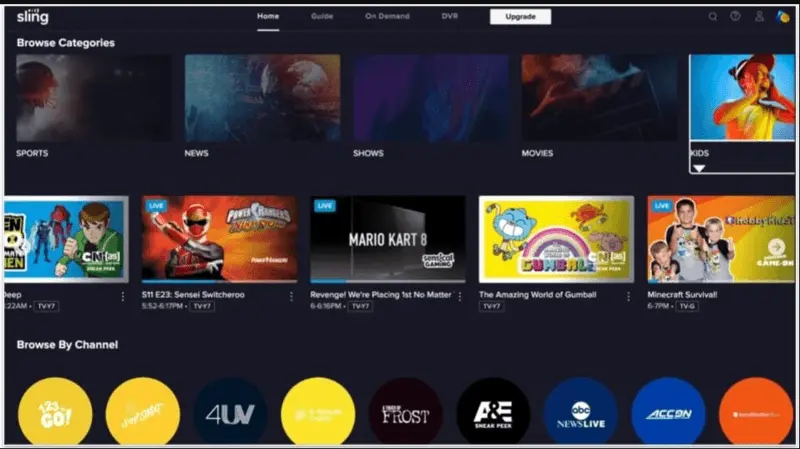
4. Sling Freestream
Sling Freestream provides free live channels and selected on-demand programs without a paid Sling subscription. The cartoon selection varies, so it is better for browsing than for finding one guaranteed series. Optional registration can add features such as favorites and viewing history.
- Cost: Free with ads
- Account: Optional
- Best for: Live channels and changing on-demand selections
5. PBS KIDS
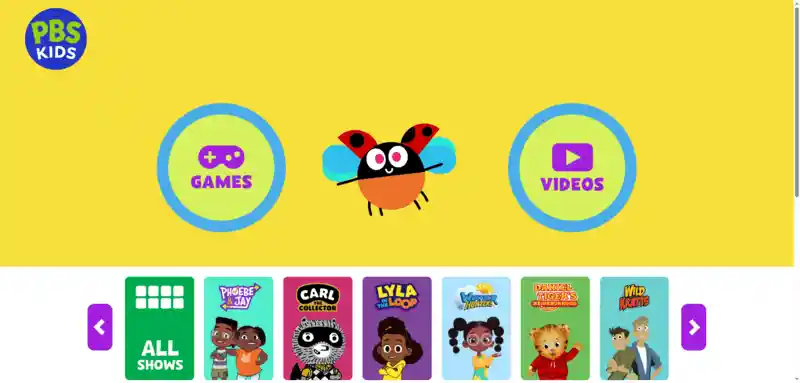
PBS KIDS is one of the strongest choices for younger children because it focuses on educational, age-appropriate programming. Families can watch full episodes, clips, and a live stream without a subscription. Availability may depend on location and the local PBS station.
- Cost: Free
- Account: Not required
- Best for: Educational programs for preschool and early-elementary viewers
6. Yidio
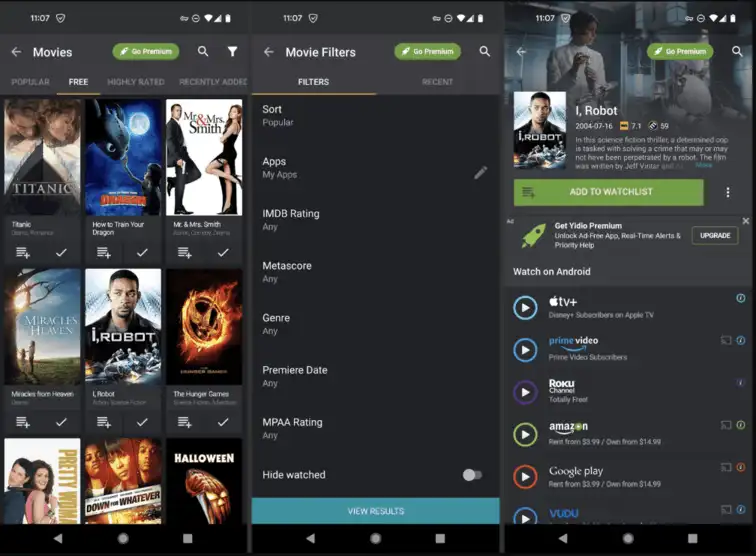
Yidio is a search and discovery service rather than a video host. It helps viewers find where a cartoon is legally available, including free, rental, and subscription options. Always check the destination service and price before pressing play, because not every result is free.
- Cost: Free to search; destination prices vary
- Account: Optional
- Best for: Finding which licensed service carries a show
7. YouTube Kids
YouTube Kids offers a child-focused interface with parent tools for content settings, search, timers, and approved-content-only viewing. Automated filtering is not perfect, so parents should configure the child's profile and review recommendations instead of relying on defaults alone. Follow these YouTube parental-control setup steps before handing over the device.
- Cost: Free with ads; paid experience may vary
- Account: Optional, but useful for parent controls
- Best for: Parent-managed short videos and kids' channels
8. Pokémon TV
The official Pokémon website directs viewers to current ways to watch Pokémon animation. Episode availability and the supported service can change over time and by region, so use the official watch page rather than unofficial mirrors.
- Cost: Free options may be available
- Account: Depends on the selected service
- Best for: Official Pokémon episodes and series information
9. RetroCrush
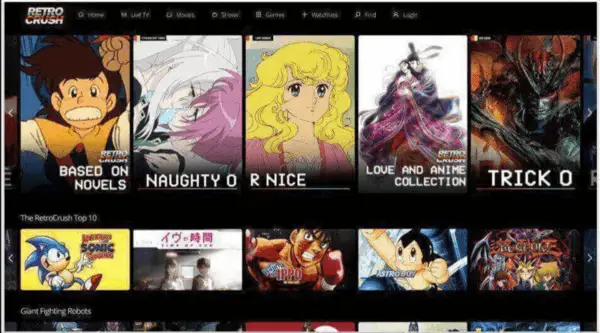
RetroCrush specializes in classic anime and cult animation. Some titles can be streamed free with ads, while premium access may unlock additional content or features. Its catalog includes mature themes, so it is better suited to teens and adults after checking each title's rating.
- Cost: Free with ads plus optional premium access
- Account: Optional
- Best for: Classic anime fans
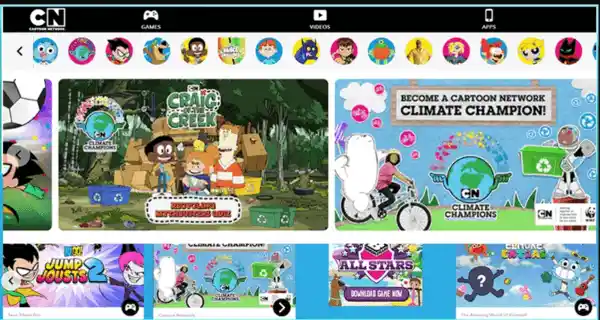
10. Cartoon Network
Cartoon Network's official site and apps provide clips and selected episodes from its shows. Some videos may be open to everyone, while others can require a participating TV-provider login. The selection changes, making the official site a safer first stop than an unofficial copy.
- Cost: Free / partial access
- Account: Varies by episode
- Best for: Official Cartoon Network clips and episodes
11. DisneyNOW
DisneyNOW brings together selected Disney Channel, Disney Junior, and Disney XD videos and games. Some clips and episodes are available without a login, while locked content may require a participating TV provider. Parents should use the age profile and program rating as their guide.
- Cost: Free / partial access
- Account: Varies by episode
- Best for: Official Disney kids' shows and clips
How to Watch Cartoons Online Safely
Even legitimate free streaming services may show ads, recommend mixed-age content, or link to features outside the video player. Before handing over a device, use these basic safeguards:
- Choose licensed platforms — Use official network sites, public broadcasters, and trusted ad-supported services.
- Check content ratings — Review each cartoon’s age rating and maturity level instead of relying on platform-wide labels.
- Set up child profiles — Enable content filters, disable search for younger children, and review autoplay settings.
- Manage ads and links — Teach safe browsing habits and learn how to block unsafe websites on family devices.
- Set viewing limits — Create daily schedules and encourage device use in shared family spaces.
If a child encounters mature or disturbing material, focus first on a calm conversation and use this guide to respond when a child watches inappropriate content.
How VigilKids Helps Parents Manage Cartoon Streaming
Streaming-platform controls are the first layer of protection, but they work one service at a time. If a child switches between cartoon websites, YouTube, browsers, and other apps, VigilKids Android parental control can help an authorized parent understand the broader viewing context from one dashboard after setup.

What VigilKids Can Help With
- Screen activity review — understand which supported apps and pages appear on the managed device.
- Content-related alerts — identify potentially harmful material that may need a parent’s attention.
- Screen-time context — compare viewing habits with family rules and learn how to check screen time on Android.
- One parent dashboard — review supported device insights without checking each streaming service separately.
How to Use VigilKids for Safer Viewing
- Step 1. Set suitable cartoon platforms, ratings, and screen time rules with your child.
- Step 2. Follow VigilKids setup steps on a managed Android device and enable only needed permissions.
- Step 3. Check viewing activity and habits through the parent dashboard, including off-topic recommendations or ads.
- Step 4. Adjust controls, set app time limits, and guide safer viewing choices.
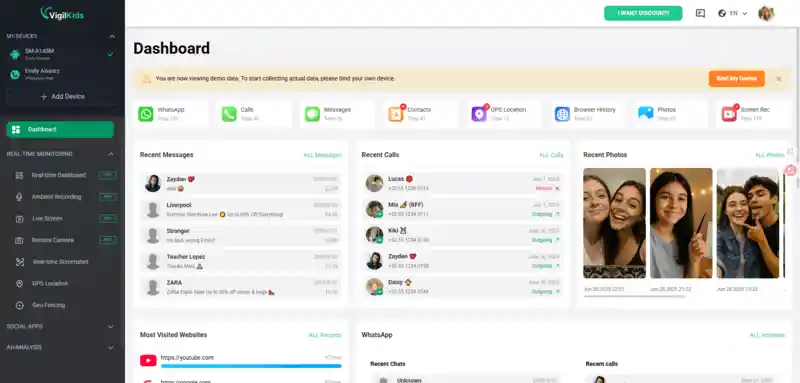
Available features depend on the device, Android version, plan, permissions, and product mode. Use parental-control tools only on a child or family-managed device where you have legal authority, explain age-appropriate family rules, and treat dashboard information as a starting point for conversation.
FAQs About Free Cartoon Websites
Q1: Where can I watch cartoons online free legally?
Licensed ad-supported services and official broadcaster sites are the safest starting points. Examples include Tubi, Pluto TV, PBS KIDS, and official network services, though availability varies by region.
Q2: Are free cartoon websites safe for children?
Not automatically. Check whether the service is licensed, review the specific program rating, configure child-profile controls, and supervise ads, recommendations, and external links.
Q3: Is KissCartoon still available?
The original KissCartoon is no longer a reliable legal option. Sites using similar names may be unofficial clones, so avoid them and use licensed alternatives.
Q4: Do I need an account to watch free cartoons?
Often no, but an account can enable watchlists and parental settings. Requirements differ by platform, title, device, and region.
Conclusion
The safest way to watch cartoons online free is to use licensed platforms, check each title's rating, and configure the available child controls. Start with PBS KIDS for younger viewers or established ad-supported services for a broader catalog, then add device-level parental controls only when your family needs them.
Want more control over your child’s viewing habits? VigilKids Android parental control helps parents monitor screen activity, manage app usage, and create safer digital routines.
Sources
- Tubi: Official Kids Shows Catalog
- Plex Support: Free Movies, Shows, and Live TV
- Pluto TV: Official Free Streaming Overview
- PBS KIDS: Official Videos
- YouTube for Families Help: Manage YouTube Kids Profile Settings
- DisneyNOW: Official Shows and Episodes
Fact-checked and updated: July 24, 2026. Catalogs, account requirements, and regional availability may change.
More Popular Articles
8 Best Parental Control Apps for Android in 2026: Screen Time, GPS, and App Blocking
Compare the best Android parental control apps in 2026 for screen time, location tracking, app blocking, web filtering, and teen safety. See tested picks.

Top Parental Control Apps 2026: iPhone, Android, Mac & PC
The top parental control apps in 2026 for every family type — by age, by platform, by household setup. Compare 7 picks including VigilKids, Bark, and Family Link.
Best Text Monitoring App for Parents | iOS & Android Guide
Discover the best text monitoring app for parents and parental control app to read text messages. Compare iOS and Android solutions, features, and safety tips.