

Searching for Facebook Messenger parental controls in 2026? Here's the honest truth: Messenger itself offers very little in the way of built-in controls for teens, and what does exist is easy to miss or work around. This guide cuts through the confusion — we'll show you exactly which native safety features actually exist, where each one falls short, and how to fill the gaps with tools that genuinely keep your child safe. No false promises, just what really works.
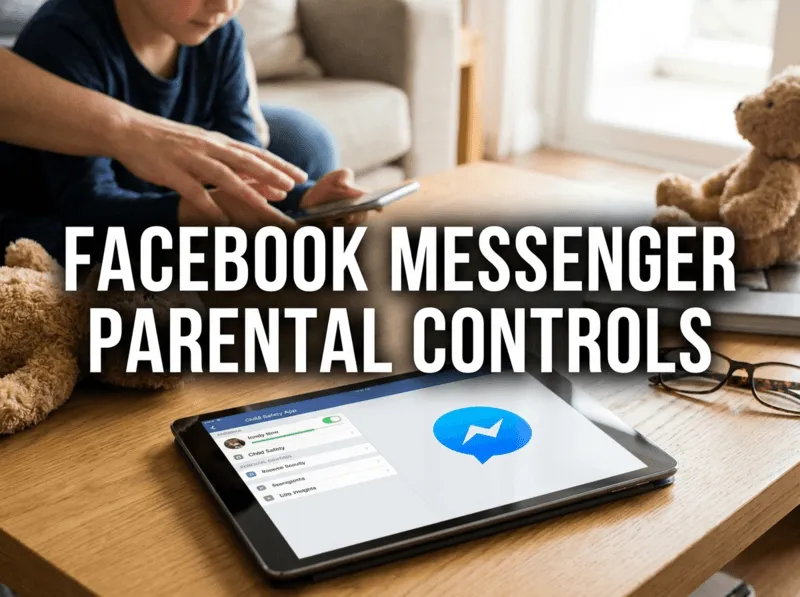
Quick answer:
Messenger has no comprehensive built-in parental control panel for teen accounts. Meta offers some teen safety defaults and a separate app (Messenger Kids) for under-13s, but for real visibility into a teen's chats, parents need device-level controls plus a dedicated monitoring tool like VigilKids.
- Table Of Contents
- What Parental Controls Does Messenger Actually Have?
- Messenger Kids: Controls for Under-13s
- Device-Level Controls That Help
- Filling the Gaps with VigilKids

- What Actually Works: At a Glance
- FAQs
What Parental Controls Does Messenger Actually Have?
Many parents assume Messenger has a dedicated parental control dashboard like some other apps. It doesn't. What Meta provides instead is a set of teen safety defaults and privacy settings — useful, but limited, and not the same as true parental oversight. Here's what genuinely exists in 2026:
- Default privacy settings for teens: Accounts for younger users come with stricter defaults, such as limits on who can message them and who can add them. These reduce unsolicited contact but don't give parents any visibility.
- Message requests filtering: Messages from people a teen isn't connected to land in a separate requests folder rather than the main inbox. It's a buffer, not a control — the teen can still accept and reply.
- Restrict, block, and report: A teen can quietly restrict or block a contact, and report abusive messages. These rely on the child taking action themselves.
- Meta's Family Center: Meta's cross-app supervision hub shows limited teen activity for linked accounts — things like time spent and contacts on Instagram — but its Messenger-specific visibility is minimal and does not include message content.
The honest limitation:
None of these features let a parent see who their child is talking to or what's being said in Messenger. They're designed around the teen's own privacy and self-management — which is great in principle, but leaves parents without the visibility they often need to step in early.
Messenger Kids: Controls for Under-13s
For children under 13, Meta offers a genuinely parent-controlled option: Messenger Kids. This is a separate app, distinct from standard Messenger, and it's the one place where real parental controls live.
- Contact approval: Parents approve every contact from their own Facebook account, so children can only chat with people you allow.
- Activity visibility: A parent dashboard shows recent contacts, reported messages, and who your child is interacting with.
- Sleep mode and time controls: You can set times when the app is unavailable.
- No public discoverability: Children don't appear in search the way standard accounts can.
Messenger Kids is a solid choice for younger children. The catch is obvious: it only applies to under-13s, and the moment your child moves to the standard Messenger app, all of these controls disappear. That transition is exactly where most parents start looking for alternatives.

Device-Level Controls That Help
Since Messenger's own controls are thin for teens, the operating system on your child's phone is your next layer. These won't show message content, but they manage access and time effectively.
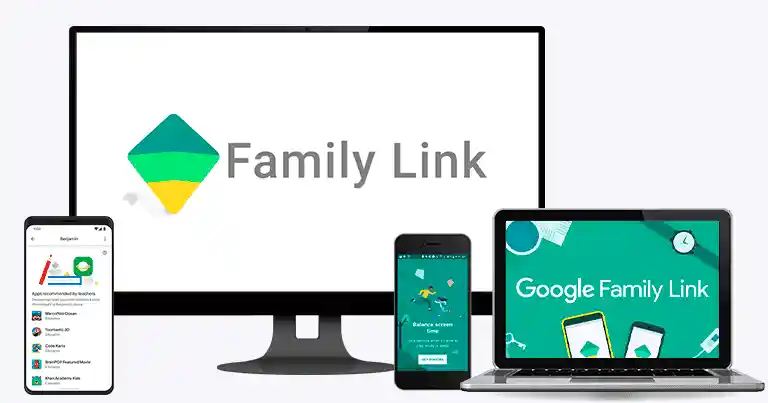
Google Family Link (Android)
Family Link lets you set daily time limits on Messenger, schedule downtime, approve or block app downloads, and view usage reports. It's free and effective for managing how much your child uses the app.
Apple Screen Time (iPhone)
On iPhone, Screen Time offers similar controls: app limits for Messenger, downtime scheduling, content restrictions, and communication limits. You can also block the installation of new apps so a child can't simply download a workaround.
What device controls can't do:
Family Link and Screen Time are about access and time, not content. They won't tell you who your child is messaging, what's being shared, or whether a stranger has reached out. For that level of insight, you need a dedicated monitoring tool.
Filling the Gaps with VigilKids
This is where the real gap gets filled. Because neither Messenger's native settings nor device controls show you actual chat activity, a dedicated tool like VigilKids is what most parents end up relying on for genuine visibility. It's purpose-built for family safety and gives you real-time insight into a teen's Messenger use — the one thing the built-in options can't. You can preview it in the Messenger monitoring demo.
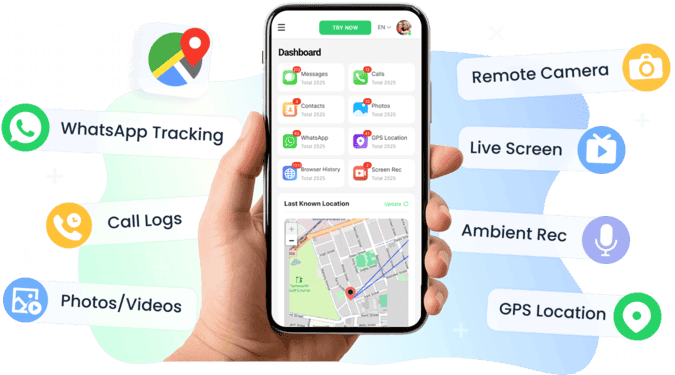
Setup takes just three simple steps:
- Step 1. Create your VigilKids account and pick a plan.
- Step 2. Install the app on your child's phone — the guided wizard handles permissions in about two minutes, then syncs automatically.
- Step 3. Open your dashboard from any browser, select the Messenger module, and view activity in real time.
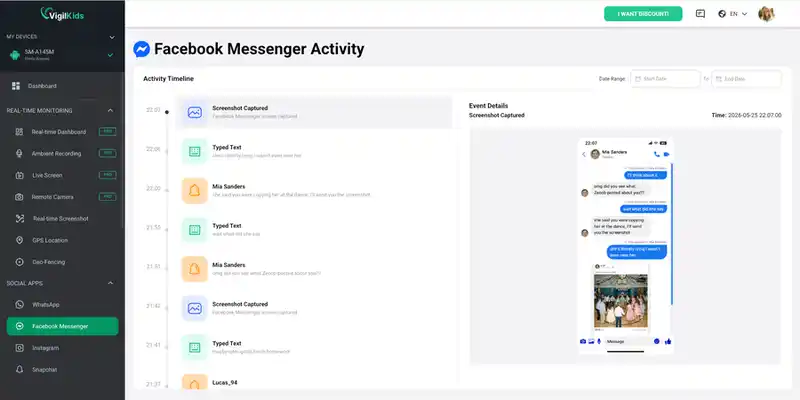
What VigilKids shows you that Messenger can't:
- Sent and received Messenger messages, including full conversations
- Shared photos, videos, voice notes, and call history
- Who your child talks to, with alerts for unknown contacts
- Live screen mirroring and remote screenshots
- Instant keyword alerts so concerning words flag automatically
- Captured content stays visible even if your child deletes it
It's also one of the most complete parental control apps, covering screen time, location, and app usage alongside Messenger — so it doubles as the device-level layer too.
What Actually Works: At a Glance
Here's how the options compare, so you can build the right combination for your family.
| Option | Controls Access? | Shows Messages? | Best For |
|---|---|---|---|
| Messenger teen defaults | Partial | No | Basic privacy |
| Messenger Kids | Yes | Limited (contacts) | Under-13s |
| Family Link / Screen Time | Yes | No | Time & app limits |
| VigilKids | Yes | Yes (real-time) | Full teen visibility |
The takeaway: no single built-in feature does it all. For a younger child, Messenger Kids plus device limits is often enough. For a teen on standard Messenger — where the native controls go quiet — pairing device controls with VigilKids is what actually delivers both access management and content visibility.
FAQs
Q1: Does Facebook Messenger have built-in parental controls?
Not in a full sense. Standard Messenger offers teen privacy defaults and message filtering but no parental dashboard for viewing chats. Real parental controls only exist in the separate Messenger Kids app for under-13s.
Q2: How do I put parental controls on my teen's Messenger?
Since standard Messenger lacks built-in controls for teens, combine device-level tools (Family Link or Screen Time) for time and access limits with a monitoring tool like VigilKids for actual visibility into messages and contacts.
Q3: What is the difference between Messenger Kids and standard Messenger controls?
Messenger Kids is a separate app for under-13s with genuine parental controls — contact approval, activity visibility, and time limits. Standard Messenger has none of these; once a child moves to it, those controls no longer apply.
Q4: Can I see my child's Messenger messages with parental controls?
Not with Messenger's native settings or device controls — neither shows message content. A dedicated monitoring tool like VigilKids is what lets parents view actual conversations, media, and contacts in real time.
Q5: Are Messenger parental controls enough to keep my child safe?
On their own, no. The built-in features are limited, so most parents layer device controls with a monitoring tool and, just as importantly, ongoing conversation about online safety.
Conclusion
The reality of Facebook Messenger parental controls in 2026 is that the built-in options are thin: teen privacy defaults and message filtering help a little, Messenger Kids works well but only for under-13s, and device controls manage time but not content. To genuinely know your child is safe on Messenger, you need real visibility — and that's where VigilKids fills the gap, with real-time access to messages, media, and contacts that no native setting provides. Combine the right tools with open conversation, and you'll have a safety plan that actually works.
Related Topics
8 Best Android Parental Control Apps in 2026
The 8 best Android parental control apps for 2026 — screen time, location, app blocking, and content filtering. Free and paid options compared.

How to Set Up Parental Controls on Snapchat: 4 Safe Methods
Wondering how to set up parental controls on Snapchat? Check this guide to explore 4 easy monitoring way and common safety tips to keep your kids safe online.
10 Best Free Family Tracking Apps for iPhone & Android
Tested in 2026: 10 free family tracking apps for iPhone & Android. See which are truly free, which hide paywalls, and which one fits your family.