
Worried and searching how to track your kids location or how to track my sons phone? You're not alone—every parent wants quick reassurance when their child goes quiet.
This guide breaks down simple, reliable ways to find your child's phone, from built-in tools like Find My and Google services to trusted third-party apps. You'll learn what works fastest, when to use each method, and how to track responsibly while respecting your child's privacy and trust.
Is There a Way to Locate My Son's Phone? Quick Answer
If you need a fast plan for how can I locate my son's phone try these three steps right away:
- Call and text: Call your child first. If they do not pick up, send a text asking them to reply or to enable location sharing. A quick call can resolve many worries.
- Ping location with built in tools: Use Apple Find My for iPhone or Google Maps / Family Link for Android. Open the app on your device or go to iCloud.com or Google Maps and request location sharing or view last known location.
- Use a carrier or a trusted app: If the phone is offline or not responding contact your carrier to see if they can help. You can also use a reputable third party app like AirDroid or a privacy focused option such as VigilKids to track phones when set up in advance.
- Contact local emergency services: If you suspect immediate danger contact local emergency services first.
How Can I Locate My Son's Phone? 5 methods with step-by-step guide
Below are five practical ways to find your child's phone. Each method includes simple steps, pros and cons, and common problems so you can pick the quickest option for your situation.
1. VigilKids — recommended tool for privacy focused, school friendly monitoring
If you are asking how can I locate my son's phone but also want a solution that balances monitoring and privacy consider VigilKids.
What VigilKids offers at a glance:
- Designed for schools and families to manage devices with privacy in mind
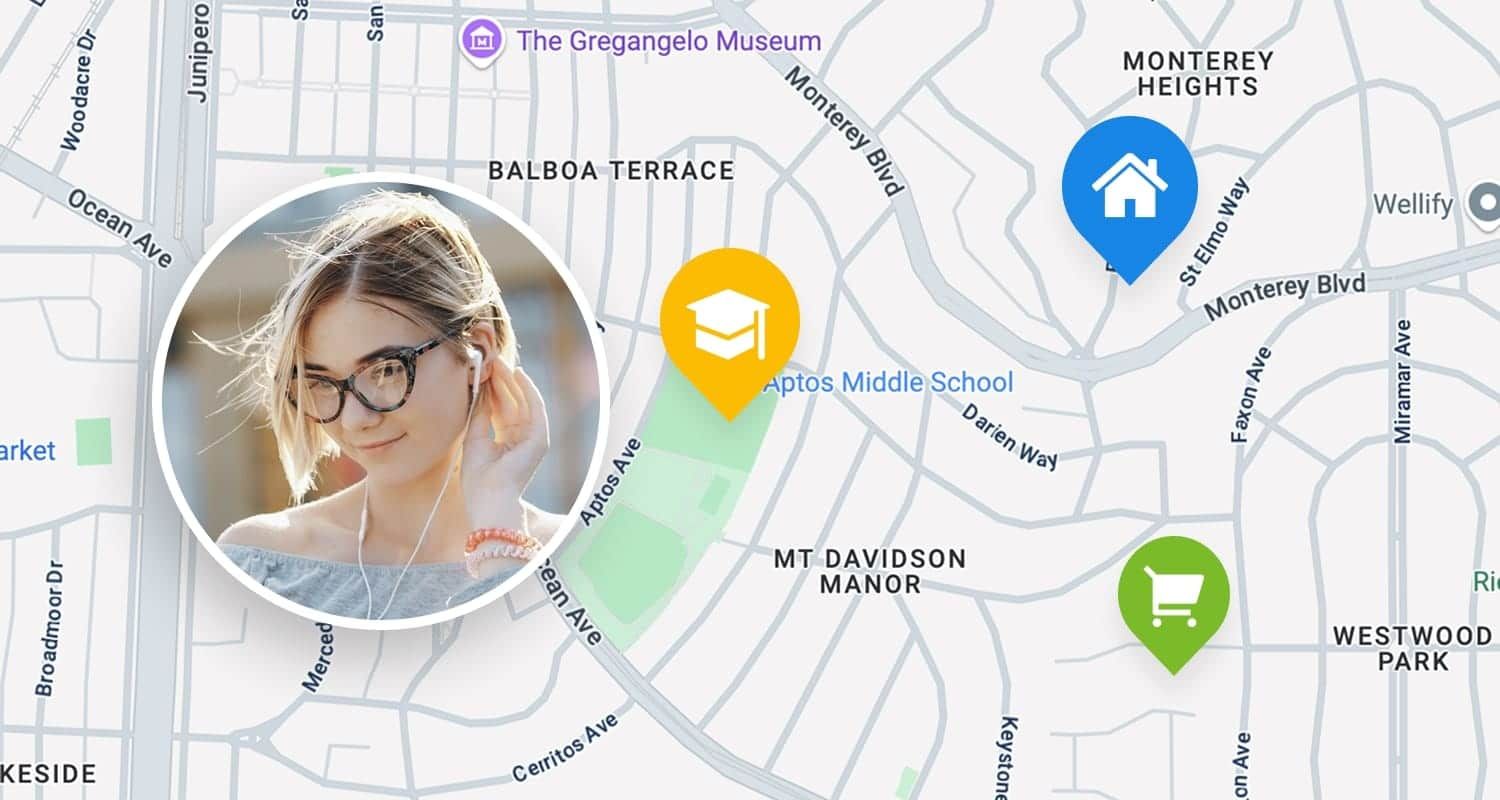
- Features usually include location tracking, geofencing, and an easy parent dashboard
- Built for long term, compliant use rather than secret tracking
When to pick VigilKids:
- You need ongoing supervision for safety in school settings
- You prefer a solution that prioritizes data protection and clear consent workflows
How it fits with other tools:
- Use Find My and Family Link for immediate free checks
- Use VigilKids if you want a managed, privacy focused platform that scales for families or schools
Learn more on VigilKids if you want a professional grade option that respects privacy while helping you locate my son's phone when needed. Try it now!
2. Use Apple's Find My (iPhone) — step-by-step
How do I track my son's iPhone location for free? Follow these steps:
Check the prerequisites
- Your child's iPhone is signed into their Apple ID and has Find My enabled
- Location Services are on: Settings → Privacy → Location Services
- Family Sharing set up if you want automatic sharing
How to find the phone right now
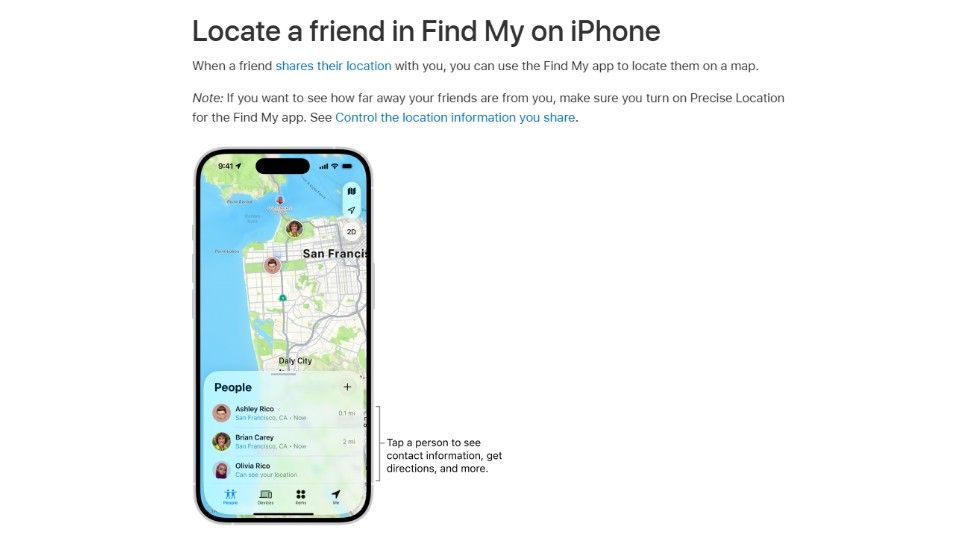
- On another iPhone open the Find My app and tap People or Devices
- Or go to iCloud.com, sign in with your Apple ID, and open Find iPhone
- Select your child's device to see its current or last known location
Quick message you can send your child
- "Hey, please text back or open Location Sharing for 5 minutes. I just want to know if you are OK."
- This polite script often gets a faster response and keeps trust intact
Limitations
- The phone must be powered on and connected to the internet
- If Location Services are off you will see a last known location only
- Find My cannot force a phone to turn on
3. Use Google Family Link and Google Maps (Android and cross-platform)
If your child uses Android, these tools are your best free options for how to find my son's phone location. They also work across Android and other platforms when set correctly.
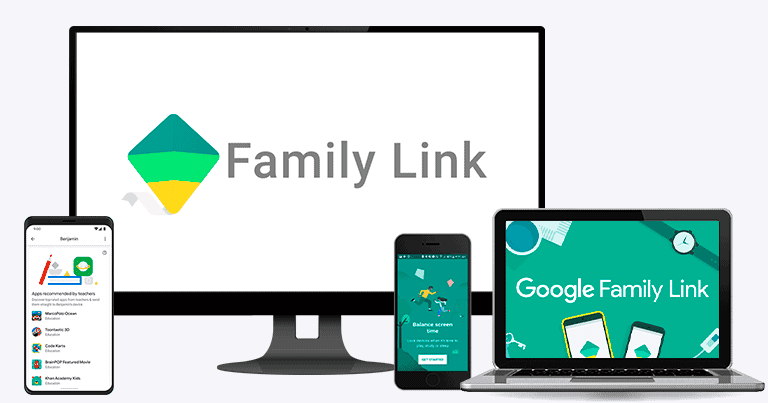
Set up Family Link
- Step 1.Create or use a parent Google account and add your child in Family Link
- Step 2.Install the Family Link app on your device and the child's device
- Step 3.Grant location permission for Family Link on the child's phone
Use Google Maps location sharing
- Step 1.Open Google Maps, tap your account photo, choose Location sharing and request or view sharing
- Step 2.You can share temporarily or indefinitely depending on trust level
When to use which tool
- Use Family Link for ongoing supervision and screen rules
- Use Google Maps for short term sharing or quick check ins
Tips
- Turn on Wi Fi even when you do not connect to a network
- Set location mode to high accuracy in Settings
- If your child has an Android and you have an iPhone you can still use Google Maps to view their shared location
If you are wondering how can I track my son's phone location, these two tools usually solve it when set up ahead of time.
4. AirDroid and free third-party apps to find my son's phone location
Third-party apps can add features but need careful setup and vetting. AirDroid is a common choice for mixed device households.
What AirDroid does in brief:
You install the app on the child's phone and a companion app or web console on your device, and it can report location, allow remote ringing, and sometimes remote actions depending on permissions.
Quick setup overview
- Step 1.Install AirDroid on both devices and create an account
- Step 2.Grant location and background permissions on the child's phone
- Step 3.Confirm the app can run in the background and is not battery restricted
Pros and cons versus built-in tools
- • cross-platform, some continuous reporting features, extra remote functions
- • requires an app install, may use more battery, possible monthly fees for premium features
Other popular apps to consider
- Life360 for family location circles and driving reports
- Many apps offer free tiers but check limitations
Safety and privacy checklist before installing any app
- Read the privacy policy and confirm what data is collected
- Check if data is encrypted in transit and at rest
- Avoid apps that require rooting or jailbreaking
- Verify the app developer's reputation and recent updates
You can use third-party apps to answer how to find my son's phone location, and they may help recover a device. For a lost phone use app features plus the steps in the next sections. This also helps answer how do I locate my son's lost phone. when built-in tools are not available.
5. Carrier and paid services
If the phone is on your account your carrier may offer location services.
What carriers typically provide:
- Location services tied to the billing account
- Family plans that include tracking and activity reports
- Customer support that may provide last known tower location in urgent cases
How to use carrier services fast:
- Step 1.Log into your carrier account online and look for Family or Location services
- Step 2.Call customer support if you need immediate assistance or if the web tools do not show location
- • no app needed on the child's phone in some cases, centralized billing control
- • monthly fees, variable accuracy, limited historical detail
If you already asked how can I track my son's phone location, a carrier plan can be an easy fallback but check the privacy rules and any subscription costs first.
How Can I Locate My Son's Phone If the Phone Is Offline, Lost, Powered Off or Not Answering?
How do I locate my son's lost phone if the phone is offline, lost, powered off or not answering? Here is a clear action plan for emergency steps.
1. Make a quick risk check
- Ask yourself if there is immediate danger.
- If you think your child is at risk, call local emergency services right now.
2. Try recovery steps in this order
- Step 1.Call and text again, ask a friend or school to call the phone.
- Step 2.Use Find My or Google to play a sound or show last known location.
- Step 3.From Find My enable Lost Mode, display a contact number and message.
- Step 4.From Google use Find My Device to ring, lock, or erase if needed.
- Step 5.Contact your carrier and ask if they can provide location data or suspend service.
3. If the device is offline long term
- Note the last reported location and timestamp in the app.
- Keep checking the app for updates, and set alerts if available.
- Report the device missing to the police if you suspect theft or prolonged absence.
4. Contact chain template you can copy
- Message to school or friend: "Hi, this is [Your name], my son [Name] may have lost his phone. Last seen near [place] at [time]. Can you check if they are there or call them?"
5. Police evidence checklist to prepare
- Child name and contact
- device make and model
- IMEI or serial if you have it
- last known location and time
- screenshots of location page
- account emails used on the phone
- any recent messages or suspicious activity
Follow these steps calmly and document everything to help recovery and any official report.
FAQs about how can i locate my son's phone
Q1: How do I locate my son's lost phone?
A: How to locate my son's phone? Use Find My for iPhone or Google Find My Device for Android to see last known location, play a sound, or enable Lost Mode. If needed contact your carrier and file a police report with location screenshots.
Q2: How do I track my son's iPhone location for free?
A: Use Apple Find My with Family Sharing. Once set up you can view location from another iPhone or iCloud.com at no cost. Encourage your child to accept sharing for emergencies.
Q3: How can I track my son's cell phone location without them knowing?
A: You should avoid secret tracking. In many places it is illegal and it harms trust. Talk with your child and use consented tools instead.
Q4: Which app is best to track my son's phone?
A: AirDroid works well across devices, Life360 is great for family circles, VigilKids offers privacy focused, school friendly management, and carriers provide account tied options. Pick based on features and consent.
Q5: What to do if the phone is switched off?
A: Check the app's last reported location and timestamp, alert friends or the school, and report to police if you suspect theft. Keep checking for updates and preserve screenshots as evidence.
Conclusion
To recap, how can I locate my son's phone? The quickest reliable ways are Apple Find My, Google Family Link or Maps, a trusted third party like AirDroid, and carrier or paid plans. If you need a long term, privacy focused solution consider VigilKids, it is built for families and schools and respects consent. Give it a try!