
VigilKids is the best geofencing software in this comparison for parents who want location alerts plus wider phone-safety context. Life360 is stronger for family location sharing and driving safety, FamiSafe and Qustodio combine location with parental controls, while Google Family Link is a practical choice among free family-tracking apps for basic Android supervision.
This guide compares five family-focused products by geofence alerts, live location, location history, broader device controls, platform fit, and limitations. All five can support family location awareness, but they solve different parts of the parenting workflow.
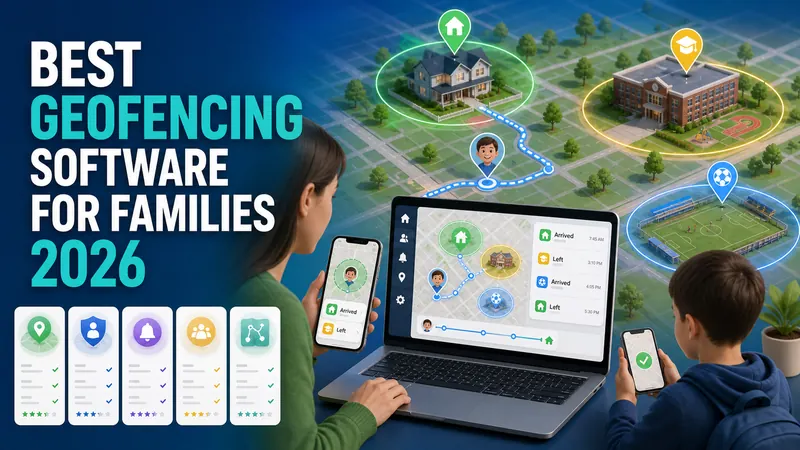
Best Geofencing Software at a Glance
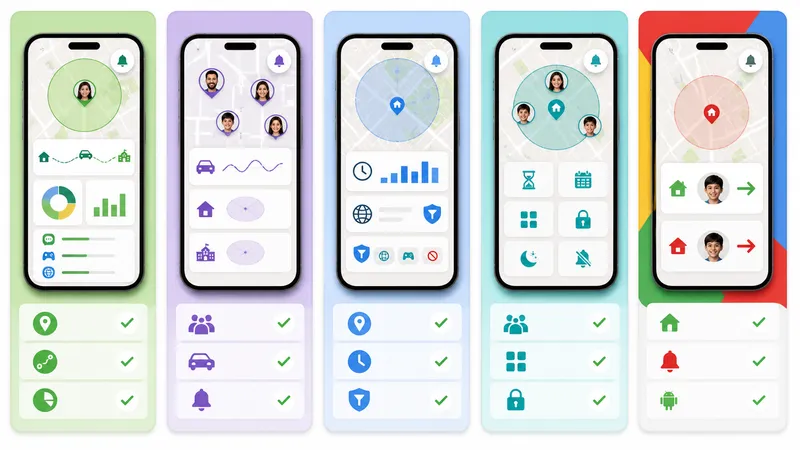
Every option below can notify a family about location events, so the real decision is what you need beyond the boundary alert. Choose VigilKids for location plus broader phone activity context, Life360 for location coordination and driving, FamiSafe or Qustodio for conventional parental controls, and Family Link for free Android basics.
| Tool | Best for | Geofence alerts | Location history | App/web controls | Broader phone context |
|---|---|---|---|---|---|
| VigilKids | Location + phone safety context | ✅ | ✅ | ✅ | ✅ |
| Life360 | Family location and driving | ✅ | ✅ | ❌ | ❌ |
| FamiSafe | Location + parental controls | ✅ | ✅ | ✅ | ✅ |
| Qustodio | Balanced parental controls | ✅ | ✅ | ✅ | ❌ |
| Google Family Link | Free Android basics | ✅ | ❌ | ✅ | ❌ |
Here, “broader phone context” means the official product offers visibility beyond location and basic app limits, such as supported social activity or screen context. ✅ indicates a verified advertised capability; it does not mean every feature works identically on every device or plan.
Quick picks: choose VigilKids when geofence events need context from the child’s wider phone activity; Life360 when the family prioritizes driving and location coordination; FamiSafe or Qustodio for familiar screen-time and filtering controls; and Family Link when a free Android-first solution is enough.
How We Compared Geofencing Tools
This is an editorial comparison based on official product pages and help documentation reviewed on August 13, 2026; it is not a hands-on accuracy, alert-delay, or battery test. Each family app was assessed against the same questions:
Location essentials: live location, arrive/leave alerts, and location history.
Parenting scope: whether the product stops at location or also offers app, web, screen-time, or phone-activity context.
Family fit: child supervision, mutual family sharing, driving safety, or Android account management.
Access model: parent app, child-device setup, family circle, or web dashboard.
Practical limits: device permissions, subscription tier, platform behavior, and transparent family use.
A geofence event is not the same as a perfectly precise location fix. Device permissions, GPS/Wi-Fi conditions, boundary size, background processing, and movement speed can affect when an entry or exit is detected. Test the actual locations and devices before relying on alerts for a safety- or business-critical workflow.
Top 5 Geofencing Software Picks for 2026
1. VigilKids — Best for Parent-Managed Family Safety
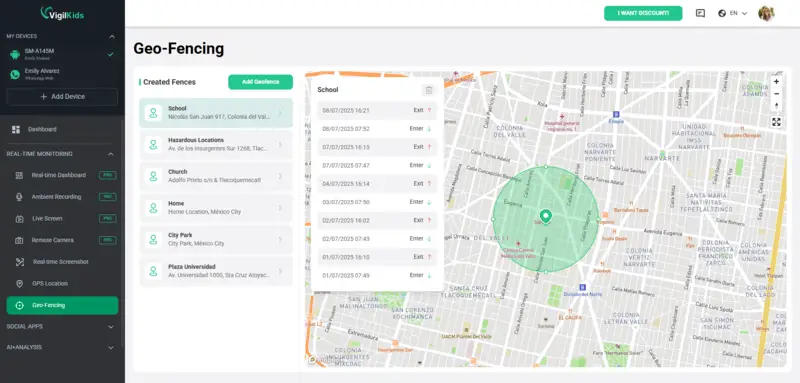
VigilKids is the simplest option in this list for a parent who wants to create familiar zones such as home or school and receive entry or exit alerts after the child’s device has been set up with the required permissions. The same dashboard also provides live location and route history.
Choose it if: you need a ready-to-use family tool that connects location events with wider phone-safety information.
Key advantage: safe-zone alerts, current location, and route context are available in one parent dashboard.
Consider another option if: you only need basic family location sharing, driving features, or free Android account supervision.

VigilKids for Phone Monitoring
- Create custom family safe zones and receive entry or exit alerts
- Requires setup and location permission on a parent-managed child device
- Review live location and route history from the parent dashboard
2. Life360 — Best for Family Location Sharing and Driving Safety
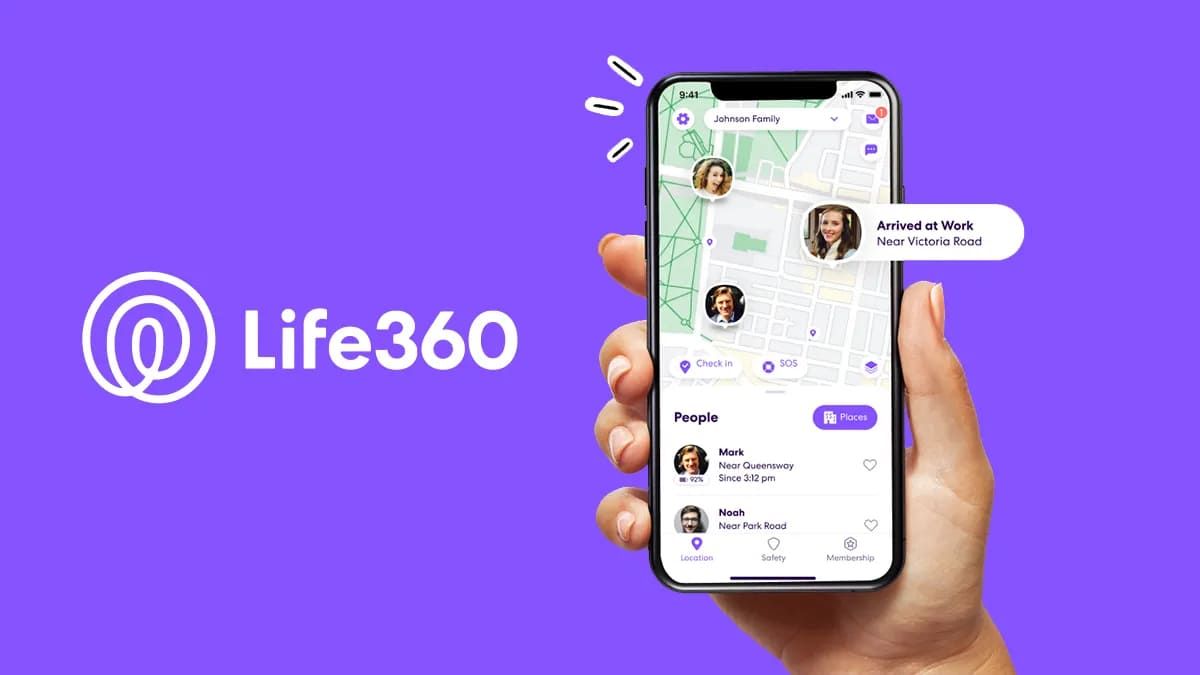
Life360 is the most direct competitor when a family mainly wants a shared location map. Its official product information lists real-time location sharing, Place Alerts for arrivals and departures, and location history, with limits varying by membership tier.
Choose it if: family-circle location sharing, driving features, and emergency-oriented services matter most.
Key advantage: mature family coordination features, including Place Alerts and plan-based location history.
Why VigilKids may fit better: VigilKids is designed to connect location events with wider phone-safety context rather than focusing primarily on mutual location and driving.
3. FamiSafe — Best Alternative for Parental Controls Plus Geofencing
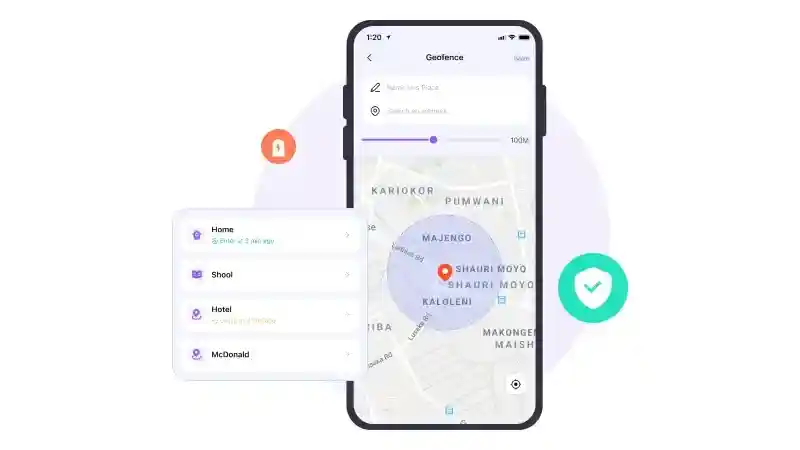
FamiSafe is the closest feature-category competitor to VigilKids. Its official guide documents real-time location, location history, and notifications when a child enters or leaves a configured geofence, alongside screen-time, app, web, and content-safety tools.
Choose it if: you want a conventional parental-control suite with location and content-management features.
Key advantage: broad parental controls and a documented geofence setup flow.
Compare carefully: check which social, screen, and history features apply to the child’s exact operating system and subscription before deciding between FamiSafe and VigilKids.
4. Qustodio — Best for Balanced Family Locator and App Controls
Qustodio combines a Family Locator with a location history and “My places” geofencing alerts. Its broader parental-control product also focuses on screen time, apps, and web activity, making it a direct family-safety comparison.
Choose it if: you want established screen-time and web controls plus family location features.
Key advantage: Family Locator supports Android and iOS devices, with geofence entry/exit alerts available through My places.
Why VigilKids may fit better: parents needing richer phone-activity context should compare the exact information each dashboard can show, not just the shared geofencing checkbox.
5. Google Family Link — Best Free Android-First Option
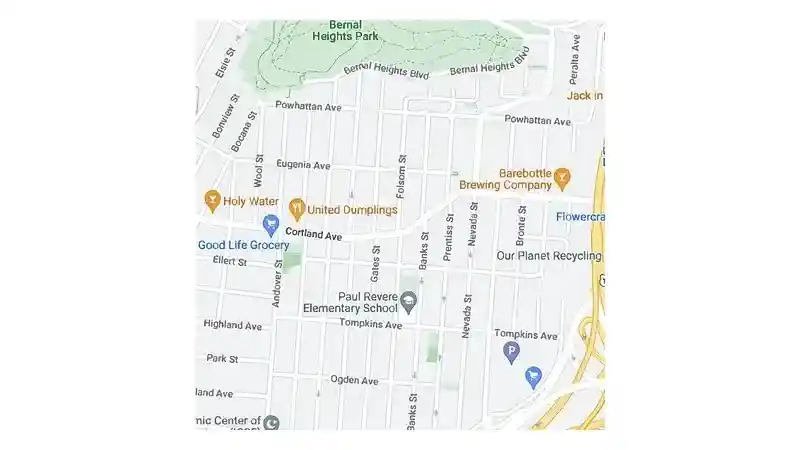
Google Family Link can show a supervised child’s Android device location, create Family places, and send arrive/leave notifications when location sharing and accuracy settings are enabled. It also supports basic app approvals, screen-time limits, and account supervision.
Choose it if: you need free, basic location alerts and Android account controls.
Key advantage: no separate paid family-safety suite is required for the core Google supervision workflow.
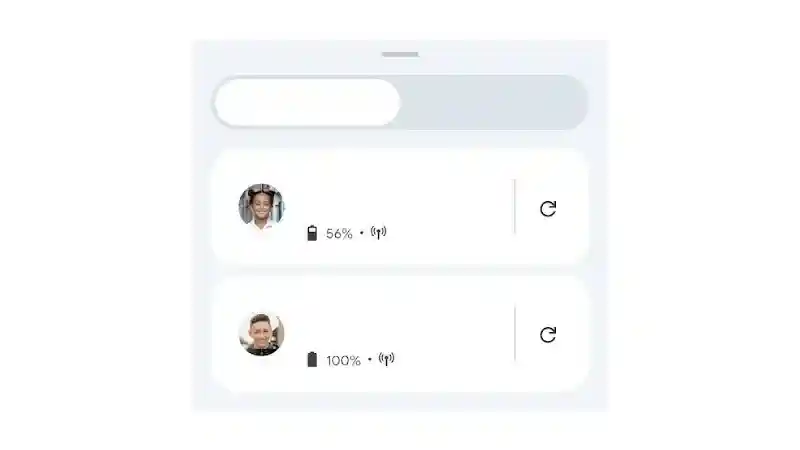
Why VigilKids may fit better: Family Link is intentionally limited; Google states that parents cannot remotely view the child’s screen, and its location experience is centered on supervised Android devices and compatible Fitbit devices.
How to Choose the Right Geofencing Software
Decide how much context you need. If arrival alerts are enough, Life360 or Family Link may be simpler. If a location event should prompt a broader online-safety review, compare VigilKids, FamiSafe, and Qustodio.
Check the child’s device. Location, app, web, and screen features can differ between Android and iOS. Verify the exact child-device requirements before paying.
Review free-plan limits. A free product may restrict the number of Places, history duration, devices, or advanced controls. Compare the tier that contains the feature you will actually use.
Test home and school boundaries. Measure entry and exit timing while walking and driving, with the app in the background and the child’s normal battery settings enabled.
Agree on transparent family use. Explain which locations are saved, who can view them, when alerts are appropriate, and how the child can raise a concern about monitoring.
Choose the smallest sufficient tool. Do not buy a full parental-control suite if two location alerts solve the problem; do not choose a basic locator if you need app, web, or phone-activity context.
Geofencing Software FAQs
Does geofencing software drain the battery?
Geofencing can affect battery life, but the impact depends on the app, device, permissions, boundary size, update frequency, and background settings. Test the chosen app on the child’s normal phone instead of relying on a universal battery claim.
How accurate is geofencing software?
Accuracy is conditional rather than fixed. GPS, Wi-Fi, Bluetooth, cellular signals, urban density, indoor conditions, motion, and geofence geometry all affect event confidence. Small zones are more likely to produce delayed or uncertain events when the device reports a wide accuracy radius.
What is the difference between geofencing software and GPS tracking?
GPS tracking reports a device’s location over time; geofencing evaluates that location against a virtual boundary and creates an alert when the device enters or exits it. Family safety apps commonly combine both location views and place alerts.
Is family geofencing legal?
Legality depends on the jurisdiction, the child’s age, device ownership, purpose, consent, and local privacy rules. Use family geofencing transparently, collect only necessary location data, limit access, and review the provider’s privacy controls.
What is the best free geofencing app for parents?
Google Family Link is the most practical free option here for supervised Android devices because it supports Family places and arrival/departure alerts. Choose a paid family-safety app when you need longer location history, richer cross-platform support, driving features, or wider phone activity context.
Conclusion
The best family geofencing software depends on how much protection you need beyond location. Life360 excels at family coordination and driving, FamiSafe and Qustodio provide familiar parental controls, and Google Family Link covers free Android basics. VigilKids stands out when parents want geofence alerts, route history, and wider phone-safety context in one dashboard.
For parent-managed family safety, VigilKids combines custom safe zones, entry/exit alerts, live location, and route history in one dashboard after setup on the child’s device. Review the demo first, confirm device requirements, and use location monitoring transparently.
Sources
VigilKids Android Parental Control — safe zones, entry/exit alerts, live location, and route history.
Life360 Location Sharing — Place Alerts, real-time family location, and plan-based location history.
FamiSafe User Guide — real-time location, history, geofences, and parental-control features.
Qustodio Location Monitoring — Family Locator, location history, and My places alerts.
Google Family Link Location Help — supervised-device location, Family places, and arrival/departure alerts.
Hot Topics
Bark Parental Control Review 2026: Is Bark Worth It?
Is Bark worth it in 2026? Compare Bark's monitoring, screen-time tools, pricing, device limits, pros and cons, and the best alternative for parents.
Best Location Tracker Apps 2026: Accurate & Safe Picks
Discover the best location tracker apps for real-time tracking, safety alerts, and privacy. Compare top tools to find the most accurate option.
Untraceable Spying Apps: 7 Best Discreet Phone Trackers for 2026
Compare the 7 best untraceable spying apps and cell phone trackers for Android & iPhone — features, pros & cons, and how to monitor a phone legally.