

CrushOn AI has sparked many questions online, especially from parents and cautious users wondering is CrushOn AI safe. With its unfiltered, NSFW character chat features, this AI platform can expose minors to explicit content and raise privacy concerns.
Users are right to be wary of how personal conversations might be collected or reused. In this guide, we explain what CrushOn AI is, how it is used, the real risks including adult content and weak verification, and practical steps to protect children or limit access. By the end, you will know how to stay safe and make informed choices.

- Table Of Contents
- What is CrushOn AI and How Does it Work?
- What are the Main Safety Concerns of CrushOn AI?
- Is CrushOn AI Safe for Kids? Verdict for Parents
- How Can Parents Block and Monitor the Use of CrushOn AI?

- Risk Control Checklist For Adult Users
- FAQs about is CrushOn AI Safe
What is CrushOn AI and How Does it Work?
Quick product snapshot:
- CrushOn AI is an adult-oriented chatbot platform that focuses on role play and romantic or intimate simulations.
- It lets users create and talk to characters, often with explicit or NSFW options, and it is labeled for ages 18 and up.
- The site has been reported to include an unfiltered or "No Filter NSFW" mode in practice, which raises concerns for parents if a child watches inappropriate content online.
Common ways how people use it:
- One-on-one conversations for companionship, flirtation, or erotic role play.
- Group chats and community threads where multiple users interact with the same character.
- Voice and media features that let users exchange audio clips or other media with generated characters.
- Paid tiers or subscriptions that unlock extra features, higher limits, or special content.
If you are wondering is CrushOn.AI safe, these usage patterns explain part of the concern. Note that AirDroid's parental testing found the platform labeled 18 plus and documented an unfiltered NSFW toggle during hands-on checks. For a full CrushOn AI review and safety breakdown we will dig into risks and evidence next.
What are the Main Safety Concerns of CrushOn AI?
NSFW and explicit content
CrushOn often lets users turn on explicit or unfiltered modes. That means all these things can appear in chats:
- sexual role play
- fetish content
- graphic sexual descriptions
- … …

With our hands-on checks, we found an unfiltered NSFW option and examples where explicit content was easy to reach during normal use. If you worry about children or teens, this is the clearest red flag — you can learn more about effective parental control strategies with VigilKids' guide to protecting kids online.
Even for adults, unexpected explicit replies may feel invasive. If you are searching whether CrushOn AI is safe to use, this is a major part of the risk equation.
Age verification labeled 18 plus but easy to bypass
CrushOn may display an 18 plus label, but the real barrier is weak. Teens who want access can usually get in.
- During our hands-on test, the site did show a "Confirm you are over 18" pop-up before proceeding, but it was trivial to bypass, just one click and you move on.
- We were already able to open and interact with bots labeled NSFW before even registering.
- And anyone can sign in with common social logins or create accounts without robust ID checks.

That ease of access was unexpected and concerning. For parents asking "is CrushOn.AI safe for teens," the practical answer is no. Easy account creation plus minimal verification makes the service unreliable as a safe space for minors. Parents can also learn how to block websites with VigilKids to prevent access to inappropriate content.
Data collection and privacy risks
The platform can collect a lot of data about you or your child including:
- think chat logs
- voice clips
- images or videos uploaded
- device identifiers
- payment details
- inferred traits including mood, relationship status, or even health related hints from conversation patterns.
That kind of inference is sensitive. Not only us, many reviews and other independent reports flag these collection practices as risky.

Data can be used to personalize ads, tailor offers, or power future training data sets. That means something you typed in private could influence what you see later or be included in models you cannot control.
If you care about long term privacy, consider the question is CrushOn AI safe not only in terms of immediate content but in terms of how your data might be stored and reused.
Parental control and platform design
CrushOn does not build strong parental controls into the product. There is little you can enforce from inside the app to limit explicit chats or block certain features.
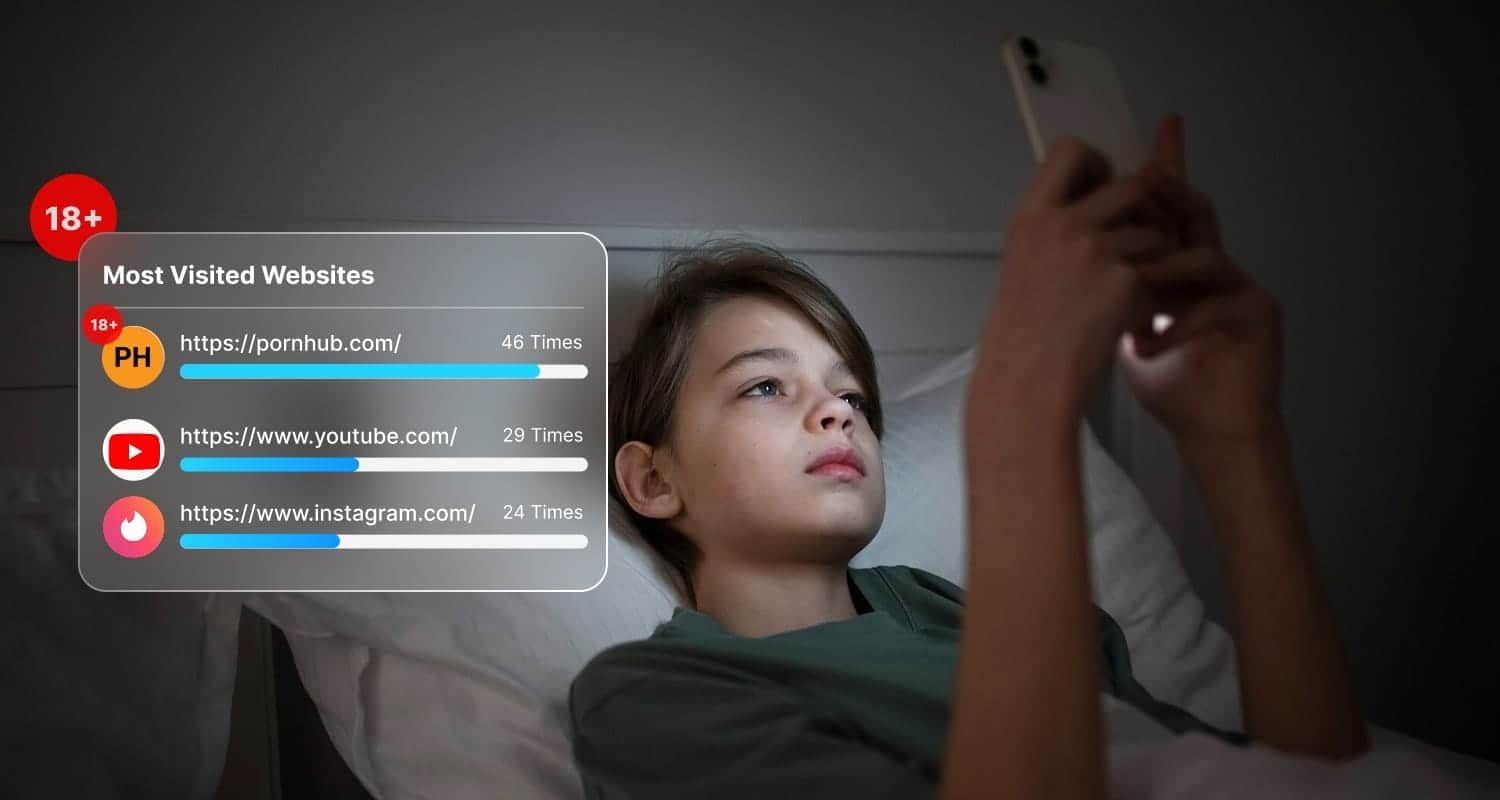
That design choice creates a gap that parents must close with external tools. This is where a parental monitoring solution can help. A tool like VigilKids lets you monitor apps, screen activity, and get alerts when certain keywords or app usage patterns appear. Using external controls reduces the chance your child stumbles into explicit content or stays in a risky chat for too long.
Content moderation and reporting gaps
The rules on paper and the experience in practice can be very different. Official community guidelines may ban some content but moderation often lags. Users report slow or ineffective responses to abuse reports.
Some material that other platforms block stays visible here unless multiple users complain. That gap means offensive or harmful threads can persist long enough for kids to see them or for adults to be exposed to content they did not expect.
Mental health and addiction risks
AI companionship can feel real. That makes emotional attachment easy and can blur the line between virtual and real relationships. For vulnerable teens, this can amplify loneliness or lead to risky behavior. For adults, it can distort expectations in real relationships.
Remember to monitor changes in mood and screen time and seek support if you see worrying signs of your children.
Is CrushOn AI Safe for Kids? Verdict for Parents
If you are asking is CrushOn AI safe for kids, the short answer is NO. Based on what we tested and what independent reviewers found, this platform is not a safe place for minors.

Here is the evidence in plain terms:
- Explicit content is easy to reach, including sexual role play and fetish material.
- The site shows an age confirmation pop-up but it is trivial to bypass, and you can access NSFW bots without creating an account.
- Moderation is inconsistent and reporting is slow, so harmful threads can stay visible.
- The app collects chat logs, media, and inferred data that could be stored or reused later.
What you should do right now:
- Block or limit access on the device and home network.
- Use router or DNS filtering to stop the site at the source.
- Put a parental control app in place to get alerts and monitor activity.
- We also strongly recommend blocking the service while you put protections in place.
If you want practical steps and tools to lock this down quickly, the next section outlines the easiest methods and a recommended monitoring app that helps you enforce rules without constant policing. Keep reading!
How Can Parents Block and Monitor the Use of CrushOn AI?
If you are asking is CrushOn AI safe, the best immediate action is to block access and set up monitoring so you know if your child tries to reach it. Below are simple, practical steps you can take right now.
Quick block
- Start at the network level so the site is stopped for every device on your home Wi Fi.
- Add the CrushOn domain to your router or home gateway block list.
- Use a family DNS service with blocking for adult or NSFW categories.
- On each device enable built in parental controls in iOS or Android to block unknown apps and web access.
Monitor and guide
For ongoing oversight use a dedicated monitoring app like VigilKids. Key features that help you spot CrushOn use are:
- Chat monitoring: This shows you the text conversations on your child's device so you can see if they are talking to unknown characters or sharing personal details, letting you step in early.
- Screen recordings and screenshots: These capture exactly what your child sees and does in apps, so you have clearer evidence of risky chats or content instead of relying on memory or vague reports.
- App blocking: You can block the CrushOn app or similar apps outright, which prevents installation or use and removes the temptation before it becomes a habit.
- Location tracking: This helps confirm your child's whereabouts when you notice unusual online behavior and gives you context to address safety concerns calmly and effectively.
- Real time alerts for risky keywords or new apps: You get instant notifications when flagged words or an unapproved app appear, so you can respond quickly rather than guessing what happened.
If you want a single tool to both block and monitor, consider trying VigilKids to see how alerts and reports fit your family needs.
Risk Control Checklist For Adult Users
If you decide to use CrushOn as an adult, the goal is simple: reduce exposure and protect your privacy as much as possible. Think of this as a practical checklist, not a guarantee of safety.
Minimum exposure tips:
- Use a burn email that is not connected to your real identity or other accounts.
- Do not share personal details in chats, including real name, location, workplace, or relationship issues.
- Avoid uploading voice notes or images that could identify you.
- Review account settings regularly and delete old chats if export or deletion options are available.
- Practice payment hygiene by using virtual cards or payment methods that limit long term tracking.
If you are reading a CrushOn AI review because privacy matters to you, it is also smart to look at alternatives with stricter moderation or clearer data policies.
Popular alternatives and safety notes
- Character.AI: Stronger content moderation and clearer community rules, but less freedom for explicit role play.
- Janitor AI: More flexible role play options, though moderation and privacy still vary by use case.
- Privacy focused chatbots: Smaller platforms that limit data retention and third party sharing, but often with fewer features.
Independent reviews from privacy and tech groups generally agree on one point: CrushOn offers freedom, but that freedom comes with higher privacy and safety trade offs. So it's better to use another safer app.
FAQs about is CrushOn AI Safe
Q1: Is CrushOn AI safe for kids?
A: No. The platform allows easy access to explicit content, has weak age checks, and lacks built-in parental controls. If you are concerned, block access at the network or device level and use monitoring tools outlined above.
Q2: Does CrushOn AI verify age?
A: Not in a meaningful way. Our testing and AirDroid's review both found that the age confirmation step can be bypassed with a simple click, allowing underage users to enter without real verification.
Q3: Can CrushOn AI share or store my data?
A: Yes. The service can collect chats, media, device information, and inferred traits, which may be stored or shared with third parties for analytics, training, or commercial purposes.
Q4: Is CrushOn AI safe to use for adults?
A: If you are asking is CrushOn AI safe, adults should proceed with caution. Avoid sharing personal details, use separate accounts or emails, and review privacy settings to reduce long-term data exposure.
Q5: How can I block CrushOn AI on my child's device?
A: Start by blocking the site through router or DNS settings, then restrict app installs on the device. For stronger protection, combine AirDroid's blocking steps with a monitoring app like VigilKids so you get alerts instead of guessing.
Conclusion
So, let's bring it back to the big question: is CrushOn AI safe? For kids, the answer is clearly no. The risks around explicit content, weak age checks, and privacy are simply too high. If you are a parent, the smartest move is to block access and set up monitoring so you are not reacting after something goes wrong.
If you want an easier way to stay on top of this, VigilKids can help you block risky apps, monitor screen activity, and get real time alerts when something needs your attention. If that sounds useful, take a moment to try how VigilKids can help you protect your family with less stress and more clarity!