Before You Start
- A VigilKids account and active plan
- Brief physical access to the device
- An active WhatsApp account and stable internet connection

Create a VigilKids account, then choose the subscription that includes WhatsApp monitoring.
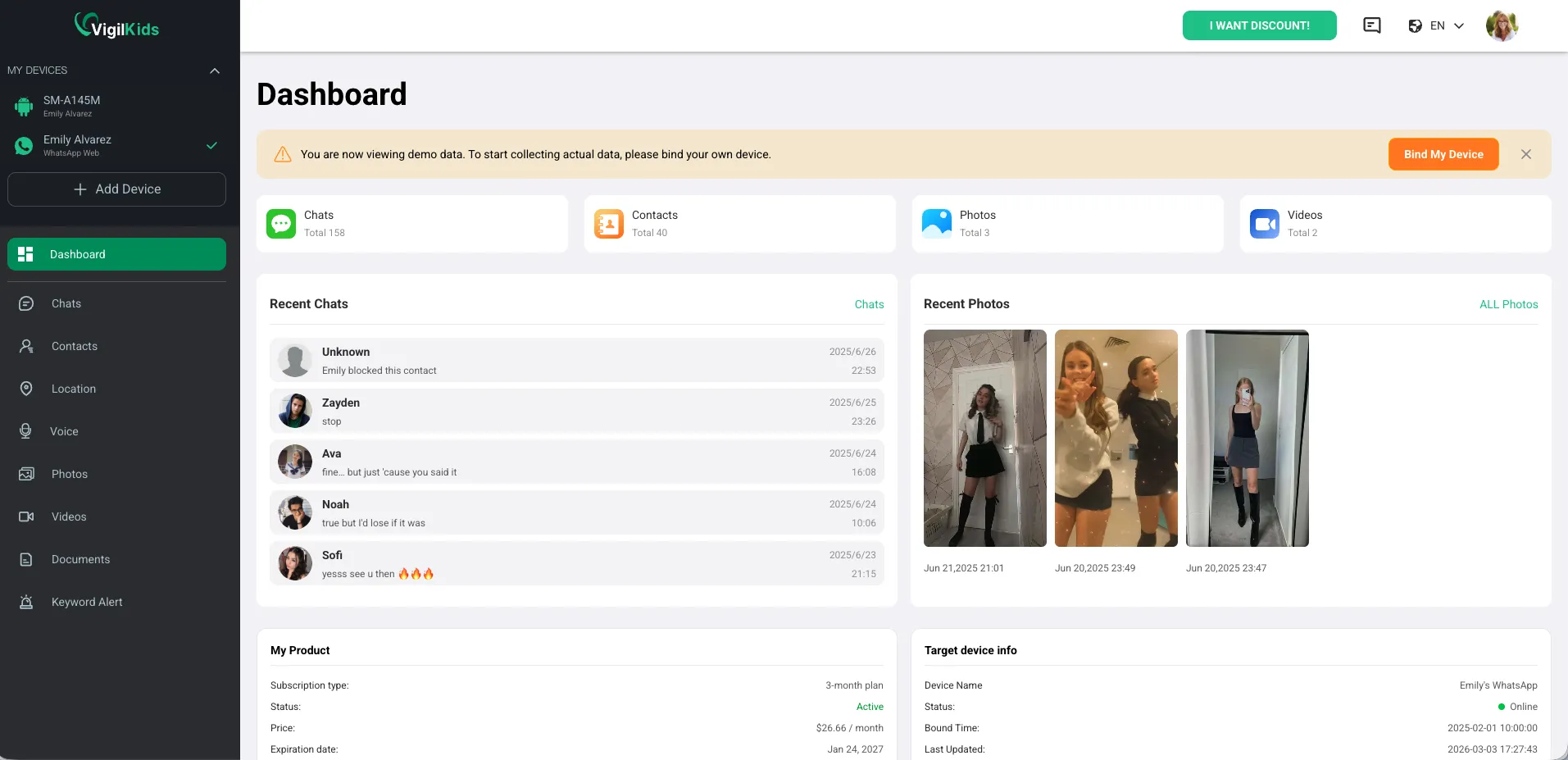
After the connection is authorized, open the WhatsApp dashboard to view available activity.
Open Bind New Device again and repeat authorization while the device is online.
Confirm the connection remains active and allow time for the first synchronization.
No app installation or jailbreak is required for the supplied WhatsApp connection flow. Authorization is completed through a web-based connection.
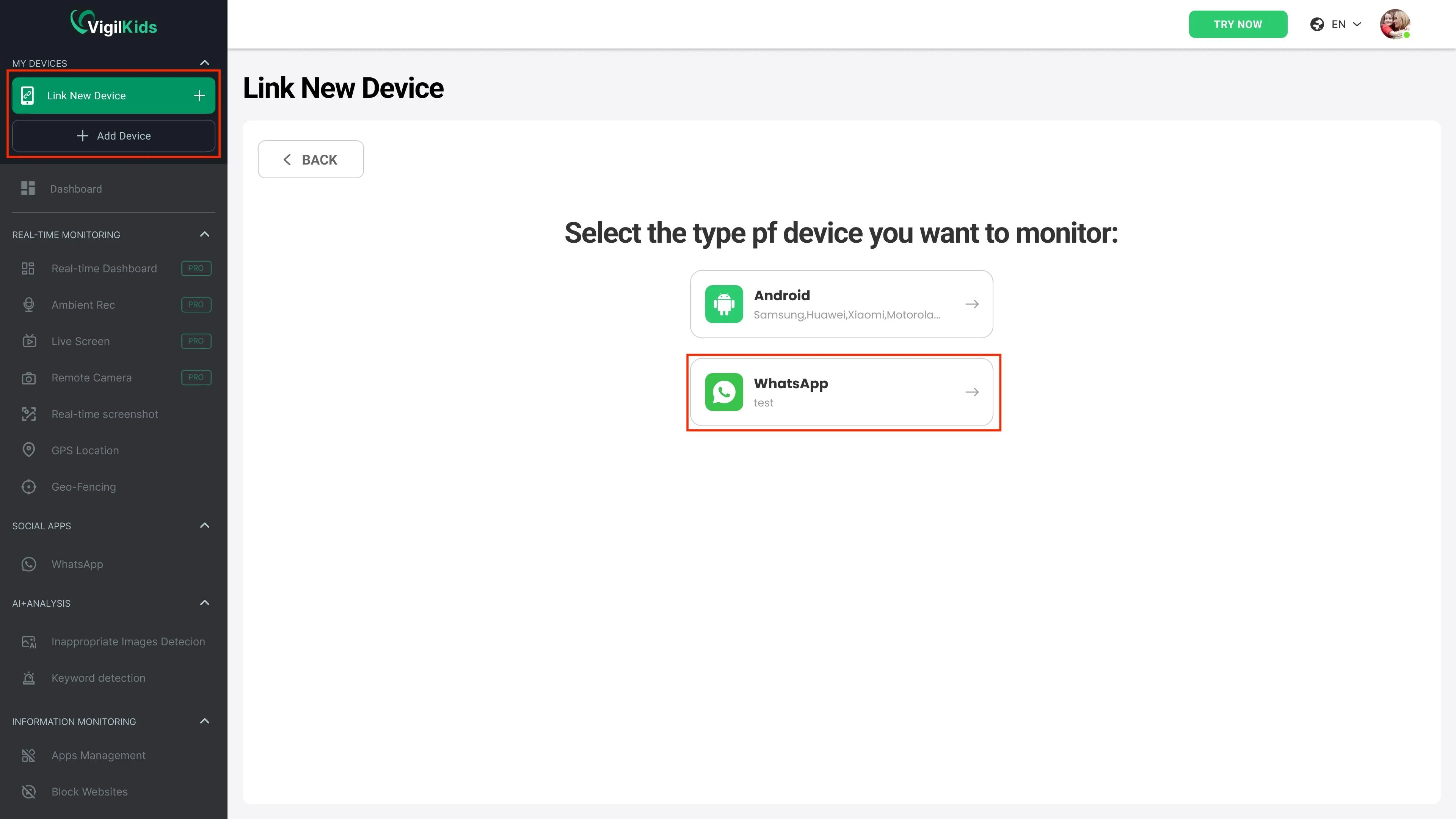
Open the VigilKids dashboard on your phone or computer and choose WhatsApp under Bind New Device. Brief access to the authorized WhatsApp device is required to approve the connection.
The linked session may have been logged out or disconnected. Open Bind New Device and repeat authorization while the WhatsApp device is online.
Available records can include messages, shared media, contacts, call history, chat history, and supported location information.
Still need help? Contact Support.
Start protecting your family with VigilKids in just a few steps.
Already a user? Open Dashboard
Send your question directly after reading the guide so our team can understand where you need help.